CTV Video-Start Benchmarks: Targets and Test Method
Define tap-to-first-frame consistently, segment TV devices into cohorts and publish median/p95 video-start results without inventing cross-platform averages.
Ask three analytics tools for "video start time" and you may get three clocks. One starts when the viewer presses Play. Another includes player initialization. A third stops on the first decoded frame even when the picture hasn't started moving. Comparing those numbers by television platform produces a polished table with a broken denominator.
A useful CTV video start benchmark needs one clock that everyone understands. Before you compare Roku with tvOS, decide exactly when that clock starts and stops. I'd use the viewer's play action and the first moving frame. That matches Mux's definition of video startup time and, more importantly, measures the wait the viewer actually feels.
Define the clock before setting a target
Use a monotonic clock. Start when the application accepts the viewer's play intent, after accidental double-press suppression. Stop when the first moving content frame is presented. If preroll is enabled, decide whether the benchmark ends on the first ad frame or the first content frame and name the metric accordingly.
| Metric | Start | Stop | Use |
|---|---|---|---|
| Player startup | Player initialization | Ready for playback instruction | Player construction cost |
| Video startup | Play instruction | First moving ad or content frame | Viewer wait to any video |
| Content startup | Play instruction | First moving content frame | Wait excluding preroll playback |
| Cold app-to-video | App launch | First moving frame | Full launch journey |
| Resume startup | Resume action | Moving frame resumes | Background and pause path |
| Start failure rate | Valid play attempts | Attempts without playback | Reliability companion metric |
Mux's startup metric guide also separates median and p95. Keep both. Median describes the middle session; p95 keeps a recurring slow tail visible without letting one outlier own the report.
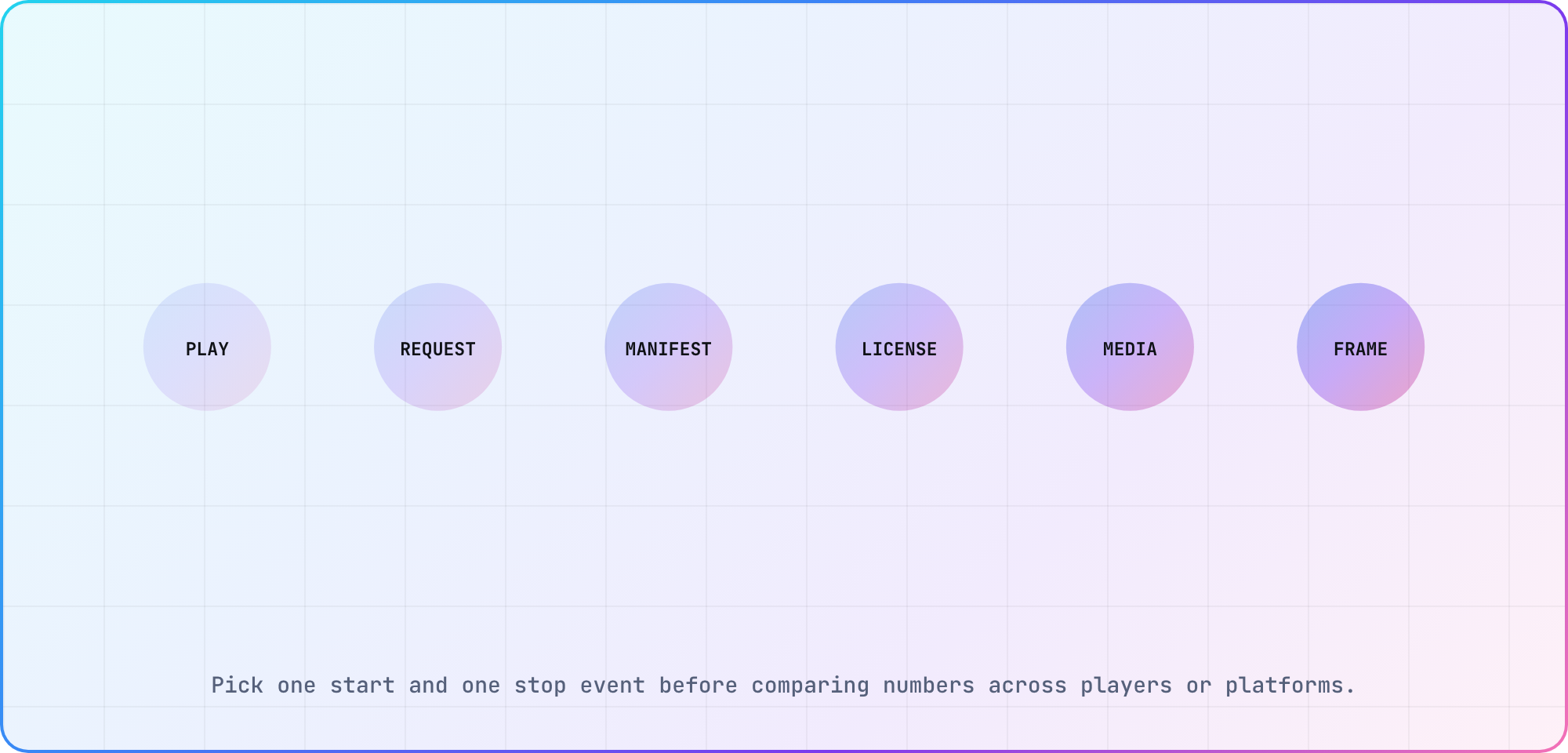
Illustrative tap-to-first-frame timeline based on Mux's published startup-time definition.
Build cohorts that explain the number
Platform alone is too broad. An Apple TV 4K on Ethernet and a five-year-old streaming stick on Wi-Fi may run the same service, but they aren't comparable test devices. Start with platform and model family. Then split the cohorts where the playback path changes: connection, codec or DRM, ads, and cold versus warm starts.
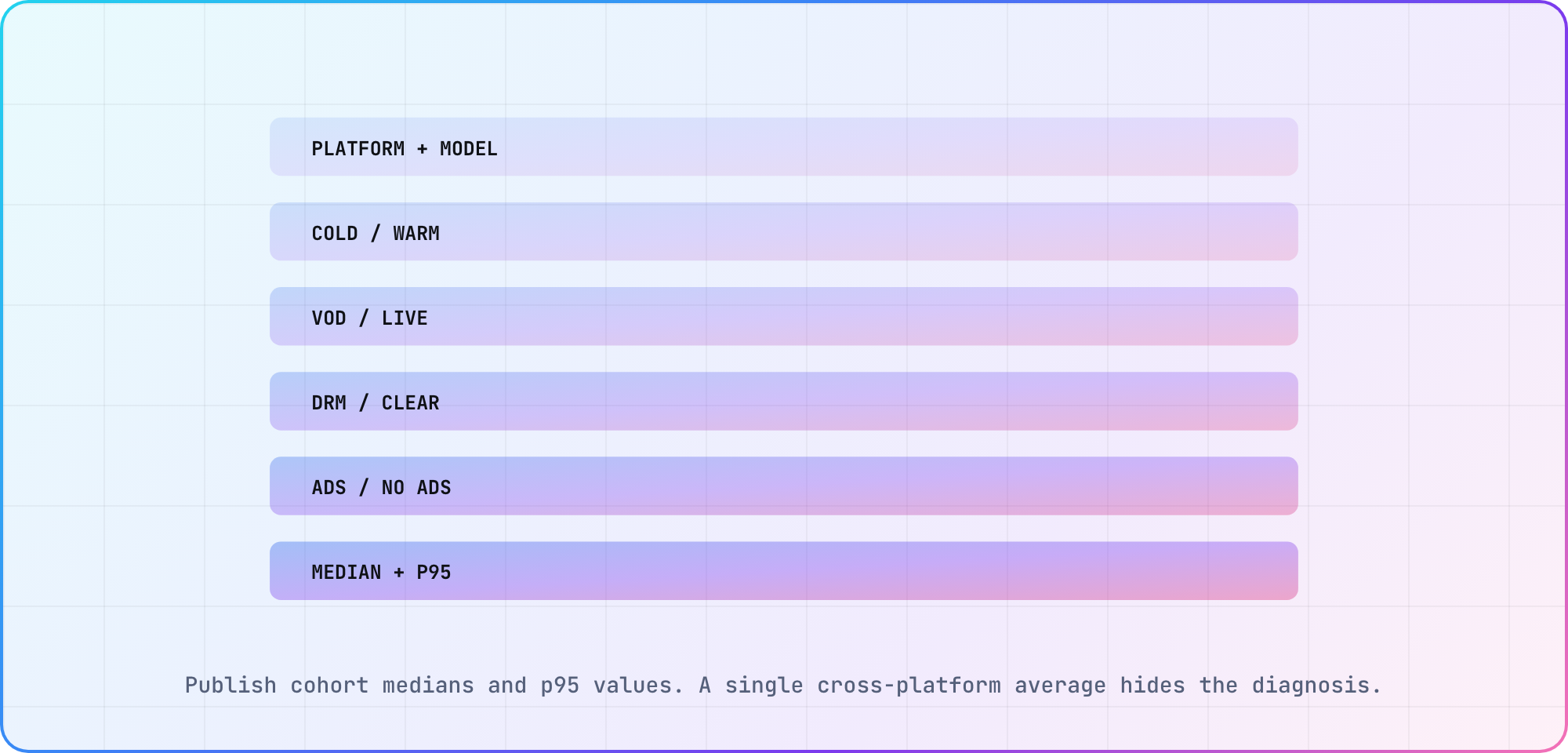
Illustrative cohort matrix. Publish only cells with a documented sample and stable metric definition.
Use the TV platform reference to keep model and operating-system labels consistent. When a cohort is too small, mark it insufficient rather than rolling it into a misleading platform average.
Instrument the milestones
Emit timestamps for play intent, player ready, manifest request and response, license request and response, first media bytes, first decoded frame and first presented moving frame where the runtime exposes them. Use the same session identifier across client events and backend/CDN traces without logging personal viewing data.
Not every platform exposes every milestone. That's fine. Preserve the common tap-to-moving-frame metric, then record the platform-specific diagnostics available underneath it. Missing a license timestamp shouldn't change the top-level clock.
Validate the telemetry with a screen recording that includes a visible input cue or test overlay. Instrumentation can fire early, twice or on the wrong player event. Compare several sessions by eye before trusting the automated distribution.
Run a controlled baseline
Start with one VOD asset, one encoding ladder, one CDN path and a controlled network profile. Test clear playback first, then the production DRM and ad path. Run enough repetitions to separate an ordinary median from first-run cache effects, and keep cold and warm sessions apart.
For every published cohort, retain:
- application version and player version
- platform, model and OS
- connection and network profile
- asset, protocol, codecs and DRM
- ad configuration
- cold or warm definition
- valid attempt count
- median, p95 and start-failure rate
- collection window and known exclusions
A borrowed target won't tell you whether your own release got faster. Use the first clean cohort run as the baseline, then judge the next release against it.
Diagnose the slow segment
Walk the timeline from left to right. If the manifest is late, start with DNS, connection setup, the CDN or the service that returns it. If the license exchange stalls, look at entitlement and DRM. If the bytes arrive quickly but the first frame is late, the problem has moved onto the device: player setup, decoding, rendering or memory pressure.
Use startup alongside playback success and rebuffering. Mux's overall viewer experience model treats startup, playback success, smoothness and video quality as separate parts of experience. Improving start time by choosing an unsustainably high initial rendition can simply move the pain into buffering.
Set internal targets from the baseline
Choose targets per journey and cohort after the baseline is trustworthy. A live event with preroll and DRM shouldn't inherit a number from clear VOD. Set a median target, a p95 target and a maximum start-failure rate. Add an alert only after you understand normal release and traffic variation.
I'd publish a dated cohort table next to the method. The numbers won't travel cleanly between services, but the method will. Without a shared clock, one team will report player startup, another will report content startup, and both will swear the other platform is slower.
Frequently asked
What is video startup time?
Start the clock when the app accepts Play and stop it on the first moving video frame. Say whether that frame belongs to an ad or the content. Track player initialization and full app launch separately, or somebody will eventually compare two dashboards that are measuring different waits.
Should I compare average startup time by TV platform?
Usually, no. Compare median and p95 inside cohorts defined by model, connection, playback path and cold or warm state. One platform-wide average can bury a slow device family, or mix an ad-supported start with clear VOD and make the platform difference look larger than it is.
Why report p95 as well as median?
Because the median can look healthy while a recurring group of viewers still waits much longer. P95 makes that slow tail visible. Publish both values with the attempt count, collection window and exclusions, so a firmware family or CDN route doesn't disappear inside one reassuring number.
Does preroll count toward video start time?
Only if your metric says it does. Mux's video-start clock ends at the first ad or content frame, while content-start time excludes the ad interval. When advertising matters, name both clocks, and keep preroll and no-ad cohorts apart instead of filing both under an unlabeled "startup" column.
How many test runs make a benchmark?
There isn't a magic count. Keep running the cohort until its median and p95 stop swinging with each small batch, then publish the sample size and collection window. Mark thin cohorts as insufficient, and repeat the run after releases instead of turning one cached laboratory session into a permanent target.
Which events should a TV player log?
At minimum, log play intent, first moving frame and start failures. Add player readiness, manifest, license, first-byte and decode milestones where the platform exposes them. Tie the events together with one session identifier, avoid personal data and check the stop event against a screen recording before trusting the dashboard.
Keep reading
Android TV Emulator Setup and Troubleshooting
Set up an Android TV emulator in Android Studio, choose a compatible system image and diagnose launch or acceleration problems before testing on a real TV.
DRM Playback Testing for CTV: Streams, Licenses and Devices
Plan DRM playback testing for CTV apps: check protected streams, license requests and device evidence across Android, Samsung and Apple playback workflows.