DRM Playback Testing for CTV: Streams, Licenses and Devices
Plan DRM playback testing for CTV apps: check protected streams, license requests and device evidence across Android, Samsung and Apple playback workflows.
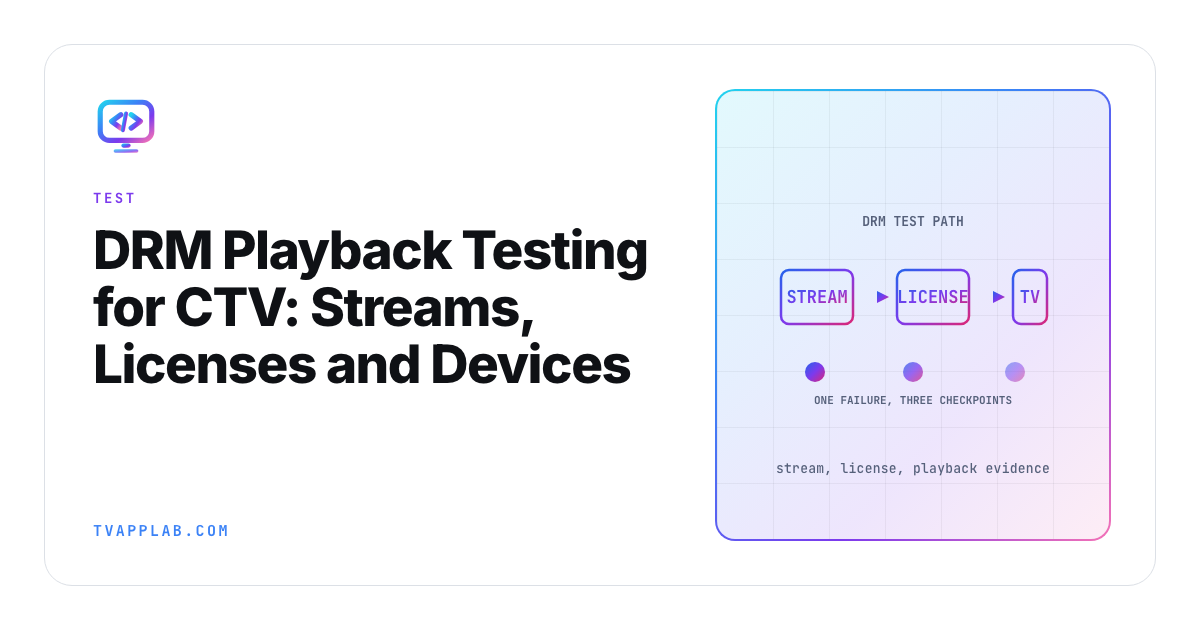
One protected stream fails on one television. The tempting move is to start changing license code, but "Widevine failed" barely describes the problem. Google's Media3 DRM table splits support by encryption mode, API level and streaming format, and the device adds another variable on top.
Good DRM playback testing starts by freezing the failed combination: asset, entitlement, player version, device model and firmware. Then compare it with a clear stream and follow the evidence through the license exchange and player events. That order saves a lot of expensive guessing.
Record the stream and device before changing code
For CTV DRM testing, I'd start each case with the following record:
Asset ID and authorized manifest location:
Streaming format / container / codecs:
DRM scheme and encryption mode:
License environment and entitlement state:
Player library and resolved version:
App build / device model / OS or firmware:
Starting state and input sequence:
Expected result / observed result:
Sanitized event and request identifiers:
Keep authentication material out of the record. Use internal identifiers that your team can correlate with the secure logs, rather than copying signed URLs or license bodies into an ordinary ticket.
For Widevine playback testing, Google's scheme table lists cenc from API 19 and cbcs from API 25, with DASH and fragmented-MP4 HLS support. These are the scheme qualifications in that table; they don't establish the minimum OS supported by every Media3 library release or guarantee a particular device/codec combination.
Samsung likewise directs developers from AVPlay's DRM reference to device specifications for supported DRM. Record the target platform with its model and firmware, then attach the applicable vendor evidence to that specific test case.
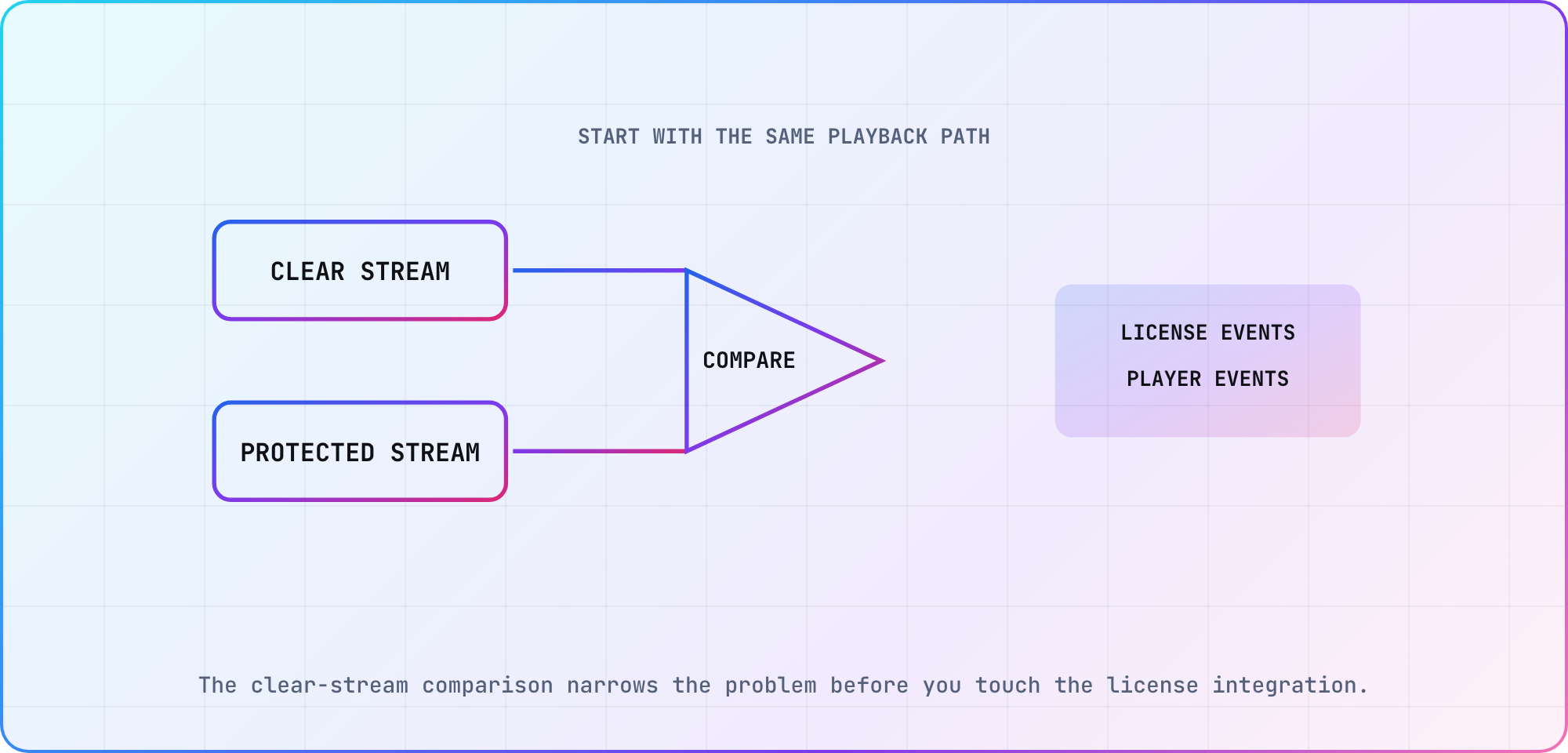
The clear-stream comparison narrows the problem before you touch the license integration.
Establish a baseline you can compare
Plan a clear-stream run and a protected-stream run with enough shared characteristics to make the comparison useful. Keep the content, container, codecs and playback path as close as your test assets allow. Any differences belong in the record before you interpret the outcome.
If the clear asset fails too, investigate that path before attributing the result to license handling. If the clear run succeeds and the protected run fails, you've narrowed the investigation, but you still need the player events and license-exchange evidence to locate the failure. This is a diagnostic method, not a claim that every pair of assets isolates one variable perfectly.
Apple provides encrypted and unencrypted FairPlay test streams for use with its SDK, subject to the documented access and license conditions. Use assets and credentials your team is authorized to access. Record the asset identifier and which player integration you exercised.
A successful vendor test asset is a useful comparison point. Follow it with the app's own authorized test content and entitlement path, because that is the combination your release needs to verify.
Follow the player-specific DRM path
On Android, Media3 ExoPlayer uses MediaDrm. Configure the DRM scheme through MediaItem; Google also lists PlayReady SL2000 support for Android TV in the scheme table. Keep its format qualifications with any compatibility claim.
For a Kotlin project already configured with a chosen Media3 release, the configuration shape looks like this:
import androidx.media3.common.C
import androidx.media3.common.MediaItem

// Illustrative, unexecuted integration fragment.
// Supply authorized URLs through your app's test configuration.
val protectedItem = MediaItem.Builder()
    .setUri(testManifestUri)
    .setDrmConfiguration(
        MediaItem.DrmConfiguration.Builder(C.WIDEVINE_UUID)
            .setLicenseUri(testLicenseUri)
            .build()
    )
    .build()
The URI variables are inputs from your test configuration, not public credentials or a working sample service. Record the resolved Media3 version before building this fragment into a player. The code doesn't implement entitlement, error handling or a complete playback screen.
On Samsung, AVPlay documents setDrm and ondrmevent. The operation and parameters depend on DRM type; the setDrm reference lists an IDLE-state constraint. Follow the operation's version-qualified example and capture player state with the event sequence before diagnosing a failed setup call.
On Apple platforms, FairPlay Streaming protects HLS delivery. Apple's production deployment credentials require approval. Keep that production process separate from access to development materials and test streams; the availability of an example asset doesn't complete the production credential work.
Separate license failures from playback failures
Use the player event timeline and the license-service observations together. Keep a separate field for what the viewer saw, even when the license request returned the status you expected. Keep retries and timeout behavior visible so the issue record explains what the app actually did.
Proposed DRM test cases and evidence:
| Case | Question | Sanitized evidence |
|---|---|---|
| Clear baseline | Does the unencrypted path play? | Player result and asset ID |
| Valid entitlement | Does protected playback start? | Request status and player events |
| Expired entitlement | Is the failure handled? | Error category and user-facing result |
| License endpoint unavailable | Can the app recover or explain failure? | Timeout and retry observations |
| Key rotation where used | Does the session continue? | Key-change timing and events |
| Resume after interruption | Does the app restore a usable state? | Lifecycle and playback sequence |
Run negative cases in the team's authorized test environment, with a known entitlement or endpoint condition. The desired outcome includes a usable error or recovery state, not simply a request that fails in the expected way.
For a product that uses key rotation, Google documents setMultiSession(true) when building the media item's DRM configuration. Its offline path uses setKeySetId, with additional limitations described on that page. Add those cases only when the product supports them and you've checked the chosen player configuration. Don't turn an online-playback check into an unsupported promise about offline behavior.
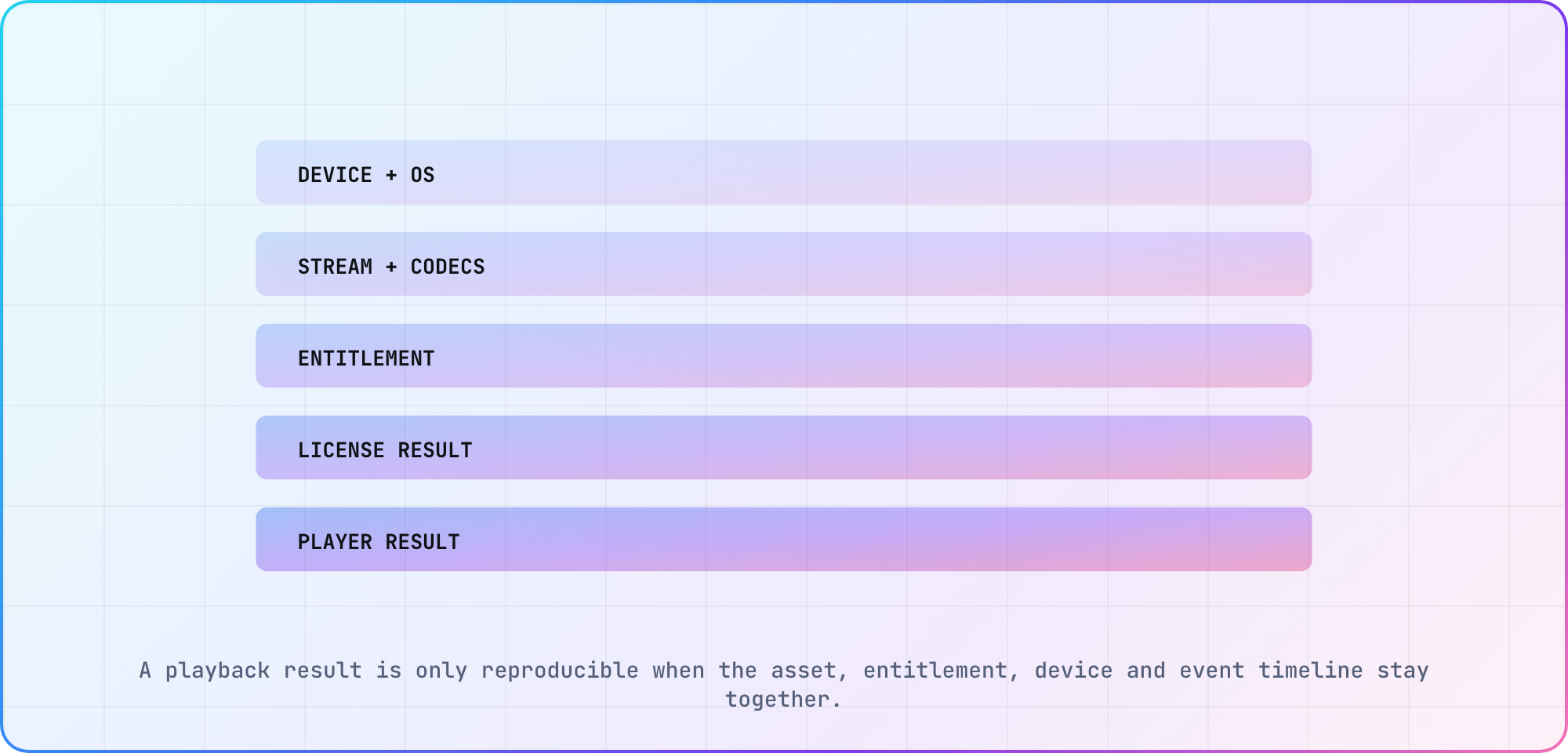
A playback result is only reproducible when the asset, entitlement, device and event timeline stay together.
Write a failure report another engineer can reproduce
Start the report with the smallest failing journey, the expected result and the observed one. Attach the device/build record and sanitized events in time order. Then include the comparison run, with any asset or environment differences made explicit.
I'd write a finding as narrowly as the evidence allows: the named build failed on the named device with the identified asset and entitlement state. That leaves room to extend the device test plan and discover whether another model behaves differently. One result doesn't establish the behavior of an entire TV platform.
If someone changes the package, license configuration or test asset during the investigation, give the next run a new identifier. You'll want to see which change preceded the observed difference. Keep the eventual fix beside the original reproduction and rerun that case before closing the issue.
Hand the report to another engineer with the original test asset available through the approved environment, then have them repeat the failing sequence and the corrected run.
Frequently asked
Does Widevine support mean every encrypted stream will play?
No. Google's DRM table qualifies support by encryption mode, API level and streaming format. Check those conditions alongside your selected library release, device and codecs. Keep the actual asset and target in the test record rather than treating the scheme name as proof that the full playback combination works.
Can I use one DRM code path on every TV?
The documented paths here differ: Media3 uses MediaItem and MediaDrm, Samsung exposes AVPlay DRM operations, and Apple documents FairPlay Streaming. Plan the integration for each researched target. This article doesn't establish a universal interface or compatibility claim for platforms and player implementations it hasn't examined.
What should I attach to a DRM playback bug?
I'd attach the asset ID, device model and OS, app/player versions, input sequence, expected result and sanitized player events. Include license-request timing and status where your authorized logs support them. Keep tokens, signed URLs, license bodies and private account details in the team's secure systems rather than the ordinary issue description.
Where does Media3 configure the DRM scheme?
Google documents the DRM UUID and related configuration on MediaItem, which ExoPlayer uses with its MediaDrm-based path. Inspect the configuration for your resolved library version and test asset. The fragment above shows the shape; it hasn't been compiled here and doesn't supply your entitlement or service configuration.
Does Samsung document DRM callbacks?
Yes. Samsung's AVPlay reference exposes ondrmevent and documents DRM-type-dependent setDrm operations. Check the applicable state and version constraints before configuring the player. Capture the state and callback sequence in your reproduction so a failed operation can be compared with the vendor's documented flow for that target.
Does Apple provide FairPlay test streams?
Apple lists encrypted and unencrypted streaming files for testing with its SDK, subject to the documented access conditions. Use the appropriate authorized development setup. Production deployment credentials require a separate approval process, so access to a test asset shouldn't be treated as evidence that the production integration is ready.
Keep reading
Android TV App Development with Compose for TV
Android TV app development with Compose for TV: choose current TV components, configure the manifest, build a focused screen and verify remote navigation.
Tizen TV App Development: Build a Samsung Web App
Start Tizen TV app development with a Samsung web project, certificate setup and device debugging. Follow a clear workflow and verify it on your target TV.