Android TV App Development with Compose for TV
Android TV app development with Compose for TV: choose current TV components, configure the manifest, build a focused screen and verify remote navigation.
Open Google's Compose for TV guide and you'll see tv-material:1.0.0 in the dependency example. Open the TV release page and the stable version is 1.1.0. That is a very Android way to begin Android TV app development: the sample can teach the right API while carrying an old version number. Pin the artifact from the release notes before you copy the code.
We're going to build a small browse interaction with TV Material components, then walk the same focus, selection and Back journey with a remote. The snippets are deliberately narrow, so you can see where the TV-specific work starts without pretending one composable is a complete app.
Pin the TV components before copying a sample
Google recommends Compose for TV for TV interfaces. Use its TV-specific Material components deliberately: androidx.tv.material3.Button and the mobile Material button are separate implementations, even though their names look familiar.
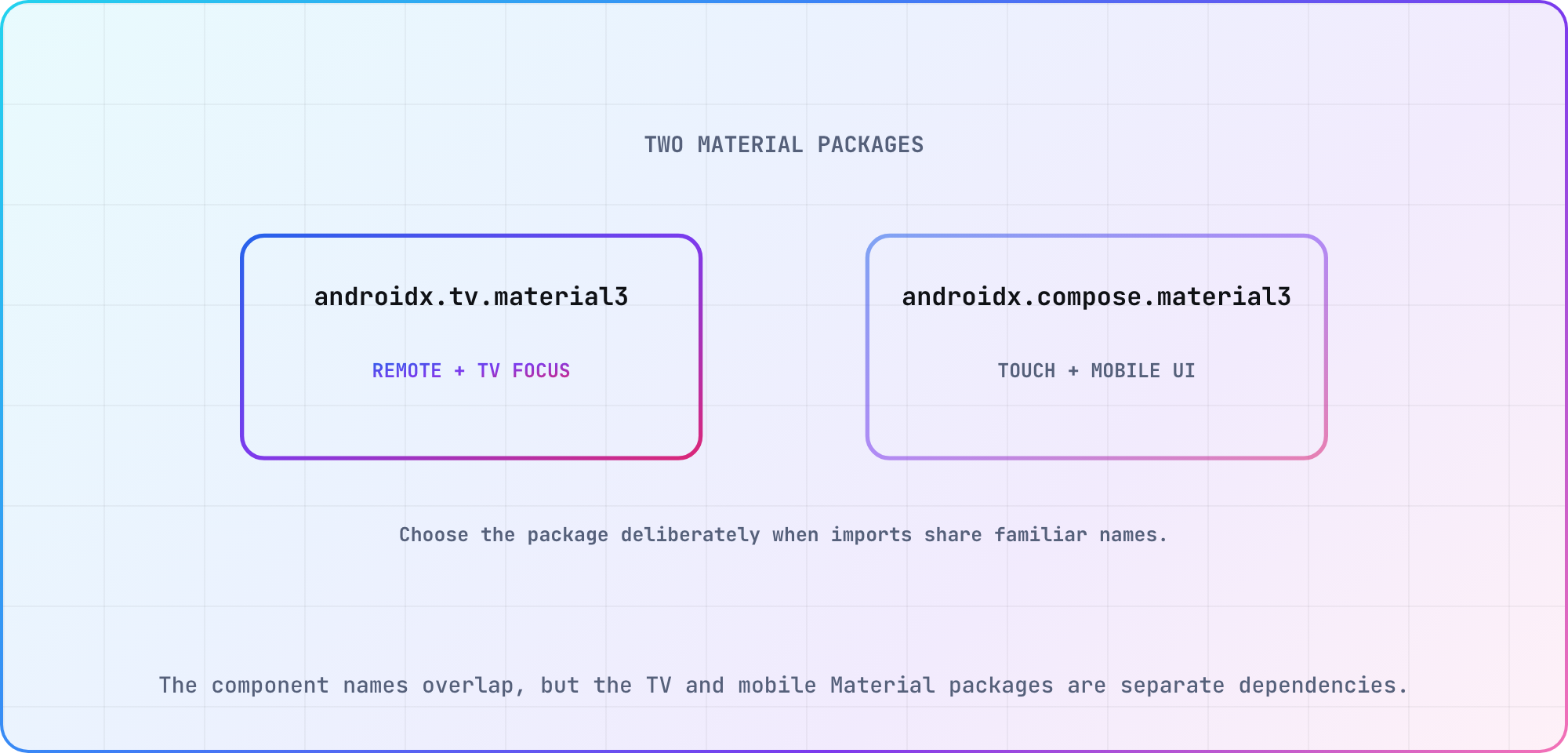
The component names overlap, but the TV and mobile Material packages are separate dependencies.
The release notes list TV Material 1.1.0 and TV Foundation 1.0.0, both released May 6, 2026. Google's Maven repository supplies the artifacts. For this screen, the TV-specific dependency is:
// TV-specific addition to an existing, configured Compose app.
implementation("androidx.tv:tv-material:1.1.0")
Keep your project's Kotlin, Android Gradle Plugin, Compose tooling and activity dependencies together in the build record. This single line isn't a complete Gradle configuration. The guide's compatibility discussion for an older Compose for TV release also isn't proof that an arbitrary newer dependency combination will build.
My suggestion is to start from your team's working Compose project, add the TV artifact, and save the resolved dependency versions after the first successful build. That gives a colleague an actual combination to reproduce, rather than a collection of versions gathered from different tutorial dates.
Make the app discoverable on TV
Google's TV app setup guide documents the TV launcher category, touchscreen declaration and leanback feature setting. Here's a partial manifest for a TV-only example:
<uses-feature
    android:name="android.software.leanback"
    android:required="true" />
<uses-feature
    android:name="android.hardware.touchscreen"
    android:required="false" />

<!-- Inside your existing application element -->
<activity
    android:name=".MainActivity"
    android:exported="true">
    <intent-filter>
        <action android:name="android.intent.action.MAIN" />
        <category android:name="android.intent.category.LEANBACK_LAUNCHER" />
    </intent-filter>
</activity>
Place the feature declarations under the existing manifest root. Keep the activity inside your application element, and use the activity name that exists in your project. This excerpt intentionally leaves the surrounding application configuration out.
For an app shared with mobile devices, Google documents required="false" for the leanback feature. It also requires the TV app's launcher artwork, including the icon and localized banner. Review those resources in the same change; a working composable alone doesn't tell you whether the app is discoverable from the TV home screen.
Build a small browse screen
We'll keep the selected item in Compose state and put its details beneath the browse controls (enough UI to exercise the remote). It uses invented titles, so there's no networking or catalog service to configure. Google's TV component guide explains the TV Material choice; its Compose integration guidance documents BackHandler.
import androidx.activity.compose.BackHandler
import androidx.compose.foundation.layout.Column
import androidx.compose.runtime.Composable
import androidx.compose.runtime.getValue
import androidx.compose.runtime.mutableStateOf
import androidx.compose.runtime.remember
import androidx.compose.runtime.setValue
import androidx.tv.material3.Button
import androidx.tv.material3.MaterialTheme
import androidx.tv.material3.Text

@Composable
fun BrowseExercise() {
    val titles = listOf("Harbor Walk", "Night Train")
    var selected by remember { mutableStateOf<String?>(null) }

    BackHandler(enabled = selected != null) { selected = null }

    MaterialTheme {
        Column {
            Text("Choose a title")
            titles.forEach { title ->
                Button(onClick = { selected = title }) {
                    Text(title)
                }
            }
            selected?.let { title ->
                Text("Details: $title")
                Button(onClick = { selected = null }) {
                    Text("Close details")
                }
            }
        }
    }
}
Call BrowseExercise() from your existing activity's Compose content. The expected behavior is simple: selecting either title displays its details label, and closing details clears the selection. Back clears an active selection through the handler.
What about Android TV Compose focus? This example leaves initial focus and restoration to your integration work. Google documents focus control APIs for that job. Check what actually receives focus, then add explicit requests or restoration where your screen needs them. The code doesn't claim those checks already passed.
Check the journey with a remote
I'd test this with the keyboard or remote input appropriate to the selected TV environment before adding thumbnails. Watch the focused control as you move, select each title, close its details and repeat the journey using Back. Record the input sequence that produces an unexpected result.
Proposed acceptance checks for the tutorial screen:
| Journey | Observe | Evidence to capture |
|---|---|---|
| Launch | Initial focused control | Screen and control name |
| Browse | Visible focus movement | Remote input sequence |
| Select | Correct item opens | Selected sample title |
| Return | Usable browse position | Focus after Back |
| Empty data | Reachable recovery action | Empty-state screenshot |
| Relaunch | Predictable entry state | App and device versions |
These are our proposed acceptance checks, rather than a claim that Google mandates this exact table. The empty-data row requires extending the example: replace the invented list with an empty list, add a recovery action, and decide where focus should go.
Keep failures visible in the run record. If closing details leaves the user unsure what to press next, record that behavior and fix the focus handoff before calling the browse journey complete. A screenshot of the selected title is useful, but the input sequence tells another developer how you reached it.
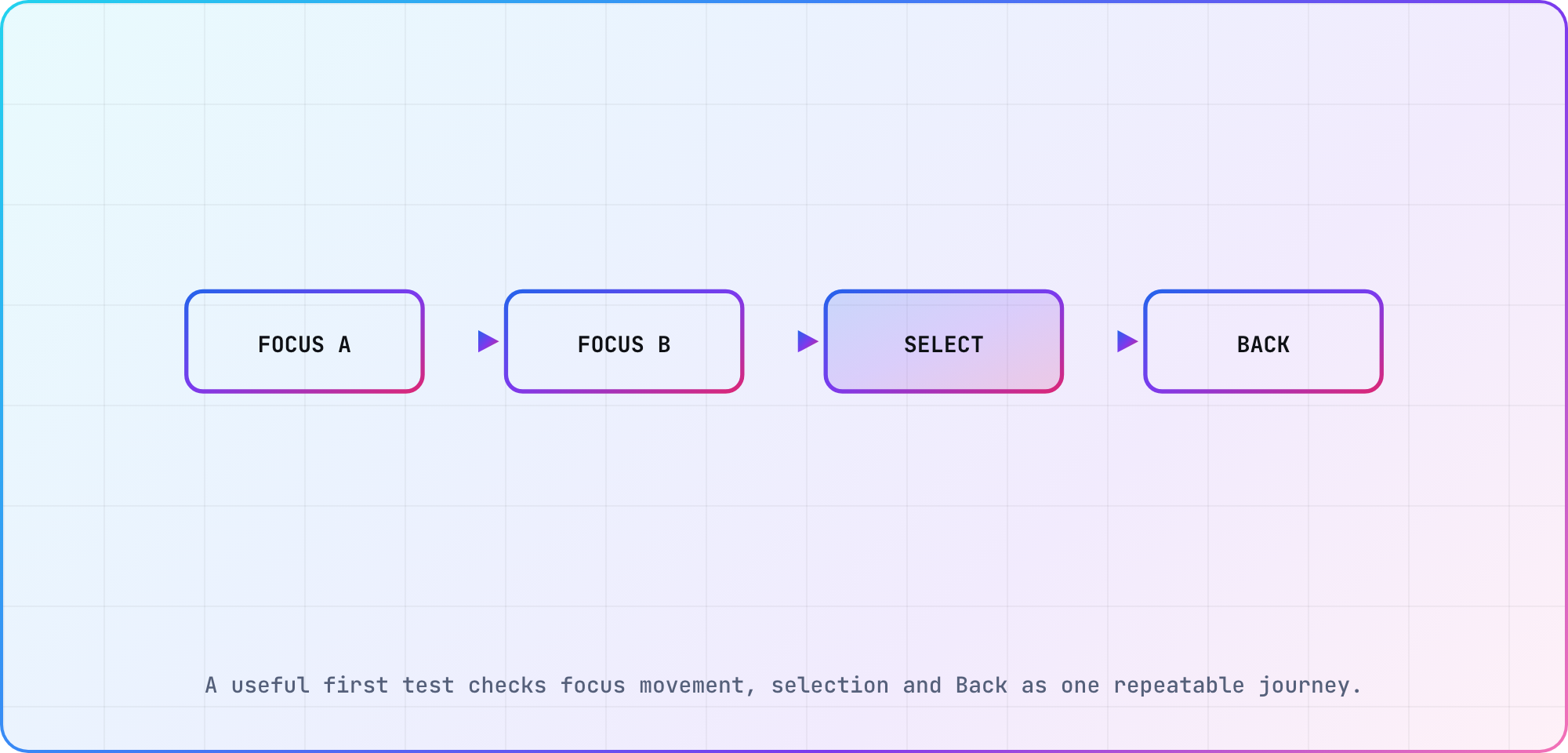
A useful first test checks focus movement, selection and Back as one repeatable journey.
Move from a demo screen to a release candidate
Google documents running a TV app on a TV AVD or a physical device. Use the emulator for the repeatable development loop, then choose a physical TV target and rerun the interaction sequence. Record the actual OS, app build and remote used.
On the television, I'd also review the screen from the expected viewing distance and check whether the focused control stays obvious throughout the journey. Those observations belong beside the exact build, so later UI changes have something concrete to compare against.
For release, open Google's separate TV app quality criteria. SDK policy, navigation requirements and submission evidence deserve their own audit. The library's runtime compatibility statement doesn't settle those questions.
Keep the example small until the browse interaction is repeatable. Then connect it to your broader OTT test strategy, with the emulator and television results recorded separately. Include the input sequence and unresolved focus behavior in the handoff so someone else can repeat the check.
Frequently asked
Should I use mobile Material buttons on Android TV?
Google recommends the TV-specific Material components for this interface. Check the import, because the TV and mobile libraries have similarly named components. In this exercise, use androidx.tv.material3.Button, then verify the focused appearance and remote journey in the environment you're actually targeting.
Which Compose for TV version should I start with?
The release page lists TV Material 1.1.0 and TV Foundation 1.0.0 as stable. Record a successfully built dependency set around your chosen artifacts. A release number alone doesn't establish compatibility with every Kotlin, Compose tooling or Gradle configuration you might already have.
Does a Compose screen make my app ready for Google Play on TV?
You still need to check the TV setup requirements and quality criteria, alongside the actual remote journey. Treat this example as implementation work. Keep the release audit separate so manifest configuration, SDK policy and submission evidence get checked against the current requirements.
What is androidx.tv.material3?
It's the TV Material component namespace used by this example. The imports make that choice visible for Button, MaterialTheme and Text. When reviewing a patch, inspect the imports before assuming a familiar component name means the code uses the TV-specific implementation you intended.
Can one app target mobile and Android TV?
Google documents a shared-app manifest approach, including marking the leanback feature as not required. You'll still need appropriate entry points and interface behavior for the targets. Keep the shared package decision separate from the question of whether the TV screen works properly with remote input.
Can I run the tutorial on a TV emulator?
Google's TV setup guide includes a TV AVD development path. Integrate the snippet into a configured project, build it and record the emulator result. Then repeat the proposed remote checks on a physical target before describing the interaction as verified for that television and OS.
Keep reading
Tizen TV App Development: Build a Samsung Web App
Start Tizen TV app development with a Samsung web project, certificate setup and device debugging. Follow a clear workflow and verify it on your target TV.
BrightScript Tutorial: Read and Write Your First Roku Code
A BrightScript tutorial for developers learning Roku: understand types, arrays, functions and invalid values, with small examples and clear version checks.