Remote Smart TV Testing Without a Local Device Lab
Compare remote smart TV testing by exact hardware coverage, interaction depth, private-network access and evidence capture, then keep a small local smoke kit.
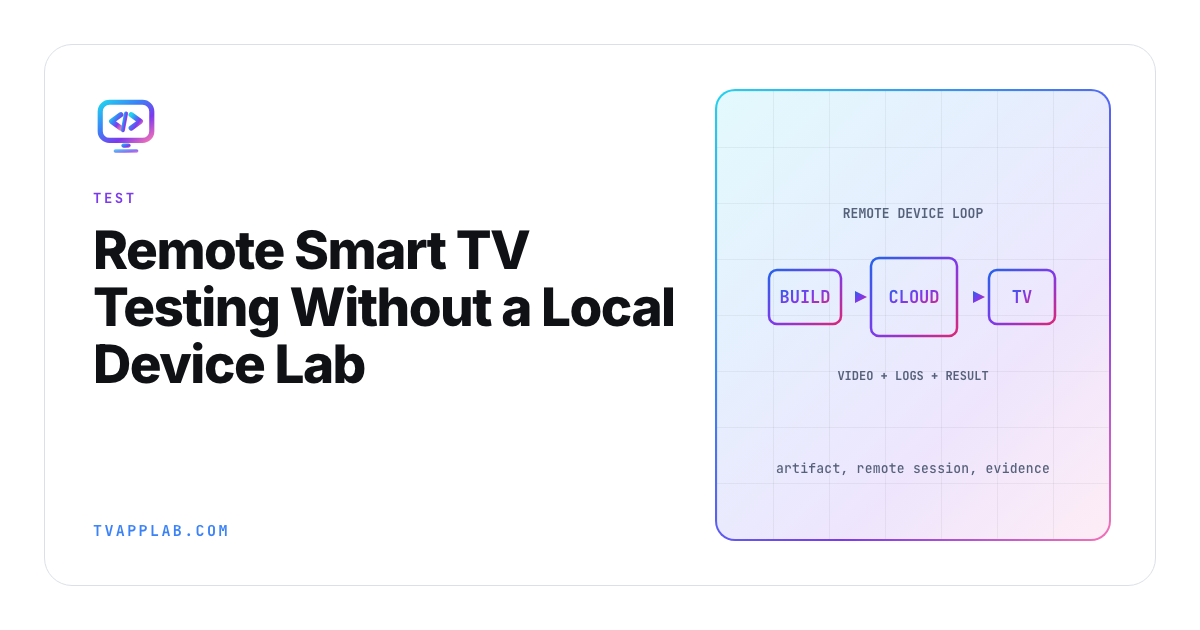
A remote TV lab is useful when it lets an engineer reproduce a living-room failure from somewhere else. A grid of platform logos isn't enough. You need to know which physical model answers the session, which firmware it's running, how input reaches it and what evidence comes back when playback fails.
BrowserStack's current Smart TV Appium documentation lists Fire TV Stick 4K, Nvidia Shield TV Pro 2019, Apple TV 4K and Roku devices, with specific app formats and capabilities, and you only get them after support switches on the smart TV alpha for your account. That list is far more useful than a broad "CTV support" claim. Use the same standard for every remote smart TV testing vendor you consider.
Start with your missing coverage
List the devices already within arm's reach, then rank the gaps by audience, support volume and technical risk. A device cloud earns money when it covers a gap in the release matrix, not when it duplicates the easiest target on your desk.
| Capability | Question to ask | Evidence to request |
|---|---|---|
| Real hardware | Which exact models are available today? | Live device catalog |
| Firmware | Can a version be selected or pinned? | Session metadata |
| Input | Are all remote keys supported? | Recorded key sequence |
| App install | Which package formats and signing paths work? | Upload and install log |
| Private backend | Can the device reach staging safely? | Tunnel documentation |
| Debugging | Which application, device and network logs exist? | Sample session export |
| Media | Can video and audio results be captured? | Recording and limitation notes |
| Concurrency | Is the device reserved or shared? | Queue and session policy |
BrowserStack says its Smart TV sessions can provide video, text and Appium logs and can simulate remote navigation. Its Roku notes also call out limitations for network logs and local connectivity. That's the level of caveat your scorecard should preserve.
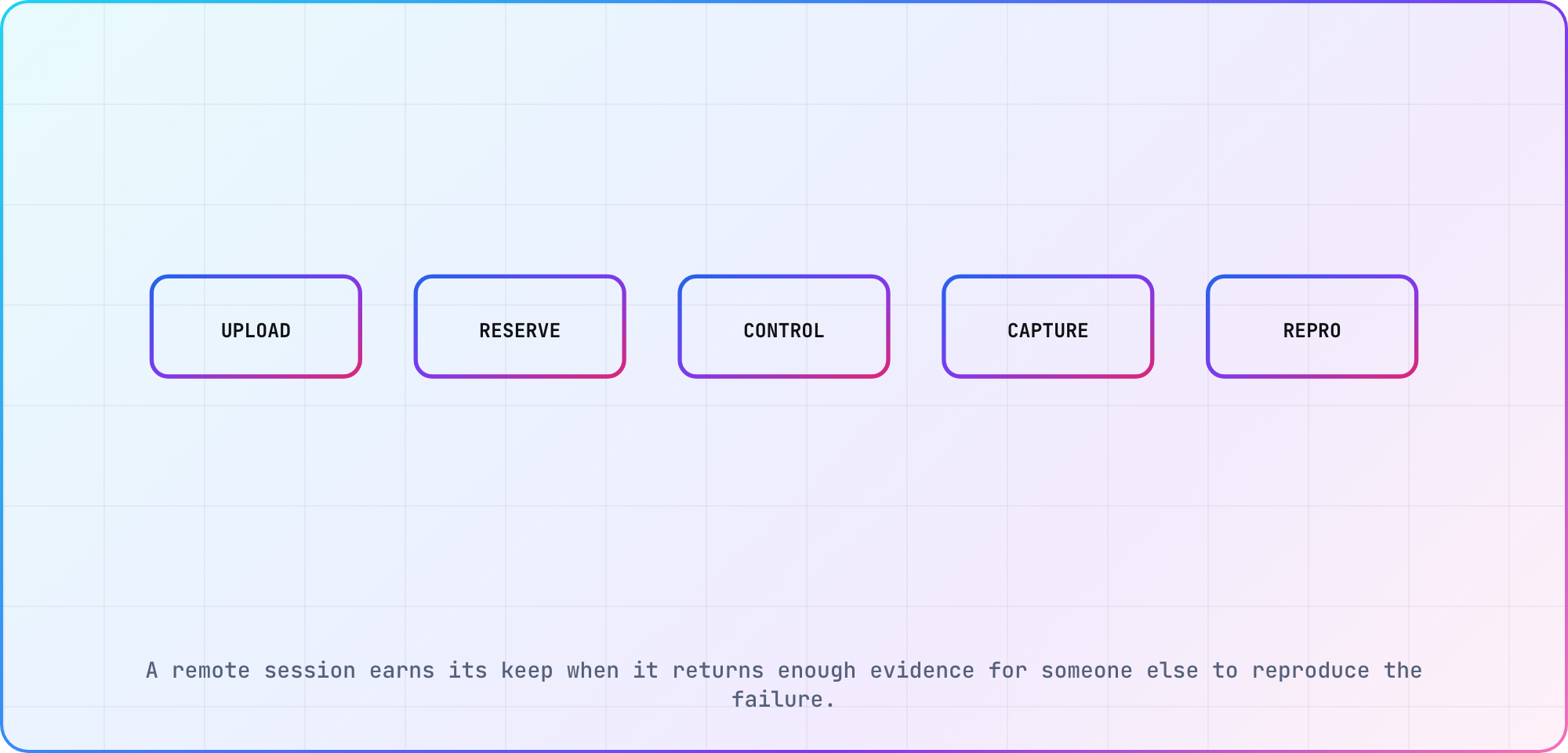
Illustrative session loop based on current commercial device-cloud workflows.
Run a proof before signing a contract
Use one app build and one failure-prone journey across the shortlist. Upload the artifact, launch from a clean state, navigate to a named title, play it, dismiss or expose controls and return. Measure setup time, queue time and the evidence you can export.
Don't use the vendor's sample app as the only proof. Your package may need a different signature, entitlement flow, staging tunnel or media path. Remove sensitive production data from the test account and give the remote session only the access it needs.
I'd include one intentional failure, such as an expired test entitlement or unreachable media URL. The platform should make the failure easier to diagnose. A pretty video of a spinner without player events or network context doesn't close the issue.
Separate access from automation
Some services provide real hardware and an interactive remote. Others add Appium or a proprietary automation layer. Those are different capabilities. Confirm whether selectors expose semantic elements, whether remote input is a key event or screen coordinate, and whether the same script works on every advertised platform.
The CTV automation capability matrix explains why driver coverage varies. If a provider wraps an unsupported platform, ask where that driver comes from and who maintains it. Keep image-based assertions labeled as visual checks rather than semantic element checks.
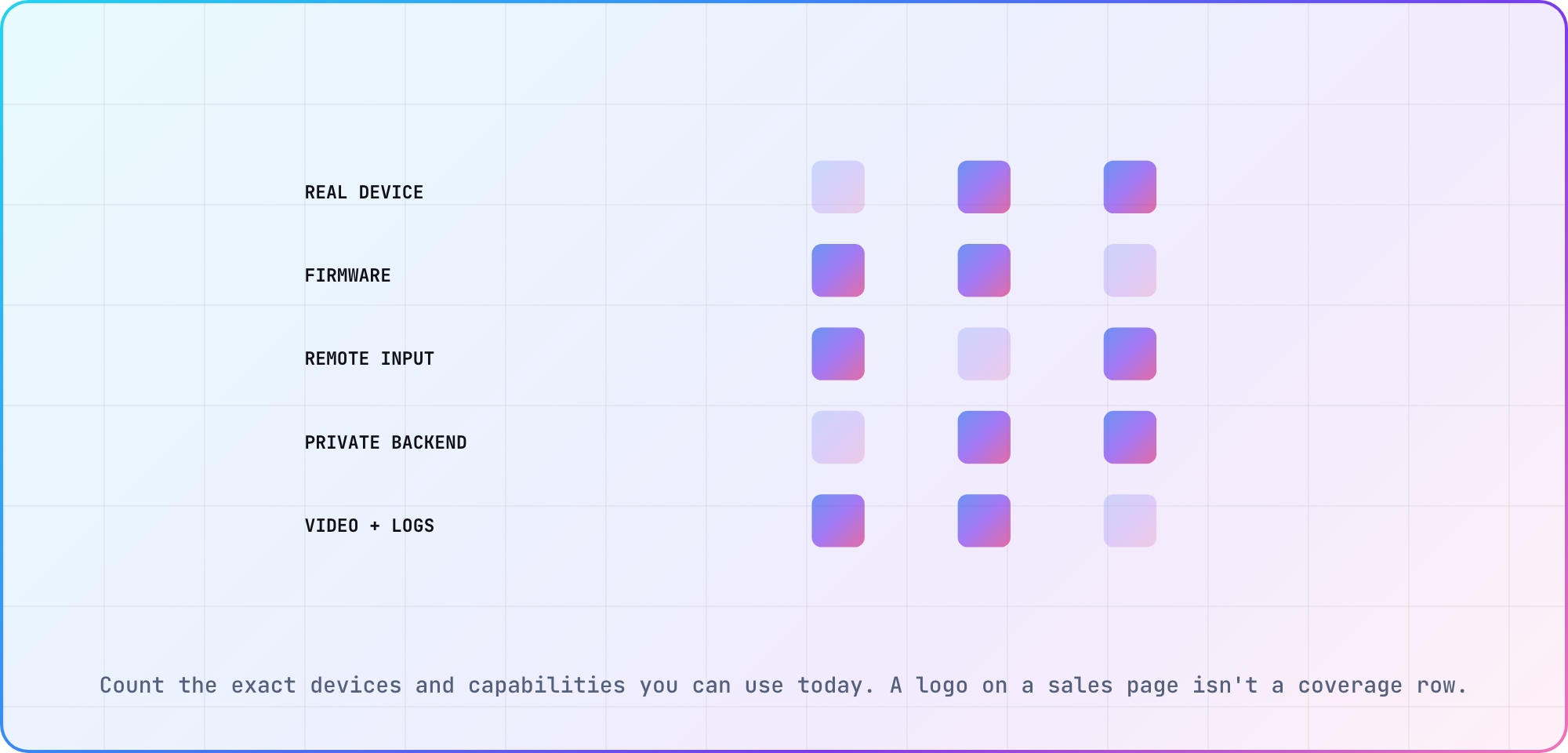
Illustrative buyer matrix. Fill it from the provider's live catalog and a proof session.
Keep a small local smoke kit
Remote access is excellent for long-tail devices and distributed teams. A nearby box is still faster when someone is debugging HDMI behavior, audio output, an intermittent remote or a staging build ten times in an hour.
My default would be hybrid: one or two representative local devices for the daily loop, then paid sessions for firmware and platform breadth. Track session usage and defect yield for a quarter. If queues or hourly costs repeatedly block releases, you have real evidence for a larger lab.
Keep the test plan identical across local and remote targets. Record build hash, model, firmware, network profile, account fixture, input sequence and result. That turns a device list into coverage you can reason about.
Frequently asked
What is remote smart TV testing?
Remote smart TV testing gives a developer or tester network access to television hardware in another location, usually through a browser, API or automation hub. The useful service includes exact device identity, remote input, application installation and exportable evidence. Emulator access alone shouldn't be described as real-device coverage.
Which TV platforms do device clouds support?
Coverage changes by provider and plan. BrowserStack currently documents selected Fire TV, Android TV, Apple TV and Roku devices, as an alpha you request from support. Other services cover different sets. Check the live catalog, package format, firmware and automation method for each target instead of treating a platform logo as guaranteed availability.
Can a remote TV reach my staging backend?
Some providers offer a secure tunnel or local-testing feature, while others restrict it by device or platform. Verify the exact Smart TV support during a proof session. Use a limited test account and staging data, then document DNS, certificate and regional assumptions beside the session result.
Should a device cloud replace every local TV?
Usually no. A small local kit gives developers a fast loop for frequent debugging, while a device cloud supplies firmware and platform breadth. Track actual usage, queue time and defects found before buying more hardware. The right mix depends on release frequency and the targets your viewers use.
What should I save from a remote session?
Save the build identifier, exact device and firmware, account fixture, input sequence, timestamps, screen video, application logs and any network or Appium logs available. Note missing evidence too. A session recording without the artifact and device context is difficult for another engineer to reproduce.
How do I evaluate a Smart TV testing vendor?
Run your own package through one critical journey and one intentional failure. Score exact hardware, queue time, interaction depth, staging access, logs, export quality and pricing unit. Ask the provider to explain unsupported features in writing, then base the contract on current capabilities rather than roadmap language.
Keep reading
Samsung Tizen TV Test Automation: Limits and Workarounds
Automate Samsung TV build, signing, install and evidence capture while keeping device focus and playback verdicts outside unsupported official UI automation.
How to Debug Memory Crashes on Smart TV Apps
Reproduce smart-TV memory crashes, measure the right memory layers, isolate the owner and prove the fix with repeatable journeys and soak tests. Practical.