Samsung Tizen TV Test Automation: Limits and Workarounds
Automate Samsung TV build, signing, install and evidence capture while keeping device focus and playback verdicts outside unsupported official UI automation.
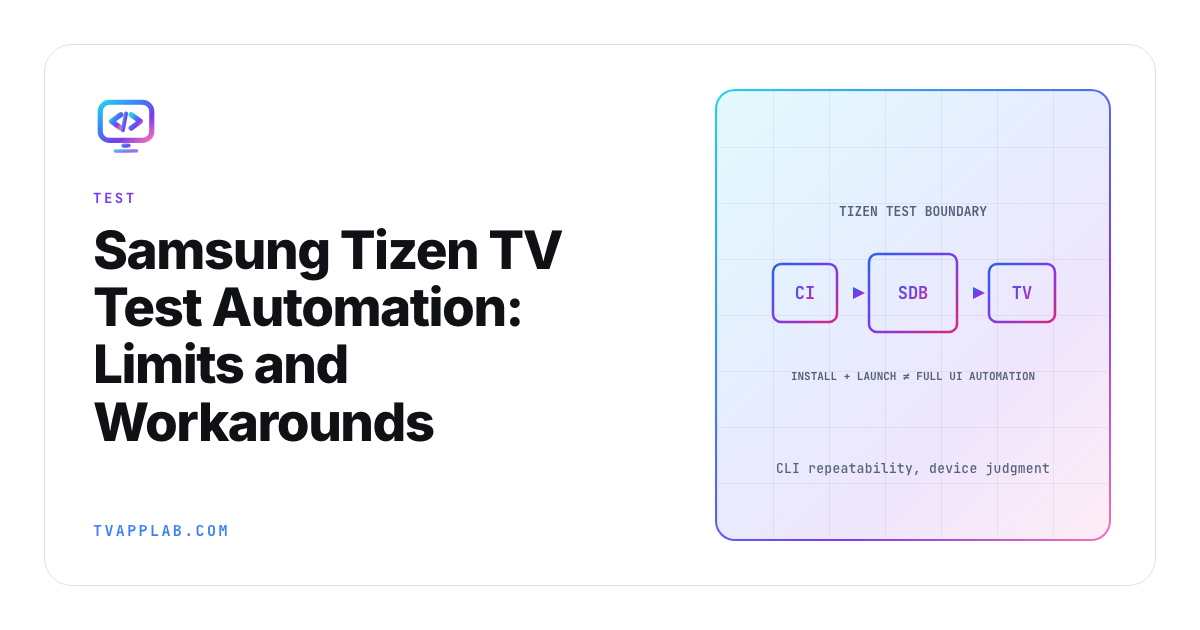
If someone asks for "full Samsung TV automation," the useful answer starts with a boundary. Samsung's current Application Testing FAQ says automated testing isn't supported on Samsung TVs and that the old automatic testing tools for the legacy platform are no longer supported. That doesn't make repeatable testing impossible. It tells us which parts need different evidence.
Tizen automated testing can cover build preparation, signing, installation, launch, unit-level logic and evidence collection. The final focus, playback and panel behavior still needs a device workflow your team can defend.
Automate the setup work first
Samsung describes Tizen Studio as its official IDE, bundled with an emulator, toolchain and sample code. Its CLI guide covers building, packaging, installing, running and uninstalling apps without the IDE, on the emulator or a connected device, and notes that only .wgt files install on a TV. The testing FAQ still says TV testing needs Tizen Studio, so prove a CLI install on your own set early.
Those are good CI jobs because they're deterministic and leave logs:
| Stage | Automate? | Evidence to retain |
|---|---|---|
| Web build | Yes | Source revision and dependency lock |
| WGT packaging | Yes | Artifact hash and build log |
| Signing | Yes, with protected credentials | Certificate profile ID and result |
| Emulator install and launch | Yes | Runtime version, log and screenshot |
| TV install and launch | Repeatable setup | Model, firmware, signed artifact and log |
| Focus and playback verdict | Device review required | Video, player events and named journey |
Protect signing material through the team's secret system. CI logs should identify the certificate profile without printing passwords or private keys.
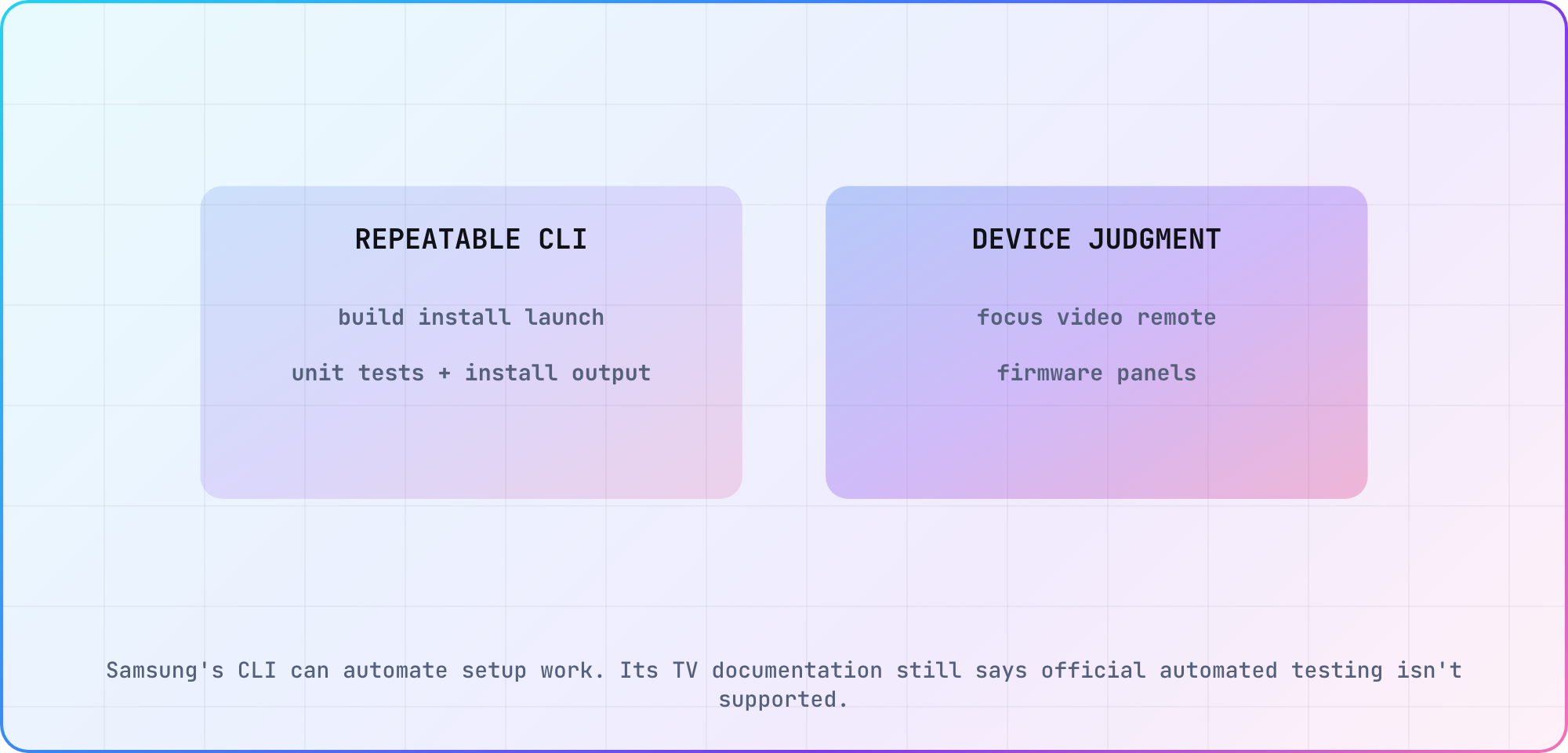
Boundary based on Samsung's current TV testing FAQ and Tizen Studio documentation.
Make the device connection reproducible
Samsung's TV Device guide requires Developer Mode, a shared network, a certificate profile and a connection from Device Manager. The television receives the computer's IP address in its Developer Mode setup, while Device Manager connects to the television's IP address.
Record both addresses by role in the setup instructions. When an "automation" run fails, check the connection before the framework, because a dropped connection can wear a very convincing test-framework costume.
The same guide recommends physical-device testing even after emulator coverage because hardware differs. Give every lab target a stable name that includes model group and firmware. When a package works on one set but not another, that identifier is more useful than a generic "Samsung TV" label.
Build a runner around supported primitives
A practical runner can prepare the signed WGT, connect with Samsung's supported tooling, install or replace the app and launch it. Plan logging separately. Samsung's testing FAQ says sdb can't retrieve system logs from a TV and TV apps don't generate crash logs, so console output comes from the Web Inspector in debug mode or from logging you build into the app. Stop the run if any setup stage fails. Continuing to send remote input after a failed install produces a misleading UI result.
For web application logic, keep pure functions outside platform APIs and test them in the ordinary JavaScript toolchain. Use the emulator for quick integration passes. Then send only release-shaped journeys to hardware.
Don't describe a third-party driver as Samsung support. If you use Appium bridges, image recognition, infrared hardware or a commercial device cloud, name the tool, version and device coverage. The CTV automation matrix can hold those capability differences without turning them into a universal promise.
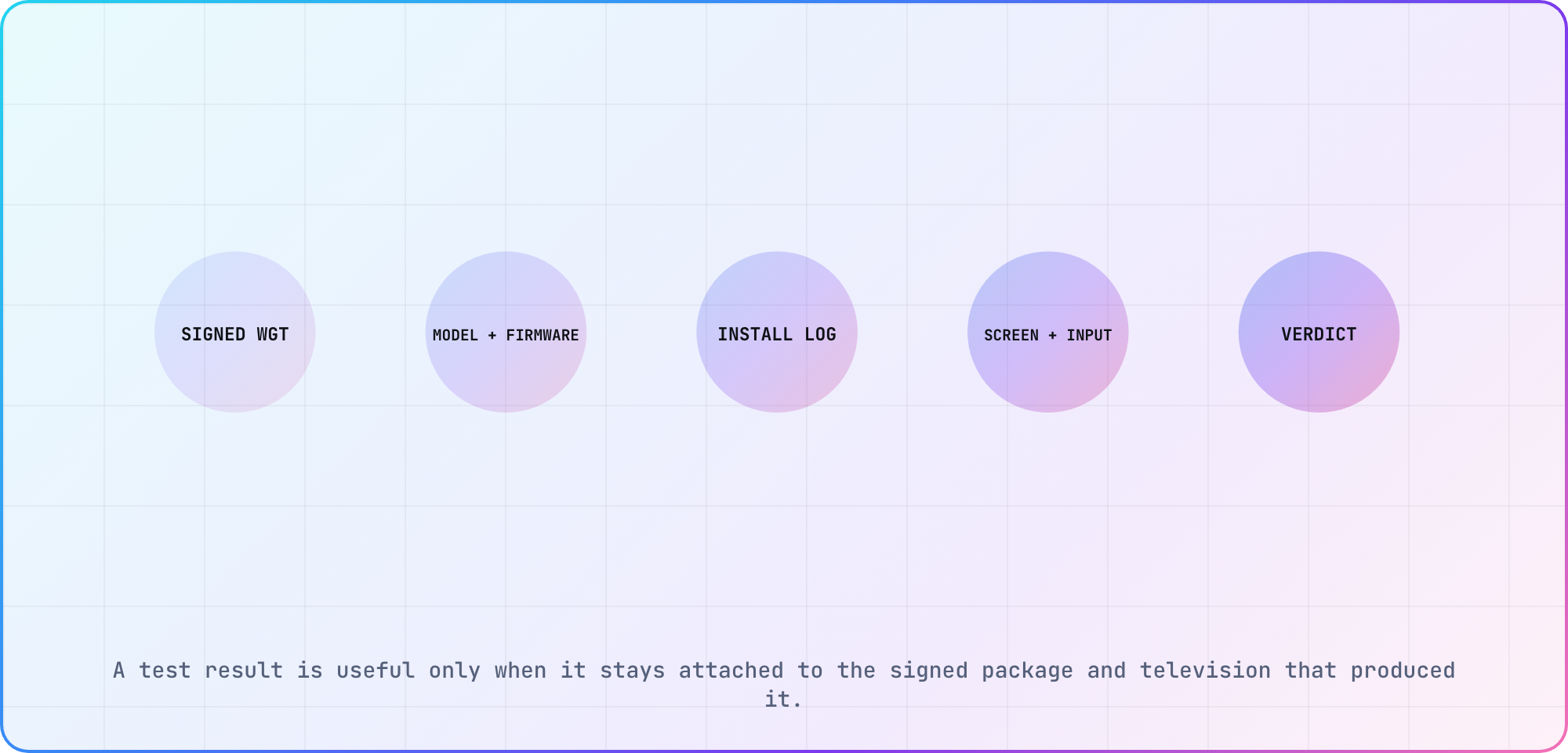
Illustrative evidence chain for a signed Samsung TV build.
Choose journeys that survive UI changes
Start with product outcomes rather than screen coordinates: launch, establish initial focus, move to a named title, open details, start playback and return. Stable test data helps. A catalog that reorders itself during every run makes a focus failure difficult to separate from a fixture change.
For each journey, keep these records together:
- signed WGT hash and source revision
- Samsung model group and firmware
- account and entitlement fixture name
- remote-input sequence
- screen capture and application logs
- expected and observed result
When a third-party tool can expose semantic elements, prefer them to coordinates. When it can't, say the assertion is visual or image-based. That limitation belongs beside the result.
Plan the manual gate instead of hiding it
A person or device-lab operator should run the release journey on target hardware after the automated setup succeeds. The review can still be structured: exact key sequence, expected focus target, playback asset, allowed start window and failure capture.
I'd reserve manual time for the cases the platform boundary makes valuable: focus transitions, player overlays, DRM, decoder behavior, remote quirks and firmware regressions. Routine packaging and installation shouldn't consume that attention.
The honest Tizen plan is hybrid. Automate everything that has a supported, inspectable interface. Make the hardware judgment small, scripted and evidence-rich. That scales much better than calling a fragile key sender "end-to-end automation."
Frequently asked
Does Samsung support automated testing on Tizen TVs?
Samsung's current Smart TV testing FAQ says automated testing isn't supported on Samsung TVs and that legacy automatic-testing tools are no longer supported. The statement applies to Samsung's TV tooling. You can still automate build, packaging, emulator work and selected device setup with supported CLI operations.
Can Tizen Studio run tests without the IDE?
Samsung's CLI guide covers building, packaging, installing, running and uninstalling apps without the IDE, and its testing FAQ confirms the emulator case. Use those commands for repeatable setup and integration checks, while recording the runtime and artifact. Physical-TV focus, playback and firmware behavior still needs separate evidence from an actual target device.
What parts of a Samsung TV pipeline should run in CI?
Run source checks, JavaScript unit tests, packaging, artifact hashing and emulator smoke tests in CI. Signing can run there when credentials are protected correctly. Device installation and launch may also be orchestrated, but keep the model, firmware, connection result and final human or tool verdict attached.
Can Appium automate a Samsung Tizen TV app?
Third-party bridges and device platforms may provide useful control, but support varies by tool and television. Verify the exact driver, model, firmware, element access and log capture before committing. Describe that as third-party capability rather than Samsung's official automation support, and preserve a fallback manual journey.
Why test on a physical Samsung TV after the emulator?
Samsung's device guide says the emulator and television differ at the hardware level and recommends target-device testing. Hardware runs cover the actual panel, remote behavior, firmware, decoder and network path. Keep emulator results because they're useful, but don't promote them into evidence for those device-specific claims.
What evidence should a Tizen test result include?
Keep the signed WGT hash, source revision, certificate profile identifier, model group, firmware, account fixture, input sequence, logs, capture and observed result. That package lets another engineer reproduce the run and separates a code regression from a changed device, entitlement or catalog fixture.
Keep reading
Remote Smart TV Testing Without a Local Device Lab
Compare remote smart TV testing by exact hardware coverage, interaction depth, private-network access and evidence capture, then keep a small local smoke kit.
How to Debug Memory Crashes on Smart TV Apps
Reproduce smart-TV memory crashes, measure the right memory layers, isolate the owner and prove the fix with repeatable journeys and soak tests. Practical.