Android TV vs Google TV for App Developers
Understand the shared Android TV OS target, the Google TV experience layer, discovery differences and the tests an app team should actually split. Practical.
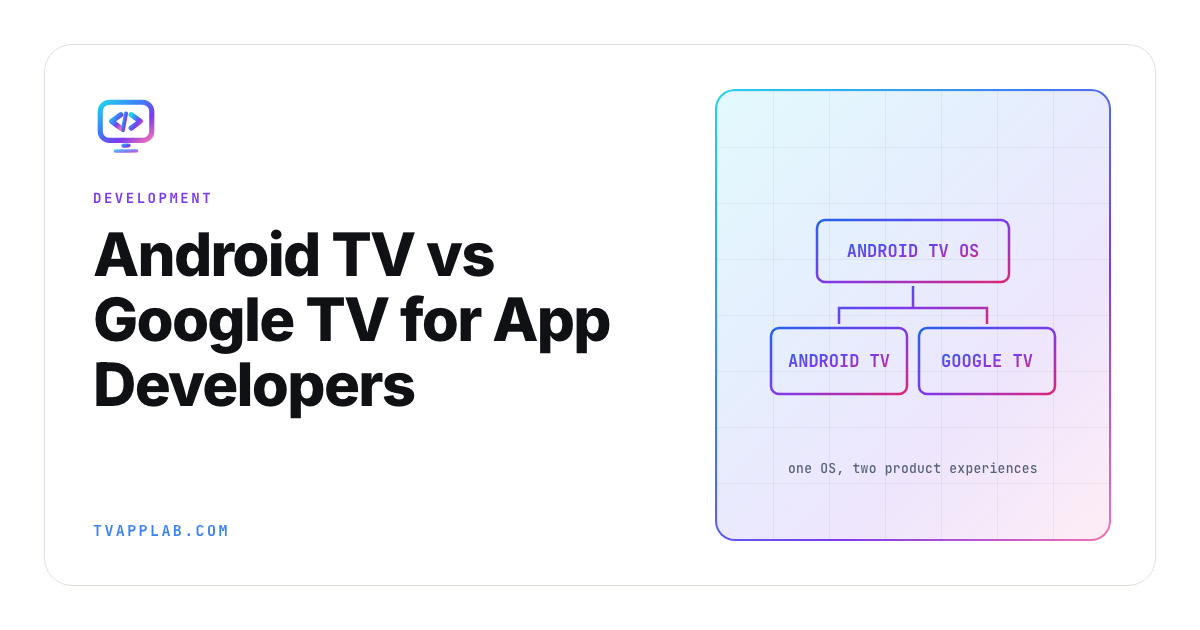
Android TV and Google TV look like two platform choices in a device aisle. For an app developer, they share the same foundation. Google TV is a product experience built on Android TV OS, and an Android TV application can run on a Google TV device.
For an Android TV vs Google TV decision, the split matters around the app: launcher presentation, content discovery, recommendations and experience-specific behavior. You normally don't need two codebases. You do need a test plan that covers the common Android TV app plus the surfaces where Google TV changes how viewers find and re-enter it.
One operating system target, two experiences
Google's developer overview says Android TV OS powers the ecosystem and Google TV is an experience on top of it. The same page says apps built for Android TV OS work on Google TV branded devices. It also documents the AMATI_EXPERIENCE feature flag for cases where an app needs to detect that experience.
| Concern | Shared Android TV OS work | Google TV-specific consideration |
|---|---|---|
| Application artifact | Android TV app package | Usually the same package |
| D-pad and Back | Required across TV devices | Same core behavior |
| Playback and DRM | Android media stack and device capability | Test target Google TV hardware |
| Home discovery | TV launcher integration | Google TV recommendations and content surfaces |
| Branding | TV-ready icon and banner | Presentation inside Google TV experience |
| Analytics | App events and device properties | Segment experience only when it changes a decision |
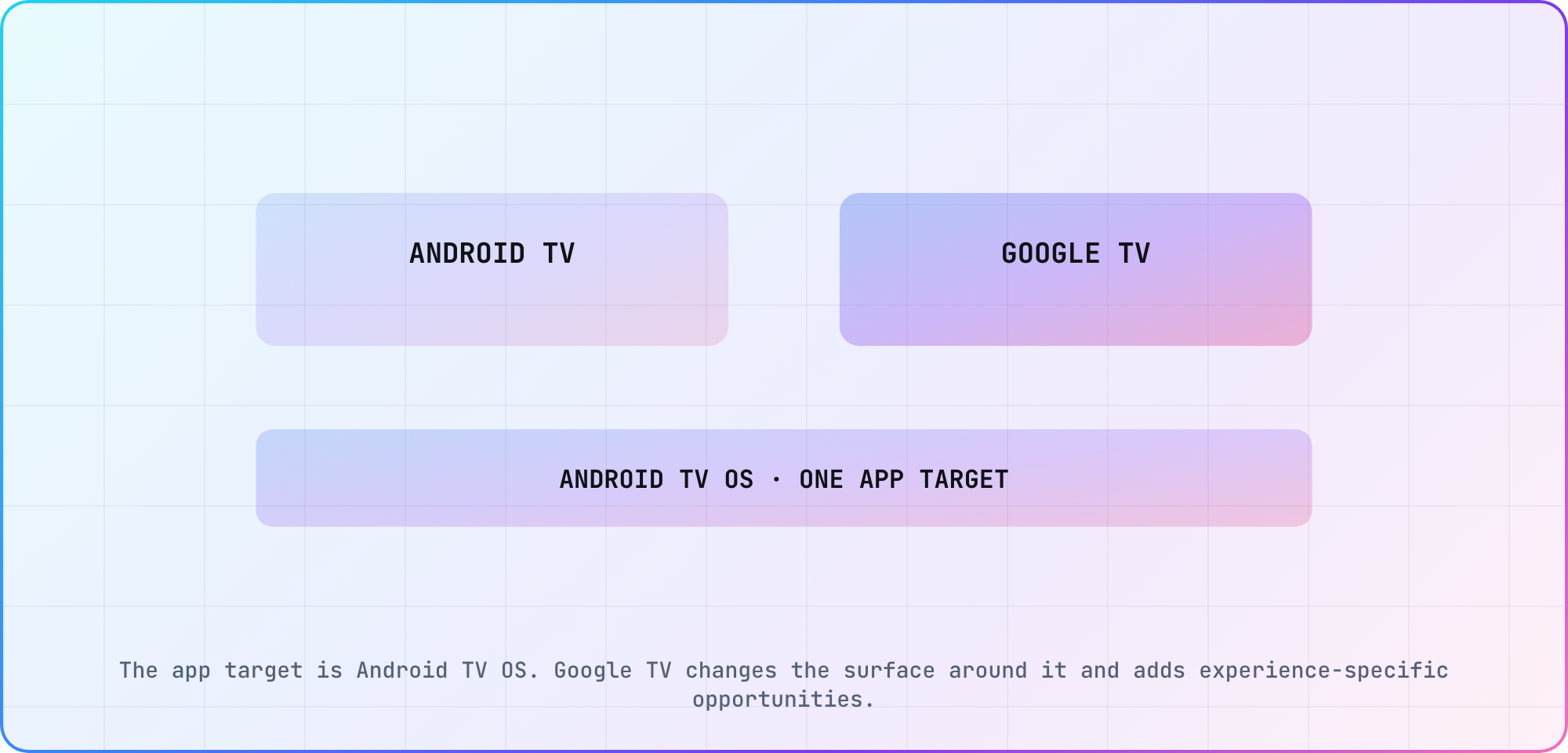
The app target is Android TV OS. Google TV changes the surface around it and adds experience-specific opportunities.
Build the common television application first
Follow Android's TV application setup: declare the television features, provide the right launcher activity and build navigation for a remote rather than touch. Google's TV app quality criteria then give the release baseline, in their TV Ready tier, for focus, Back behavior, orientation, banners, playback and other television expectations.
Don't branch on the Google TV experience for ordinary layout code. Branch only when a documented surface or product requirement differs. Every unnecessary branch doubles a piece of test scope and makes the shared-OS advantage smaller.
Keep device, OS and manufacturer as separate columns in your own matrix, since the TVAppLab platform table stops at platform level. "Google TV" describes an experience; the hardware beneath it still determines decoder support, memory and firmware behavior.
Treat discovery as product work
The most meaningful Google TV differences happen before the app opens. Google documents content recommendations and engagement surfaces that can return a viewer to a title or episode. Those integrations need fresh catalog data, stable identifiers, entitlement-aware deep links and analytics that distinguish an impression from a successful play.
I'd test a discovery card as a full journey: card appears, correct profile or entitlement is applied, deep link lands on the intended detail or playback state, Back returns somewhere sensible, and analytics don't double-count the session. A card that opens the home screen is technically a link and commercially a miss.
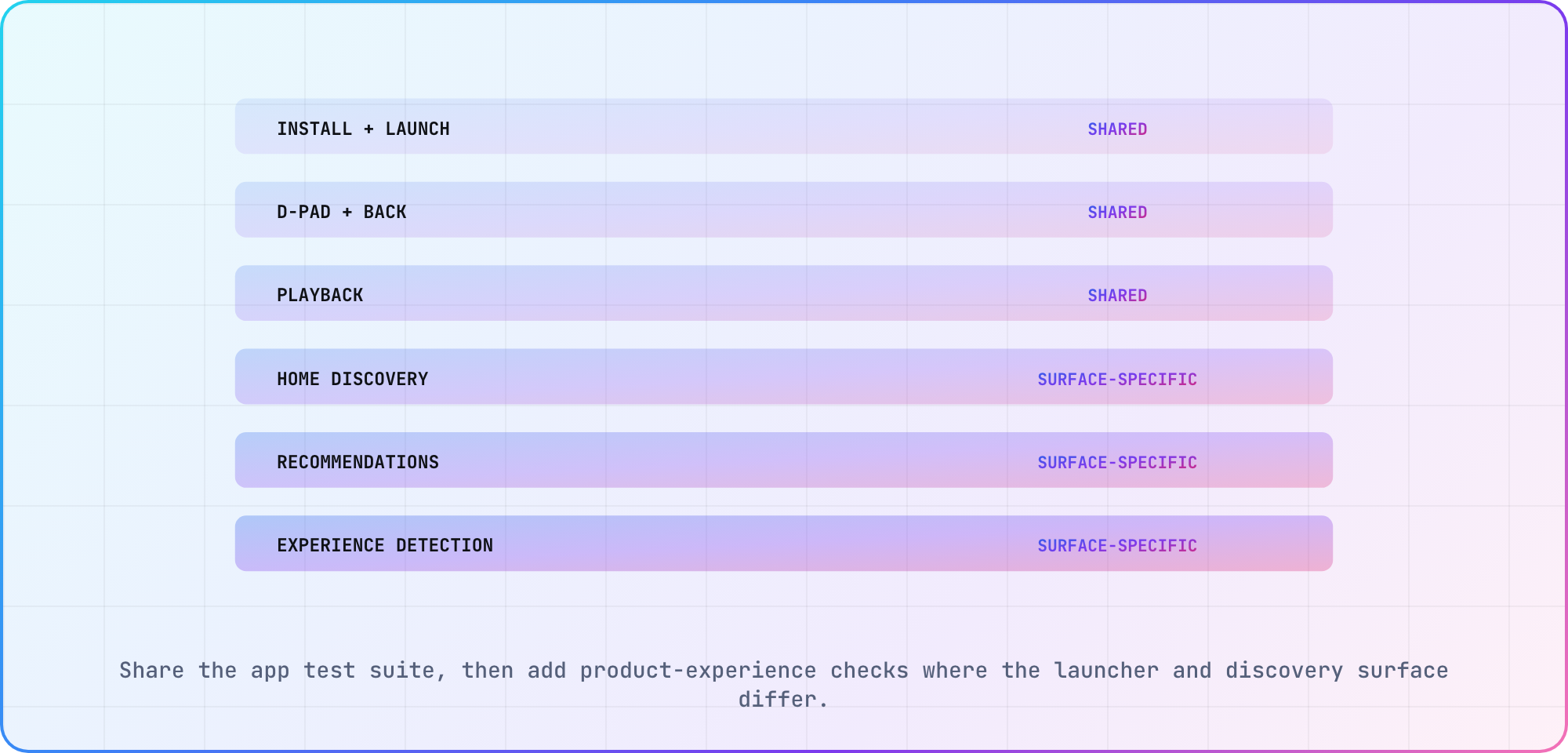
Share the app test suite, then add product-experience checks where the launcher and discovery surface differ.
Split the test matrix at the experience boundary
Run install, launch, focus, Back, lifecycle and playback checks across representative Android TV OS devices. Add a Google TV cohort for launcher discovery, recommendations and any experience detection. Keep manufacturer and device-tier coverage in both groups because a shared OS doesn't make the hardware identical.
For release evidence, attach the package version to every result. The CTV release-readiness checklist is a clean place to join the common artifact with experience-specific screenshots and device notes.
Avoid the two common architecture mistakes
The first mistake is creating a second application because the consumer branding changed. That adds code and release work without a runtime need. The second is treating every Android TV OS device as equivalent because the package is shared. Decoder, memory, panel, manufacturer firmware and launcher behavior still deserve cohorts.
Use one codebase by default. Add a narrow experience adapter where Google's documented surface requires it. Keep hardware segmentation in testing and telemetry. That model matches the platform more closely than either "they're completely different" or "they're exactly the same."
Frequently asked
Is Google TV replacing Android TV for developers?
Google TV is an experience built on Android TV OS, so application developers still target Android TV OS. Consumer branding and launcher behavior may change, but the ordinary app artifact remains an Android TV application. Plan extra work around discovery surfaces and device coverage, not a replacement codebase.
Do I need a separate Google TV application?
Usually, no. Google documents that Android TV OS applications work on Google TV devices. Use the same package unless a concrete product requirement says otherwise. Add narrow experience detection only for behavior that truly differs, then test that branch on a Google TV device.
How can an app detect the Google TV experience?
Google documents the AMATI_EXPERIENCE system feature for detecting the Google TV experience. Use it to gate experience-specific behavior rather than ordinary television UI. Keep a fallback path for other Android TV OS devices and record which branch each automated result exercised.
Are Android TV and Google TV app quality rules different?
The common application is evaluated against Android TV quality expectations. Google TV adds opportunities around its surrounding experience, such as discovery and recommendations. Treat those as additional product journeys. The shared app still needs correct D-pad navigation, Back behavior, playback, banners and television lifecycle handling.
Which devices should be in the test matrix?
Include at least one Google TV device and representative non-Google-TV Android TV OS hardware across your supported age and performance range. Segment manufacturer, model, OS, firmware and player path. The experience label can't replace device evidence for memory, decoding, remote or lifecycle behavior.
What should Google TV discovery analytics measure?
Measure the recommendation impression, selection, resolved deep link, entitlement outcome, destination and successful playback as separate events. Preserve the content and surface identifiers through the journey. That lets product teams distinguish weak presentation from a broken link or a playback failure after the app opens.
Keep reading
Remote Smart TV Testing Without a Local Device Lab
Compare remote smart TV testing by exact hardware coverage, interaction depth, private-network access and evidence capture, then keep a small local smoke kit.
Samsung Tizen TV Test Automation: Limits and Workarounds
Automate Samsung TV build, signing, install and evidence capture while keeping device focus and playback verdicts outside unsupported official UI automation.