Fire TV Emulator Testing: Fire OS, Vega and Real Devices
Choose a Fire TV emulator workflow by operating system: separate Fire OS checks from Vega Virtual Device testing, then plan the checks that need real hardware.
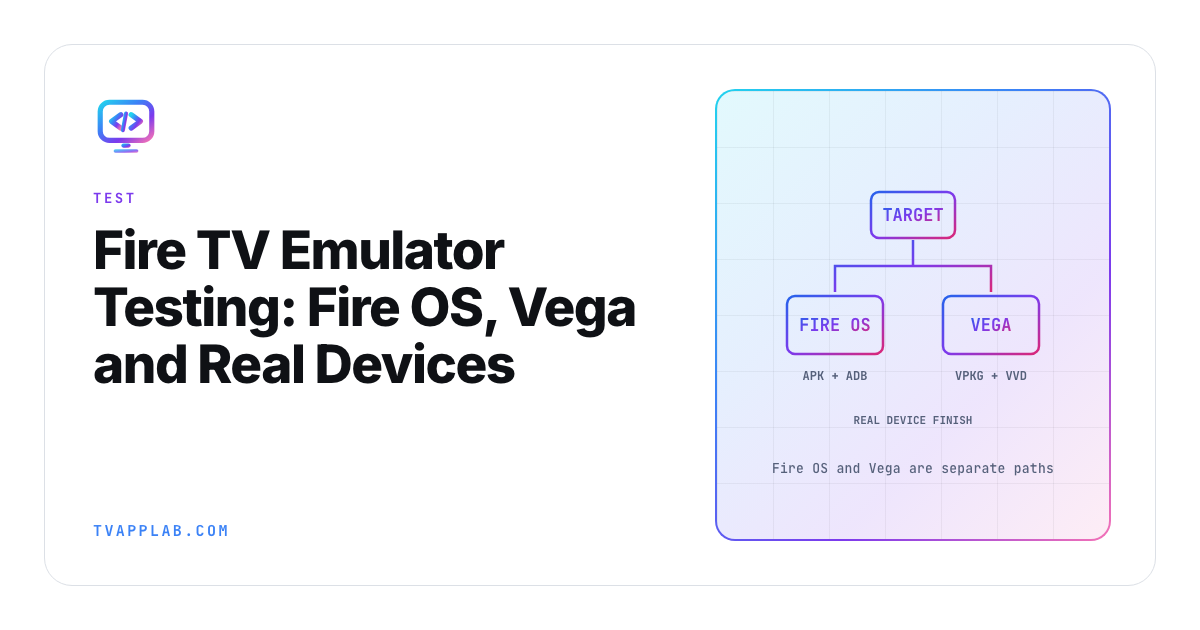
"Fire TV emulator" now hides two different development paths. Good Fire TV app testing starts by naming which one you mean. A Fire OS app follows Amazon's Android-based workflow, while a Vega app uses Vega Virtual Device, a different package and a different toolchain. Choose the target runtime before you install anything.
The Vega examples below are pinned to Amazon's SDK 0.24 documentation. The commands show the documented shape and use placeholders where your package, application ID and account details belong.
Identify the device and app runtime
Start with a short inventory record before downloading another tool:
Target device model:
Installed OS and firmware:
App runtime:
Package type and build identifier:
Development host and architecture:
SDK / CLI version:
Test account and service environment:
Fill these fields with the actual target. Use them to choose the appropriate Fire OS or Vega instructions. If the model or OS is still uncertain, identify your Fire TV target before treating an emulator result as evidence for it.
Amazon documents differences between Fire OS and Android services, so an Android development check needs a separate Fire OS verification plan. For Vega, Amazon documents its own virtual environment and package path. Keep the two routes explicit even if your team shares product code or uses similar words for the UI layer.
I'd attach this inventory to the issue or release test case. It saves the next engineer from having to ask which "Fire TV build" produced a screenshot before they can begin reproducing the problem.
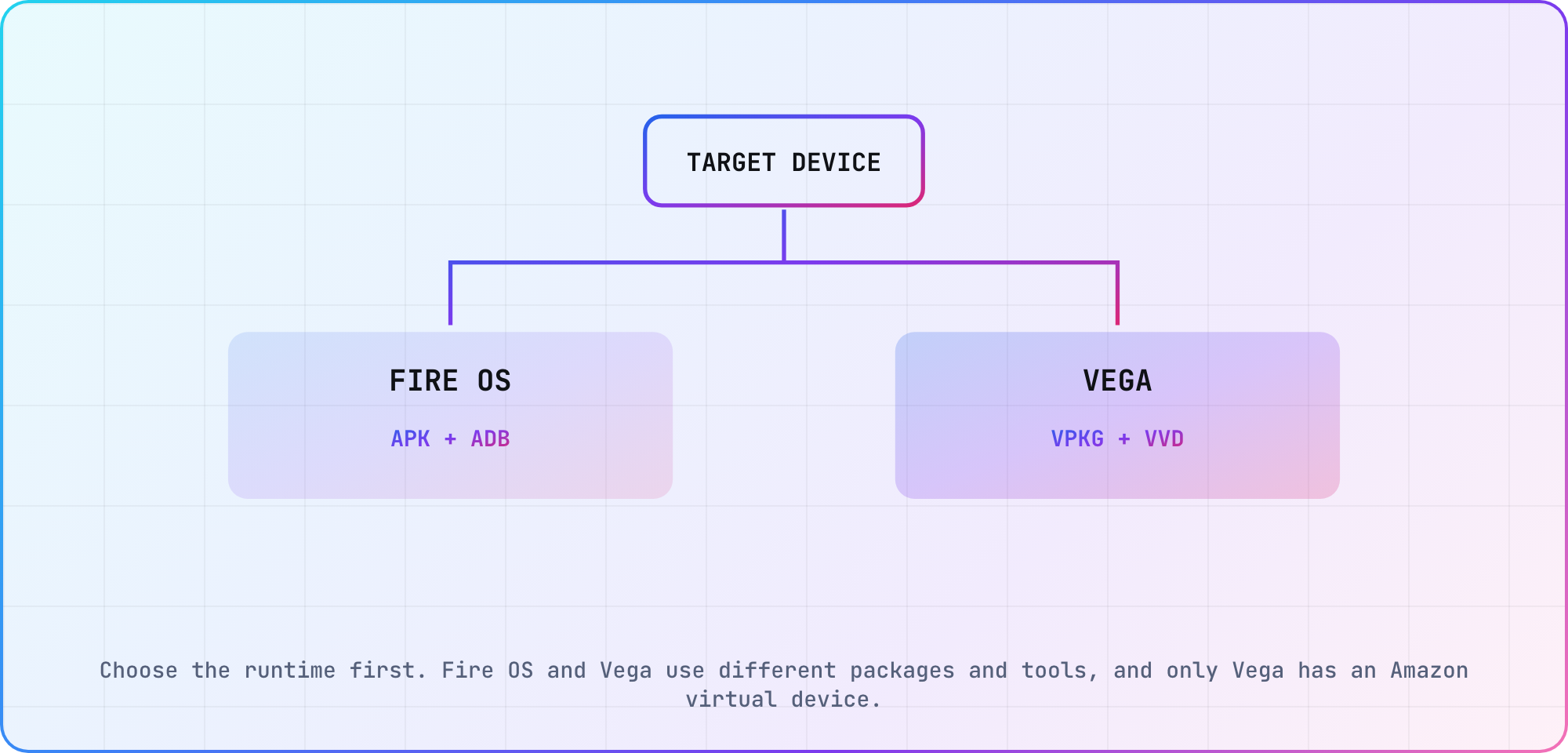
Choose the runtime first. Fire OS and Vega use different packages and tools, and only Vega has an Amazon virtual device.
Use the Android-based path for Fire OS
Amazon's Fire OS installation guide uses ADB with APK files after you've established a connection to the device. For a connected development target, the documented install operation is:
adb install /path/to/catalog.apk
For a reinstall, Amazon documents the -r option:
adb install -r /path/to/catalog.apk
That reinstall preserves existing application data and cache, according to the same guide. Record it as a data-preserving run. If your test needs a clean starting state, prepare that state deliberately and document what you reset; don't label the reinstall itself a fresh-user test.
Use Android development tools for early checks that fit your application, then verify the behavior on the intended Fire OS target. In the Fire OS ADB run record, keep the install command, exact package revision and observed starting state together. If a login or playback issue appears only after an update, preserved data may be part of the reproduction you need to retain.
Run the Vega app in Vega Virtual Device
Amazon's SDK 0.24 run guide documents starting Vega Virtual Device from Studio or the CLI. The CLI route includes:
vega virtual-device start

vega run-app /path/to/catalog.vpkg com.example.catalog.main -d VirtualDevice
The package and ID above are placeholders. Amazon says the virtual package's architecture must match the development host. Check the build output you selected before investigating a failed launch. The guide also documents mouse, keyboard and virtual-remote input, plus virtual-device registration when testing Amazon services.
Keep the SDK version separate from the operating-system requirement. Amazon's SDK 0.24 OS-targeting guide requires an os.version section in manifest.toml. For its RN 0.83 runtime example, the minimum OS is 1.2:
[os.version]
target = "1.2"
min = "1.2"
That is a scoped example, not a value to paste into every Vega app. Follow the documented compatibility tooling for your runtime and dependencies. Older articles may use different CLI names or SDK assumptions; use the versioned guide that matches the toolchain you're running.
Record what each run actually covered
A successful virtual launch gives you a result for the chosen runtime, package and environment. Keep that observation specific, then decide which other behaviors your release needs to verify.
Proposed evidence checklist across virtual and physical Fire TV runs:
| Area | Record in the development run | Follow-up on target hardware |
|---|---|---|
| Runtime | Selected OS and toolchain | Actual OS and firmware |
| Artifact | Package and architecture | Installed build identity |
| Input | Navigation journey | Physical remote journey |
| Media | Chosen test asset | Playback observation |
| Services | Account and environment | Production-like service check |
| Lifecycle | Test sequence | Suspend and return observation |
This proposed coverage plan asks you to collect evidence for the environment users will actually run. A hardware follow-up in the final column leaves the virtual environment's feature support unspecified; check that support separately when it affects your plan.
For a media test, identify the asset and the expected result before starting. For a service-dependent test, include the account state and environment. Keep secrets out of the issue while retaining enough identifiers to correlate the run with your internal logs. If a row hasn't been exercised, leave it open rather than filling it with an inference from a successful launch.
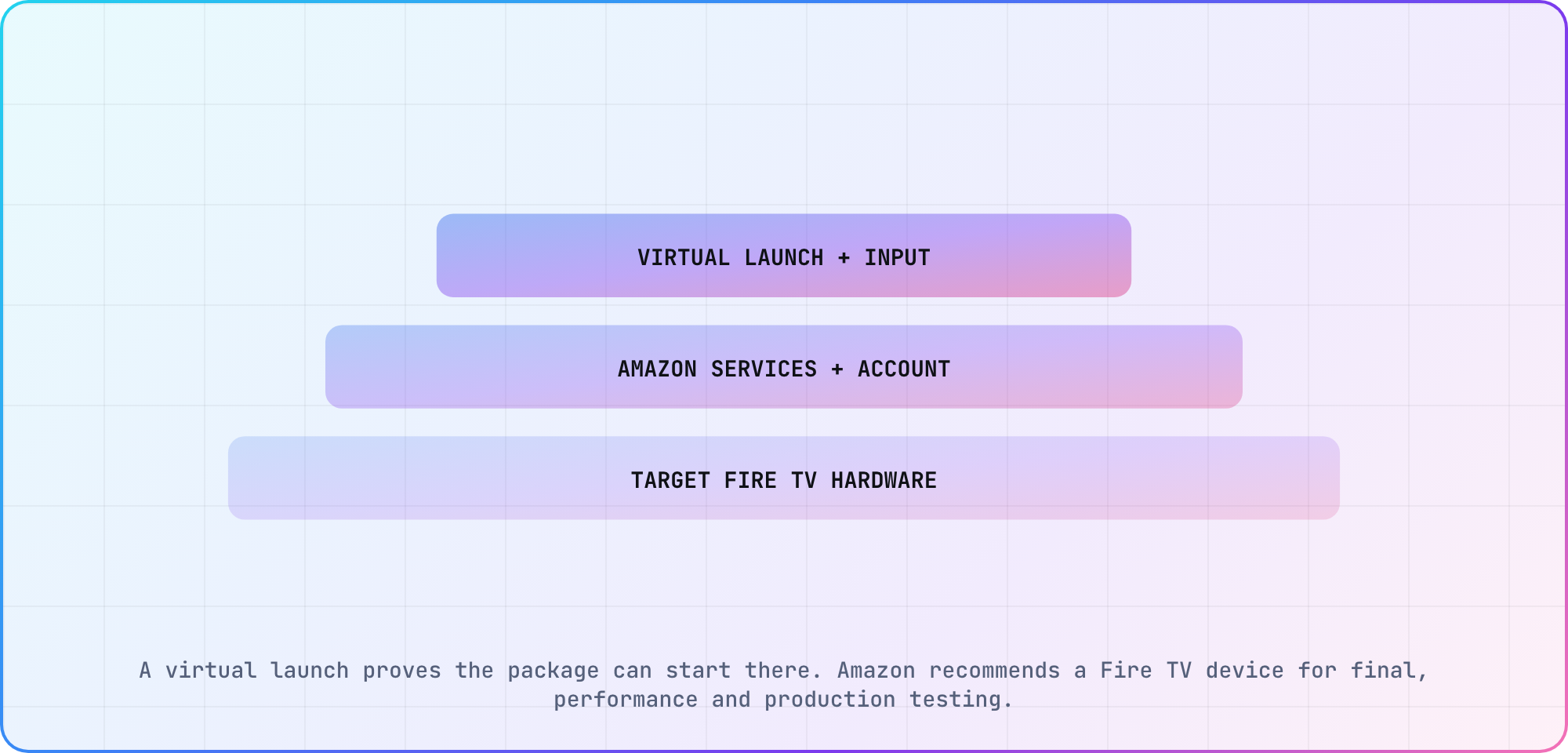
A virtual launch proves the package can start there. Amazon recommends a Fire TV device for final, performance and production testing.
Close the gaps on the intended hardware
Amazon's Vega run guide calls for physical-device testing before submission. Use the corresponding device path for your target and repeat the app's important journeys, including remote input, protected playback where applicable, and suspend/return behavior.
If a problem appears on hardware, keep the asset, input sequence and starting state fixed while reproducing it. Capture the app build, device OS and logs with the result. Then compare the virtual run using those same inputs. Keep the differing observation in the issue title or first paragraph so the next engineer knows what they're trying to reproduce.
I'd plan the hardware coverage before the final release window. Assign the target models and the app-specific journeys, and leave room for a failed run to be repeated after a fix. The inventory you wrote at the beginning should now connect directly to a package and a set of observed results.
Frequently asked
Can I use the same setup for Fire OS and Vega?
Use the target OS to select the documented workflow. Amazon describes APK/ADB installation for Fire OS and Vega package/tooling paths. Keep the runtime, package and CLI version in the test record so similar application names don't hide a change in the environment being verified.
Does Vega have a virtual device?
Yes. Amazon documents Vega Virtual Device, with Studio and CLI launch paths and mouse, keyboard and virtual-remote input. Match the package architecture to the development host. Record the SDK and package you actually used before describing a virtual result as reproducible for another developer.
Does reinstalling a Fire OS APK give me a clean test?
Amazon says adb install -r preserves app data and cache. Treat that as a data-preserving reinstall. For a clean-state case, prepare and record the required starting state separately, while keeping any existing reproduction evidence you need before resetting the development target or application data.
Does a Vega virtual package need the right CPU architecture?
Yes. The SDK 0.24 run guide requires the virtual package architecture to match your development machine. Check the selected build output and host architecture together. An application name alone doesn't identify the correct package, so retain the path and build identity in your run notes.
Do Amazon services work before virtual-device registration?
Amazon's virtual-device instructions require registration for Amazon services testing. Follow that setup before treating a service result as an application finding. Record whether registration completed and which test environment you used, while keeping account credentials and private tokens out of screenshots, public logs and issue descriptions.
Is the Vega SDK version the same as its OS version?
No. Amazon distinguishes the SDK toolchain from the target OS. SDK 0.24 requires the manifest's OS-version section, and its RN 0.83 runtime needs OS 1.2 or later. Record the toolchain, runtime and manifest values separately so a build check doesn't get mistaken for device compatibility evidence.
Can Fire TV install APK?
Amazon documents APK installation using ADB for Fire OS. First identify the device's OS and establish the development connection. Vega has its own documented package and tooling path, so the Fire TV product name alone isn't enough to choose the correct artifact or installation command for your test.
Keep reading
Remote Smart TV Testing Without a Local Device Lab
Compare remote smart TV testing by exact hardware coverage, interaction depth, private-network access and evidence capture, then keep a small local smoke kit.
Samsung Tizen TV Test Automation: Limits and Workarounds
Automate Samsung TV build, signing, install and evidence capture while keeping device focus and playback verdicts outside unsupported official UI automation.