Android TV Quality Guidelines: Google Play Release Checks
Check Android TV quality guidelines before Google Play submission: review SDK settings, native libraries, navigation and release evidence with dated sources.
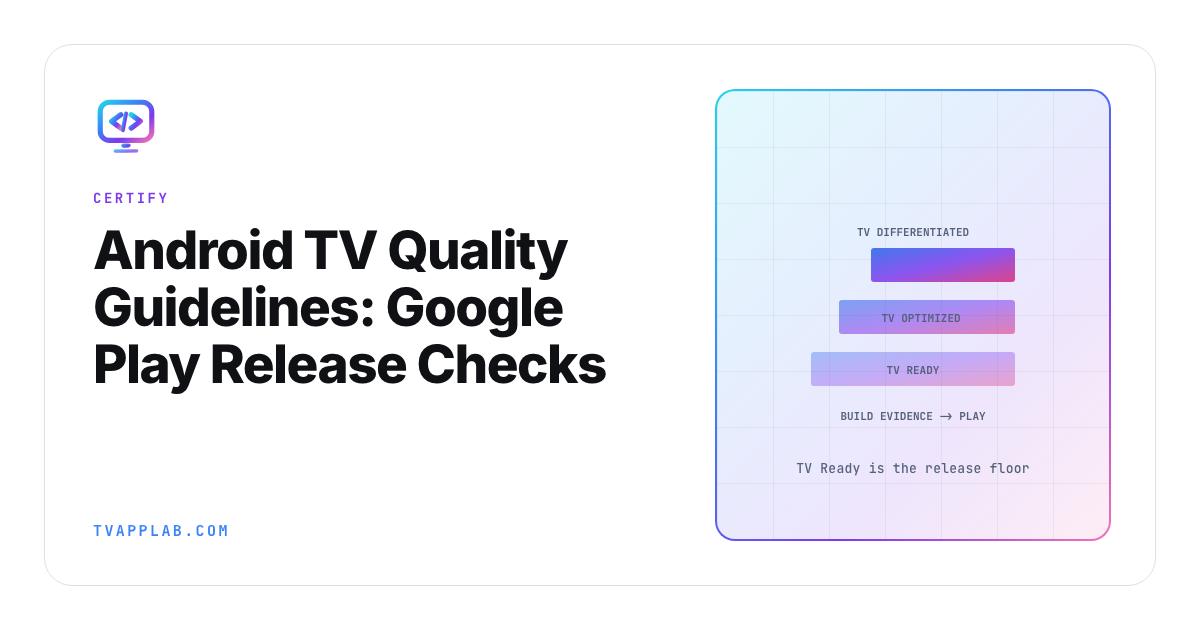
The current Android TV quality guidelines can make an old release checklist wrong in two directions at once. Google's current TV quality criteria use three tiers, with TV Ready as the baseline, and the May 2026 notes removed the old mandatory in-app search criterion. Start with the live criteria rather than last year's spreadsheet.
There's also a 16 KB page-size date that differs between Google's TV criteria and its general guidance: TV-G6 says August 1, 2026, while the general guide blocks non-compliant updates from February 1, 2027. I'd audit against the earlier TV date until Play Console or an explicit Google clarification says otherwise for the app you're submitting.
Separate baseline requirements from higher quality tiers
Google's TV app quality page names TV Ready as tier 3, the baseline. TV Optimized is tier 2, and TV Differentiated is tier 1. Its May 2026 change notes explain that the higher tiers describe capabilities beyond the minimum submission requirements.
I'd give each row in the team's release checklist a criterion ID and its tier. That lets the release lead distinguish an unmet baseline condition from a planned improvement without having to reconstruct the source document during a deadline discussion.
The same change notes remove TV-SB, the mandatory in-app search criterion, and recommend Engage SDK integration. Review any old task labeled "search required for TV approval" against that change. The removal of this criterion doesn't settle your product's search needs or erase other applicable requirements.
If someone searches for Google TV app requirements and lands here, the scope is application distribution through Google Play on Android TV OS. Consumer TV setup and picture settings belong to a different job. Keep that scope visible in the release checklist as well.
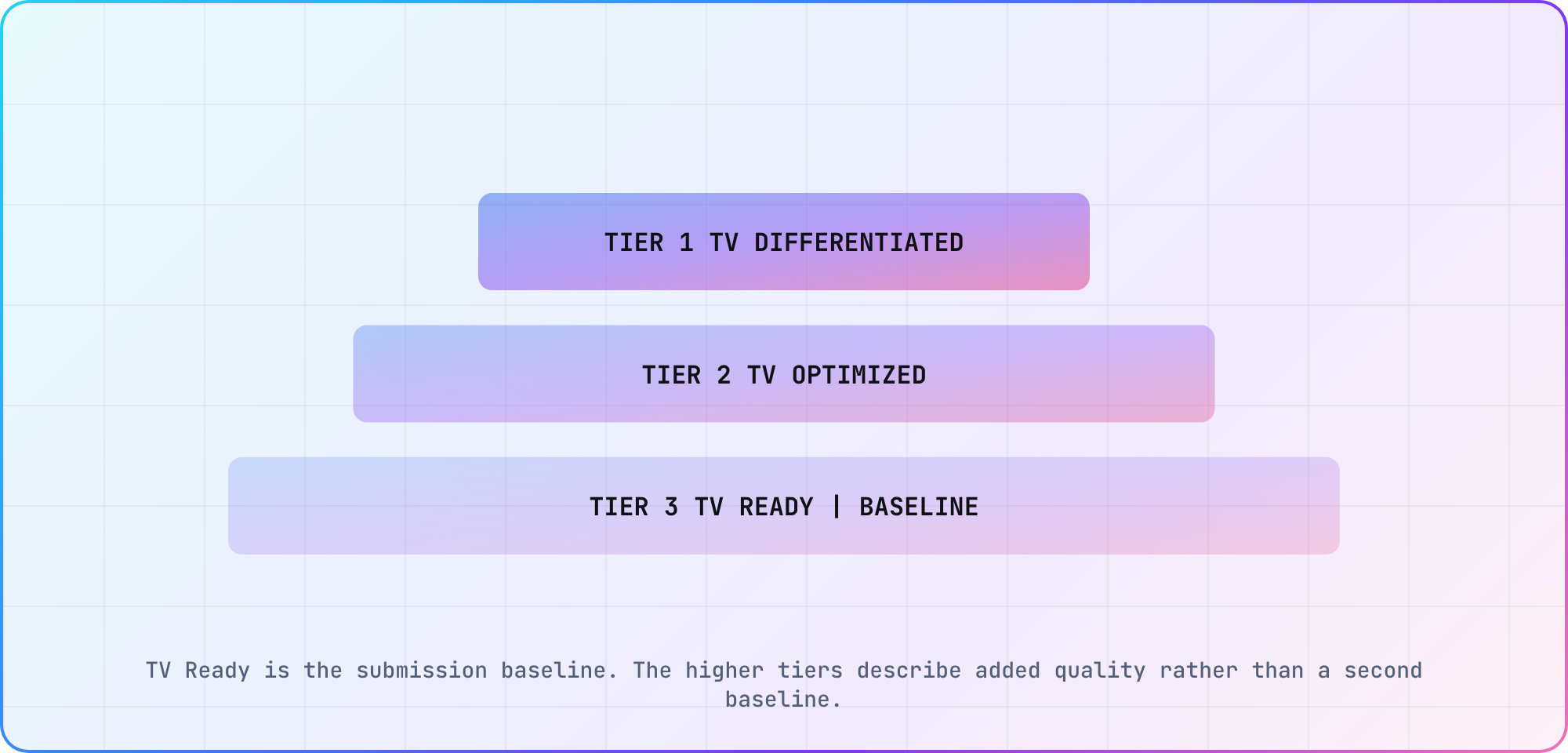
TV Ready is the submission baseline. The higher tiers describe added quality rather than a second baseline.
Read minimum and target SDK settings separately
The two settings answer different compatibility questions. Google's TV quality criterion TV-PS specifies a minimum SDK of 31 or lower. Its separate target API policy says that, from August 31, 2026, new Android TV apps and updates must target Android 14, API 34, or higher.
That Android TV target SDK rule is an exception to the higher general target requirement on the policy page. Read the platform-specific wording before copying a number from a mobile release checklist.
Use a record like this for the submitted artifact:
Application ID / version code:
Release artifact checksum:
Resolved minSdk:
Resolved targetSdk:
TV-PS source and check date:
Target API policy source and check date:
Play Console findings:
Fill the values from the built application and its release configuration. This is an audit-note template, not a Gradle block or a claim that a particular combination has passed review.
A higher target SDK can coexist with support for older Android versions, as Google's migration guidance explains. Keep both values in the record so changing one doesn't become a reason to assume the other should change with it.
Audit native libraries and the page-size requirement
TV-G6 in the TV quality criteria reads: "From August 1, 2026, TV apps must support both 32- and 64-bit architectures and comply with 16 KB page size requirements." Its "16 KB page size" phrase links to the general guide. Google's May 2026 change notes removed the old standalone 16 KB criterion, TV-G7, and updated TV-G6: "Included 16 KB page sizes as part of 64-bit requirements."
That general page-size guide sets its own scope and date: "all apps targeting Android 15 (API level 35) and higher must support 16 KB memory page sizes on 64-bit devices on Google Play. Starting February 1, 2027, if your app updates don't support 16 KB memory page sizes, you won't be able to release these updates." The dates and scopes differ, which is awkward when you're trying to sign off a TV release. Neither page says how the August 2026 TV date and the February 2027 update block fit together for a TV app.
For a TV release, I'd audit against TV-G6's August 1, 2026 date and check the current Play Console findings. If the team works to the later general date instead, record the explicit Google clarification and its scope first.
Then inspect the package. Google's page-size guide explains that native libraries can arrive through SDK dependencies, even when your own code is Java or Kotlin. Use APK Analyzer to inspect the packaged native libraries and follow the guide's alignment checks. A source-language label alone isn't enough to classify the entire dependency tree.
For Java/Kotlin-only apps whose dependencies are also free of native code, Google says 16 KB support is already present, while still recommending testing. Keep the dependency inspection and runtime test as separate evidence items.
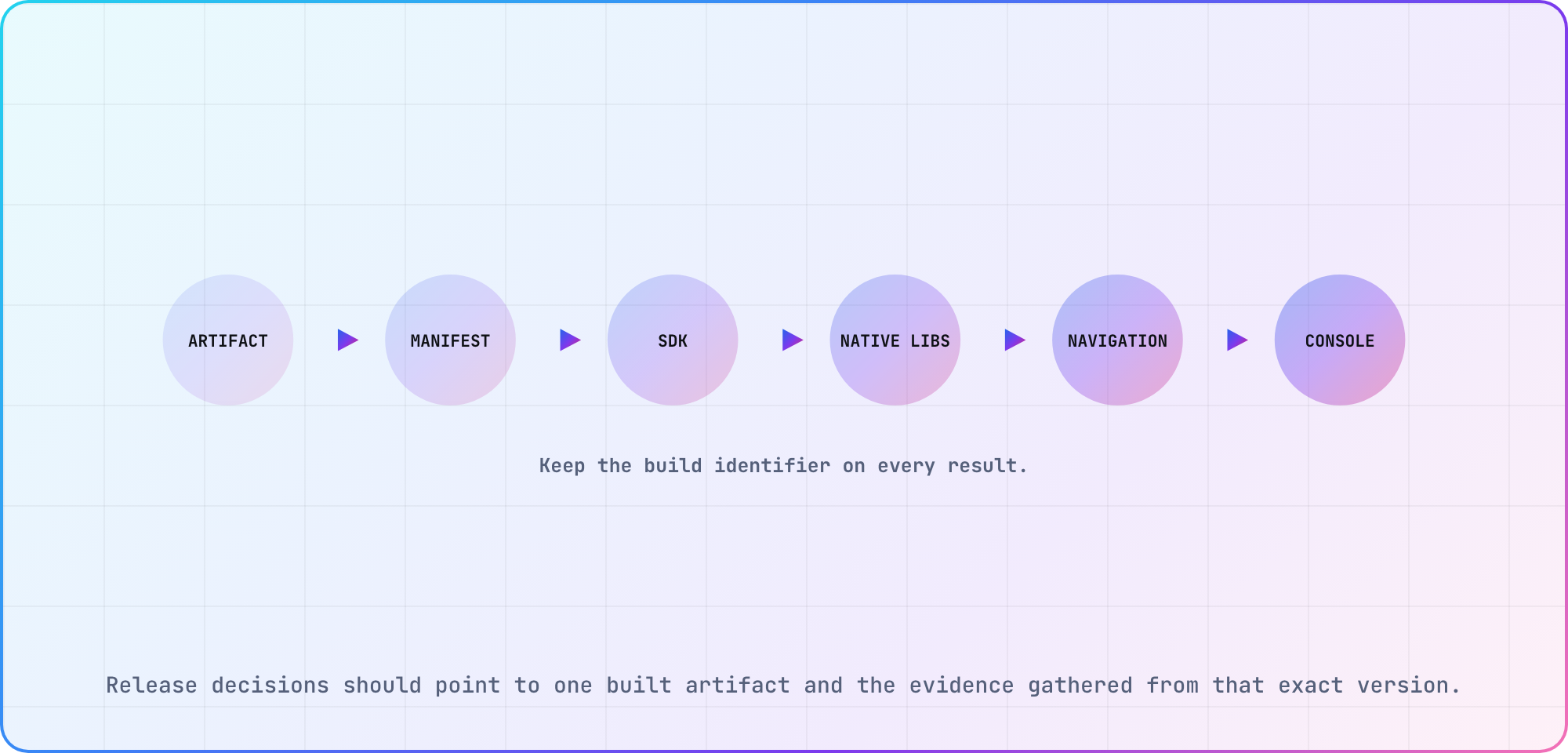
Release decisions should point to one built artifact and the evidence gathered from that exact version.
Assemble the TV review evidence
Start with Google's complete criteria list, then assign the relevant checks. The table below is our suggested ownership plan, not a replacement for the full list.
| Area | Evidence | Owner |
|---|---|---|
| Quality tier | Applicable criteria list | Release lead |
| Launcher | Merged manifest and launch run | Android developer |
| SDK settings | Built-artifact configuration | Build engineer |
| Native libraries | Dependency and alignment audit | Build engineer |
| Remote navigation | Recorded user journeys | QA engineer |
| Store screenshot | Image matched to submitted build | Release lead |
Use TV-ML to check the launcher declaration and TV-MT for the touchscreen feature requirement. Google's TV setup guide shows the corresponding manifest entries. Attach the actual manifest and launch result to the build you're reviewing.
For the screenshot, TV-G4 reads: "App submission has uploaded at least one unaltered, high resolution screenshot that accurately depicts the current version of the TV app experience." Capture it from the intended version and record its origin. Keep the actual app capture available alongside its build identifier for the team's review.
Finally, document the supported TV targets and give each remote-navigation result a device and build identifier. If a result belongs to yesterday's package, make that visible before carrying it into today's submission.
Recheck the submission against the live rules
Open the TV quality criteria, target SDK policy and page-size guidance at submission time. Compare their wording with the last audit date and the notices shown for your app in Play Console.
For any unresolved issue, write down the criterion, the source passage, the submitted artifact and the person responsible for resolving it. Add the answer or vendor clarification to that same record. This is especially useful for TV-G6: someone reviewing the release later should be able to see which interpretation the team used and why.
I'd keep the release decision to a short note, with the evidence linked underneath (the next engineer still has a build to ship). List completed checks, open findings and the build they concern, with links to the detailed evidence. Use those same identifiers when you build a cross-platform release test plan, so a TV-specific decision survives the larger release discussion.
Frequently asked
Is minimum SDK the same as target SDK?
No. Read TV-PS and the target API policy separately. The current TV criteria specify a minimum SDK of 31 or lower, while the dated submission policy requires target API 34 or higher for Android TV. Record both values from the build you're submitting.
Is in-app search still a baseline TV requirement?
Google's May 2026 change notes remove the mandatory TV-SB in-app search criterion and recommend Engage SDK integration. Update old release checklists accordingly. The change concerns that criterion; your product's search behavior and any other applicable integrations still need their own requirements and verification decisions.
Which page-size deadline should a TV team follow?
Keep TV-G6's August 1, 2026 requirement in the TV audit. The general guide's February 1, 2027 update restriction has different wording and scope. Check current Console findings and obtain explicit clarification before assuming the later date exempts your TV submission from the published TV-specific requirement.
What are Google's TV quality tiers?
Google names TV Ready, TV Optimized and TV Differentiated, corresponding to tiers 3, 2 and 1. TV Ready is the baseline. I'd label each checklist row with its tier and criterion ID so the release team can distinguish submission work from the higher-quality capabilities it plans to add.
Do third-party SDKs affect page-size compatibility?
They can include native libraries, even when your app's own source is Java or Kotlin. Google's page-size guide covers this dependency case. Inspect the packaged artifact and its libraries, then retain the findings with the release build rather than relying on the language used by your application team.
What screenshot does the TV review require?
TV-G4 asks for "at least one unaltered, high resolution screenshot that accurately depicts the current version of the TV app experience." Match the image to the submitted version. Keep its build and capture origin in the release evidence so a reviewer on your team can verify what the picture actually represents.
Keep reading
Remote Smart TV Testing Without a Local Device Lab
Compare remote smart TV testing by exact hardware coverage, interaction depth, private-network access and evidence capture, then keep a small local smoke kit.
Samsung Tizen TV Test Automation: Limits and Workarounds
Automate Samsung TV build, signing, install and evidence capture while keeping device focus and playback verdicts outside unsupported official UI automation.