Samsung Tizen versions by model year: a developer reference
Samsung Tizen versions by model year mapped to browser engines, with practical guidance for choosing a support floor and detecting capabilities at runtime.
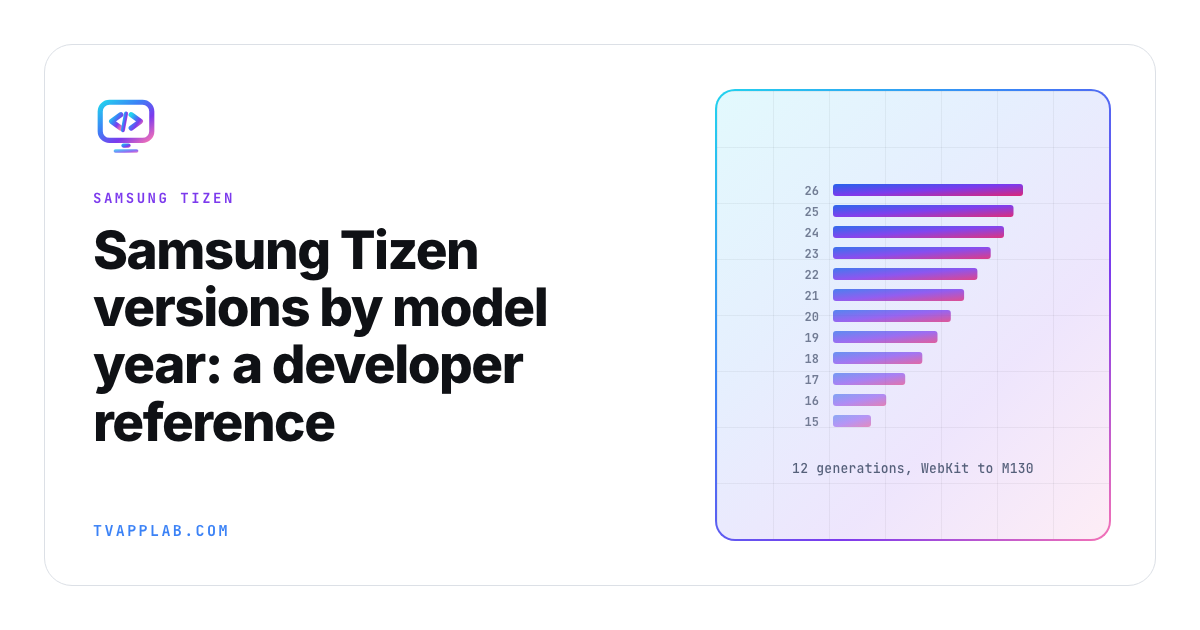
Samsung's Web Engine Specifications page lists twelve Tizen platform generations, from the 2015 sets to the 2026 lineup, and the ten built on Chromium span M47 to M130 (the two oldest run WebKit, which is a whole other story). That is an 83-version spread of browser capability inside a single "platform." It is the number that decides your build config, your polyfill budget, and how much of your test matrix is real work.
Most of us rebuild this mapping by hand every time a client asks "can we still support 2018 sets?" So here it is once, properly, from Samsung's own specification pages.
Samsung Tizen versions by model year
| Model year | Tizen platform | Web engine | Practical read |
|---|---|---|---|
| 2026 | Tizen 10.0 | Chromium M130 | Modern. Write normal 2026 JavaScript. |
| 2025 | Tizen 9.0 | Chromium M120 | Modern. |
| 2024 | Tizen 8.0 | Chromium M108 | Modern. |
| 2023 | Tizen 7.0 | Chromium M94 | Fine. First lineup with OS upgrade support. |
| 2022 | Tizen 6.5 | Chromium M85 | Fine. First lineup with native optional chaining. Watch newer CSS. |
| 2021 | Tizen 6.0 | Chromium M76 | Usable. Still transpile ?. and ??. |
| 2020 | Tizen 5.5 | Chromium M69 | Transpile target territory. |
| 2019 | Tizen 5.0 | Chromium M63 | Transpile target territory. |
| 2018 | Tizen 4.0 | Chromium M56 | A sensible floor for OTT apps. |
| 2017 | Tizen 3.0 | Chromium M47 | Painful. ES5 output only. |
| 2016 | Tizen 2.4 | WebKit r152340 | Pre-Chromium. Different bug universe. |
| 2015 | Tizen 2.3 | WebKit | Pre-Chromium. Assume nothing works. |
Sources: Samsung's TV Model Groups, General Specifications, and Web Engine Specifications pages, plus V8's optional chaining support note (Chrome 80) for the 2021 and 2022 rows.
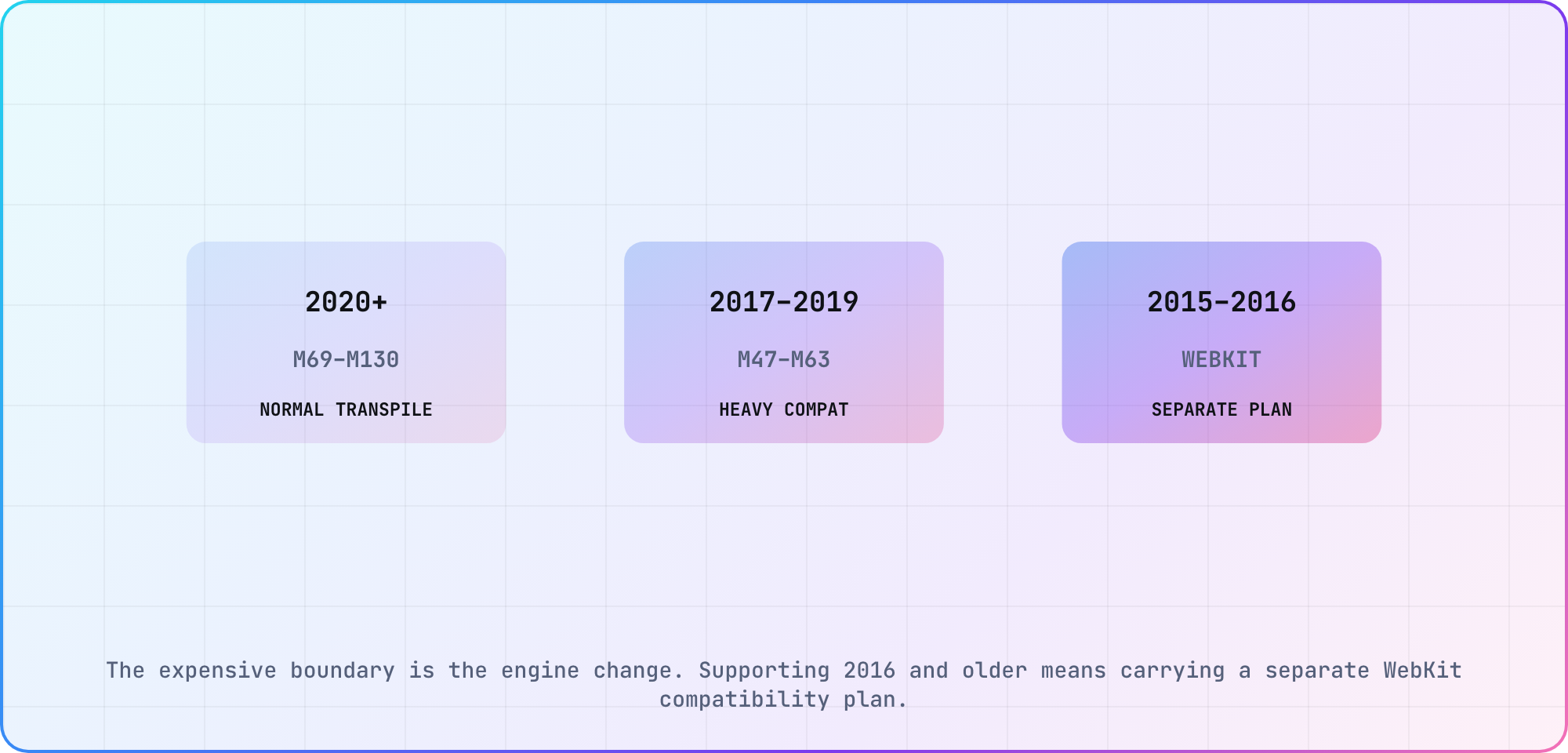
The compatibility cost changes in steps. The 2016 boundary is especially important because the browser engine changes from Chromium to WebKit.
Two details worth pinning down. The switch from WebKit to Chromium happened between the 2016 and 2017 lineups, which is why 2016 sets fail in ways that look nothing like a modern browser bug. And app rendering resolution is 1920x1080 on every model, even the 8K sets, which decode video up to 7680x4320, so your layout targets 1080p on everything you ship to.
Why Samsung's version numbers don't line up
Three different things get called "the version" and they aren't the same thing.
Platform version is the Tizen release in the table above (6.5, 7.0, 8.0). This is what people mean when they say "Tizen 8."
Product API availability is where people expect a separate version number, and Samsung doesn't publish one. The Samsung Product API reference (the webapis.* surface) labels each API with the platform version it arrived in, so VoiceInteraction shows "6.0" in its Since column and several Billing methods are "supported since Tizen 4.0." Check that Since line before you call a method on an older floor.
TV Extension / Tizen Studio SDK version is your tooling. Samsung publishes a TV Extension per lineup (TV Extension 8.0 for 2024, 9.0 for 2025, 10.0 for 2026). Having the newest SDK installed doesn't mean the TV can run what you built.
Model group is a fourth identifier, and it's the one Seller Office cares about at submission. Groups look like 26TV_PREMIUM1, 25TV_BASIC3, 23TV_STANDARD1. Samsung reviews and rejects per model group, not per app, so a build can go live on 2025 premium sets while sitting rejected on 2023 basic ones. If you've ever wondered why your app is live for some customers and not others, that's why.
Choosing a minimum target
The honest tradeoff is coverage against engineering cost, and that cost steps rather than sliding, so the floor you pick matters more than it looks.
Set your floor at 2020 (Tizen 5.5, M69) and you're writing modern code with a normal transpile step. Optional chaining and nullish coalescing need Babel, most CSS just works, and flexbox and grid are both fine.
Set it at 2018 (Tizen 4.0, M56) and you add real work. You are on an engine from early 2017. CSS grid is fine there (Samsung's web engine tables mark Grid Layout Level 1, grid-gap included, as supported on Tizen 4.0), but the JavaScript gaps are real: Proxy, Reflect and the Intersection Observer API are all "No" for 2018. Expect to polyfill or fall back, and expect to actually test rather than assume.
Set it at 2016 (Tizen 2.4, WebKit) and you're maintaining a second app. That is the real answer. The engine isn't Chromium, the debugging story is different, and the bugs you hit won't have Stack Overflow answers. Teams that "support 2016" usually mean they ship a stripped fallback build.
Ask the business side one question before you decide: what share of your installed base is on 2018 and older sets, and what's that share worth? Samsung has shipped Tizen TVs since 2015, so the tail is long, but it's a tail. For a typical OTT app I'd set 2018 as the floor and treat 2020 as the target you'll secretly wish you'd picked.
One thing that softens the problem going forward: Samsung TVs from the 2023 lineup onward support OS upgrades. For the first time, model year and platform version can drift apart in the good direction. Do not assume a 2023 set is still on Tizen 7.0.
The engine gotchas that actually bite
AVPlay versus HTML5 video. Samsung's webapis.avplay is the path for DRM, adaptive streaming, and anything resembling a real player. Plain <video> works for simple cases and then stops being enough. AVPlay's behavior changed across generations, particularly around seek and buffering callbacks, so this is the single most version-sensitive part of a Tizen app.
DRM. Samsung's general specifications list the DRM versions per year. Widevine Modular (L1) runs from v2.08 on 2016 sets to v18.5 on 2026, and it's "No" on 2015. PlayReady still appears in every year's column, but Samsung now says it's "deprecated from Tizen TV and no longer recommended for new models." Read the rows for your oldest target year, then confirm the key system on that hardware.
App lifecycle. Foreground and background transitions on old firmware don't always fire what you expect. If your app resumes into a dead player, this is usually where it starts.
Memory. Samsung doesn't publish per-year RAM figures for apps in the general specifications, but its Other Features Q&A does give you a ceiling: apps installed through Tizen Studio for testing "can use a maximum 120 MB of memory." It also says that since the 2017 model groups, a stability monitor terminates processes to free up memory. Profile against that cap on the oldest, cheapest set you support.
Detecting the model year at runtime
Two APIs, and they answer different questions.
// Product info: the TV-specific stuff. These calls throw a SecurityError
// unless config.xml declares the privilege
// http://developer.samsung.com/privilege/productinfo
var product = webapis.productinfo;
var model = product.getRealModel();        // e.g. "UN55TU8000"
var firmware = product.getFirmware();
var serverVersion = product.getSmartTVServerVersion(); // infolink server, e.g. "T-INFOLINK2014-1002", not a year

// System info: the Tizen platform underneath.
var platform = tizen.systeminfo.getCapability('http://tizen.org/feature/platform.version');
tizen.systeminfo.getPropertyValue('BUILD', function (build) {
  console.log(build.model, build.manufacturer, build.buildVersion);
});
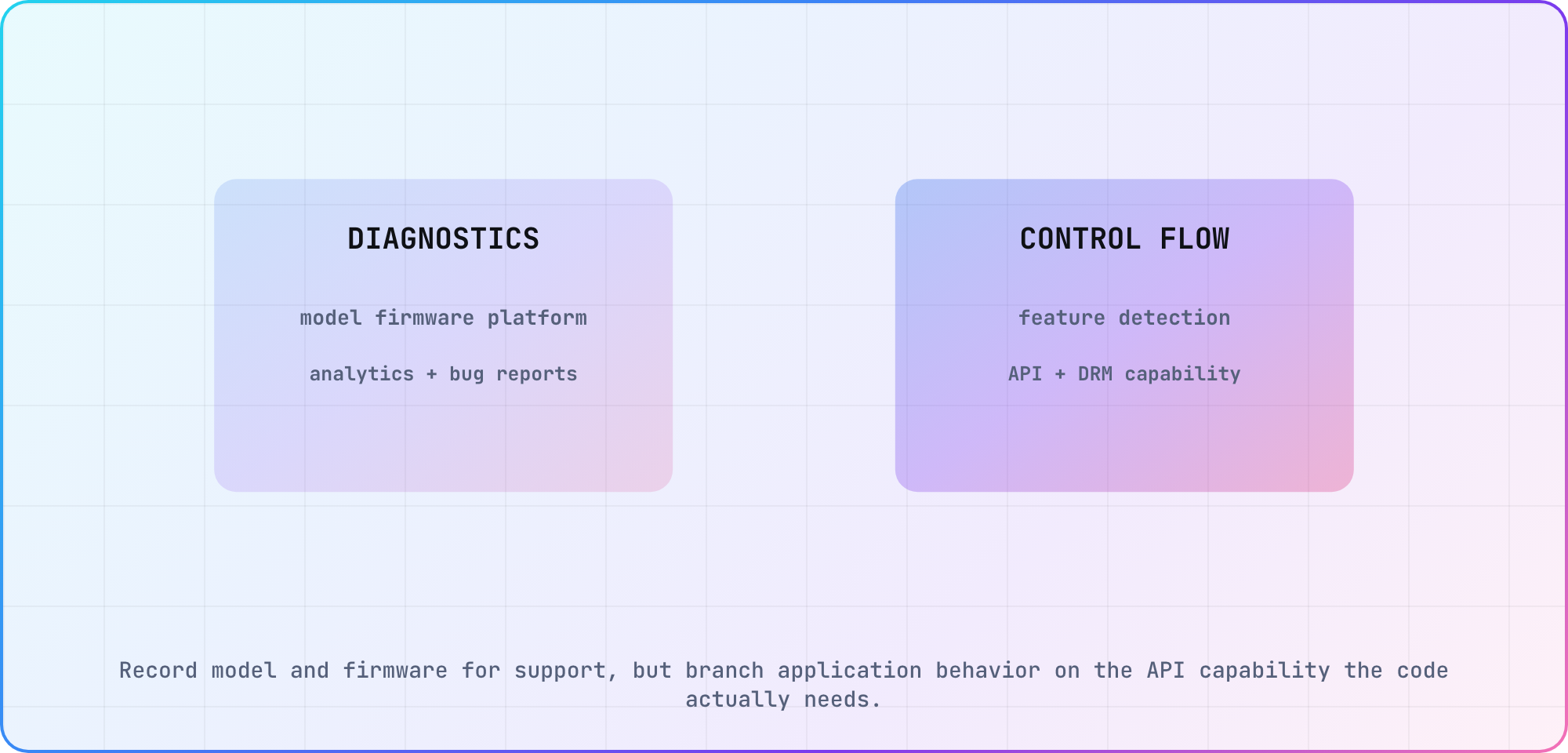
Use model and firmware to reproduce a failure. Use feature detection to decide what the running app can safely do.
Read Samsung's Retrieving Platform Information guide before you lean on any of these. The practical pattern is to branch on capability, not on year: feature-detect webapis.avplay methods and DRM key systems directly, and keep the model-year read for analytics and bug reports rather than for control flow. Year-based branching rots. Capability checks don't.
The one line in config.xml that decides who can install
<tizen:application id="ABCDEFGHIJ.YourApp"
                   package="ABCDEFGHIJ"
                   required_version="4.0"/>
required_version is the platform floor. Set it to 4.0 and 2017 sets can't install your app. Set it too low and you ship to devices you never tested, which is a much worse failure because it surfaces as one-star reviews rather than as a submission error.
Seller Office reads this at submission and it interacts with the model groups you target. Get them consistent: if required_version says 4.0 but you only requested release on 2024 model groups, you've declared support you aren't delivering.
Keeping this current
Samsung publishes a new platform version every year, so this mapping has a shelf life measured in months. The three pages worth bookmarking are the model groups list, the general specifications, and the web engine specifications, all linked above. When the next lineup lands, one row gets added at the top and the 2015 row gets a little less relevant.
The number to keep in your head is the spread: M47 to M130 across the Chromium sets, with WebKit below that. Every decision on a Tizen project (transpile target, polyfill list, player abstraction, how many firmware generations sit in your test rack) is downstream of where you draw the line inside that range. Draw it deliberately, write it in the README, and make sure required_version agrees with it.
Frequently asked
What Tizen version does my Samsung TV run?
Find the model year and read it off the table above. A 2022 set is Tizen 6.5 on Chromium M85, a 2024 set is Tizen 8.0 on M108. From 2023 onward, Samsung supports OS upgrades, so a 2023 set may have moved past Tizen 7.0. Check at runtime with tizen.systeminfo.getCapability('http://tizen.org/feature/platform.version') rather than assuming.
What minimum Tizen version should I target? 2018 (Tizen 4.0) is a sensible planning floor for OTT apps, while 2020 (Tizen 5.5) reduces compatibility work. Your actual floor should come from audience data and real-device evidence. Below 2017 you leave Chromium and need an explicit WebKit compatibility plan rather than another transpile target.
Why does my app install on some Samsung TVs and not others?
Two likely causes. required_version in config.xml sets the platform floor for installation. Separately, Seller Office approves and rejects per model group, so the app can be live on some model years and rejected on others at the same time. Samsung's certification defects Q&A confirms failed groups simply aren't released.
Do Samsung TVs get Tizen updates? Samsung documents OS upgrades for newer lineups, so model year is no longer a permanent proxy for platform version. Record the reported platform and firmware when debugging, and check the current model-group documentation before planning coverage. Older sets generally keep the engine generation tied more closely to their original lineup.
What resolution should a Tizen app target? Samsung's general specifications document a 1920×1080 application screen across the model groups covered here, including televisions with higher panel resolution. Treat video decode capability separately from the web-app canvas, and confirm any product-specific exception in the model group and general specification pages before changing layout assets.
Should my app branch on Samsung model year? Usually no. Capture model, firmware, and platform values for analytics and support, then feature-detect the API, codec, DRM system, or player method the code needs. Year-based control flow becomes stale after OS upgrades and firmware variations. Keep model-group decisions in build and release planning instead.
Sources
- Samsung Developer, TV Model Groups
- Samsung Developer, General Specifications
- Samsung Developer, Web Engine Specifications
- Samsung Developer, Retrieving Platform Information
Related: How to test an app on a Samsung TV (Tizen) without buying one and Tizen certification: Seller Office and model groups.
Keep reading
Remote Smart TV Testing Without a Local Device Lab
Compare remote smart TV testing by exact hardware coverage, interaction depth, private-network access and evidence capture, then keep a small local smoke kit.
Samsung Tizen TV Test Automation: Limits and Workarounds
Automate Samsung TV build, signing, install and evidence capture while keeping device focus and playback verdicts outside unsupported official UI automation.