Testing tvOS Apps: Simulator Limits and Device Options
Use the tvOS Simulator for fast layout and focus checks, then move the same build through Apple TV hardware and TestFlight with a clear proof matrix now.
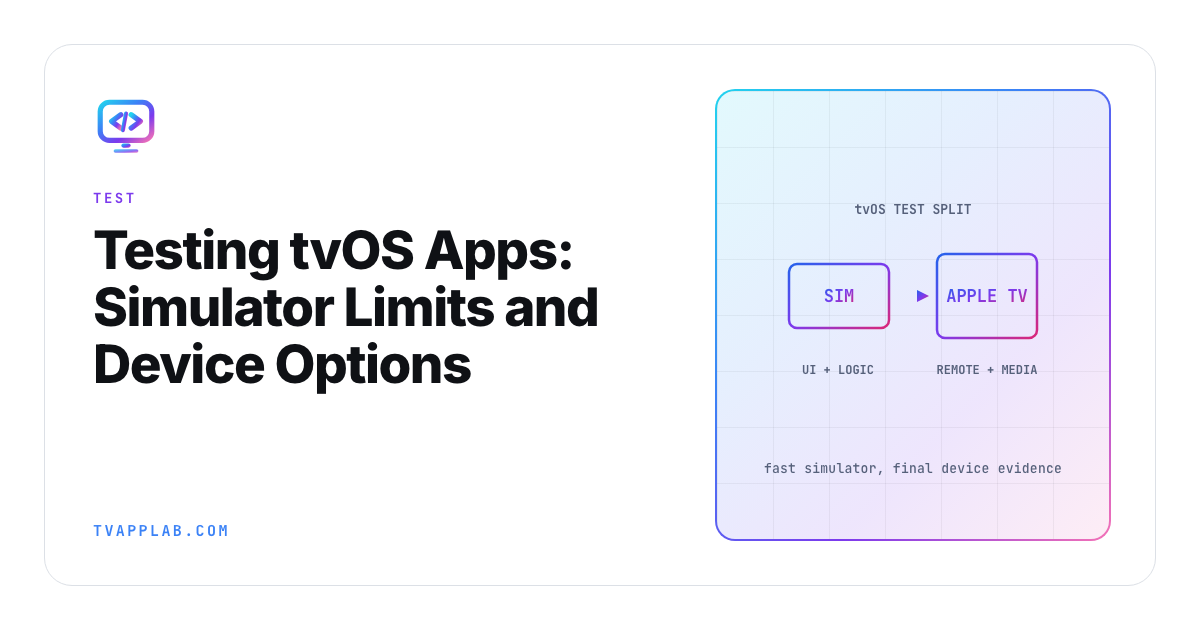
The tvOS Simulator is excellent at answering the question you ask it. Trouble starts when the team quietly changes the question from "does this route work?" to "will this release behave on Apple TV hardware?" Those are different claims.
Since Xcode 27, simulated devices run in Device Hub, and Apple's Device Hub interaction guide maps the keyboard to the remote: the arrow keys move focus, Return triggers the focused item and Escape goes back up a level. Apple's Metal guidance also says Simulator doesn't try to match the target Apple GPU, and that Xcode can't analyze memory footprint or measure performance there. So, use the fast loop aggressively, then carry a named set of risks to hardware.
Give the simulator a clear job
The tvOS Simulator is a strong first stop for deterministic application behavior: launching a screen, moving through a focus route, checking layout variants and exercising logic around an invented catalog response. It also shortens the feedback loop for unit and UI tests that don't depend on television hardware.
| Check | Simulator | Apple TV | TestFlight cohort |
|---|---|---|---|
| Basic layout | Fast first pass | Confirm overscan and display result | Regression signal |
| Focus routes | Fast first pass | Confirm with real remote | Wider journey coverage |
| GPU performance | Unrepresentative host GPU | Required | Field signal only |
| Media and DRM | Useful integration clues | Required on target setup | Entitlement coverage |
| Network behavior | Controlled development case | Real device path | Home-network variety |
| Lifecycle and updates | Partial | Required | Release-like distribution |
Use fixtures with names and versions. When a simulator test passes, record the Xcode version, simulated tvOS runtime and fixture. That gives the hardware run a real starting point instead of "it worked on my Mac."
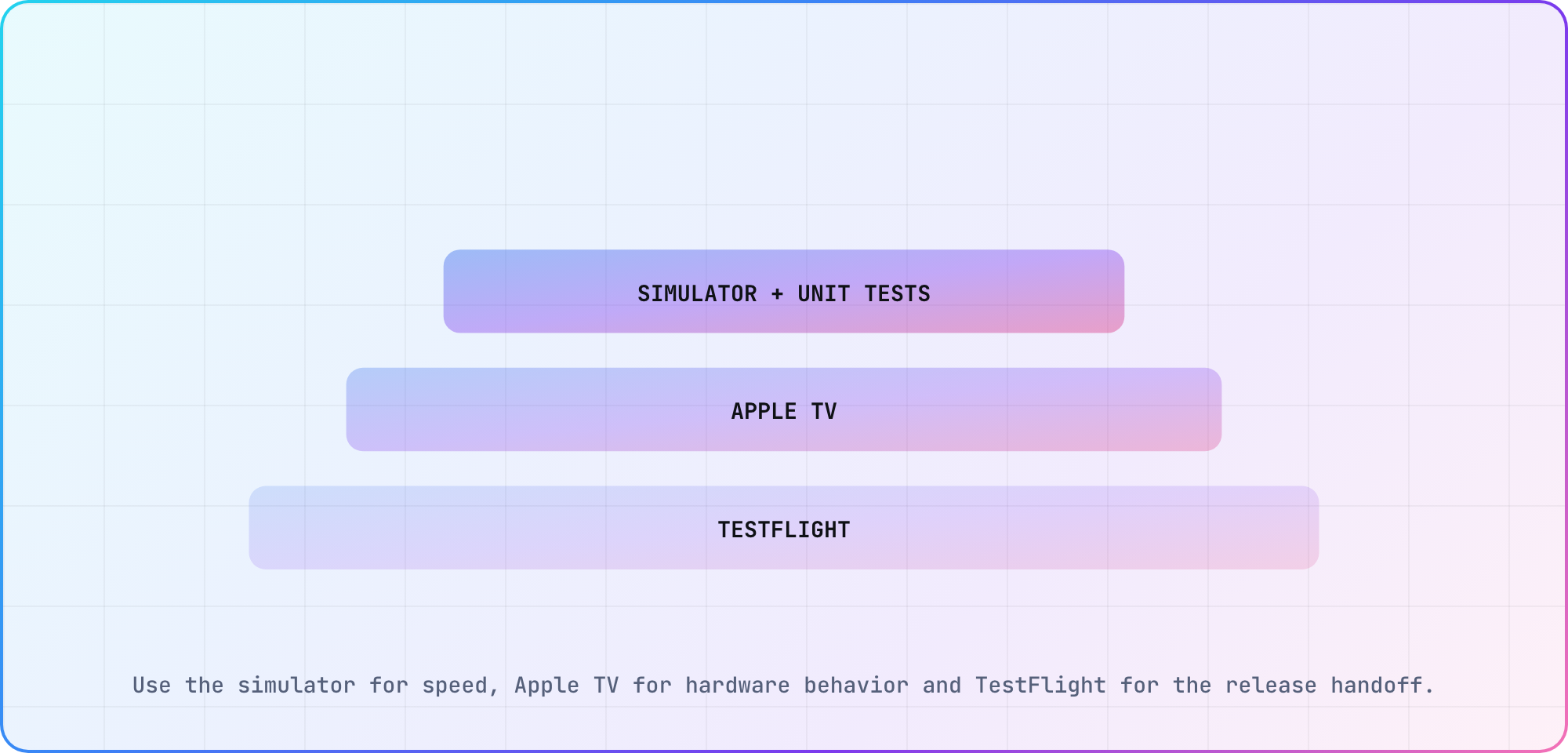
Illustrative test ladder based on Apple's Simulator, hardware and TestFlight documentation.
Move hardware-only questions to Apple TV
Rendering performance belongs on the target device. Apple's Metal Simulator guidance explains that Simulator translates GPU calls to the Mac and can expose different limits. It also says memory-footprint analysis isn't available there.
Playback belongs on hardware too when the claim touches decoder behavior, HDCP, DRM, HDMI output, audio, remote timing or background lifecycle. A simulator failure can still be useful, but a simulator pass doesn't close those risks.
I'd define one short Apple TV run for every release candidate:
- Install the exact build on a named Apple TV model and tvOS version.
- Launch from a clean state and traverse the critical focus route.
- Start clear content, then the protected asset used by the service.
- Exercise pause, seek, background and return where applicable.
- Capture player errors, first-frame timing and the final screen.
The steps are a proposed test plan, not a claim that Apple requires this exact order. Store the result beside the build identifier and content fixture.
Use the real remote for the final route
Simulator keyboard input is convenient. A physical remote adds actual input timing and the interaction feel your viewer gets from the couch. Apple's focus engine handles indirect input, so small layout and animation choices can change whether a route feels predictable.
Follow the same browse-to-detail-to-playback journey in both environments. When the result differs, keep both captures. The difference is the evidence. If focus is the problem, the D-pad focus guide provides a graph and state model you can apply to the tvOS route.
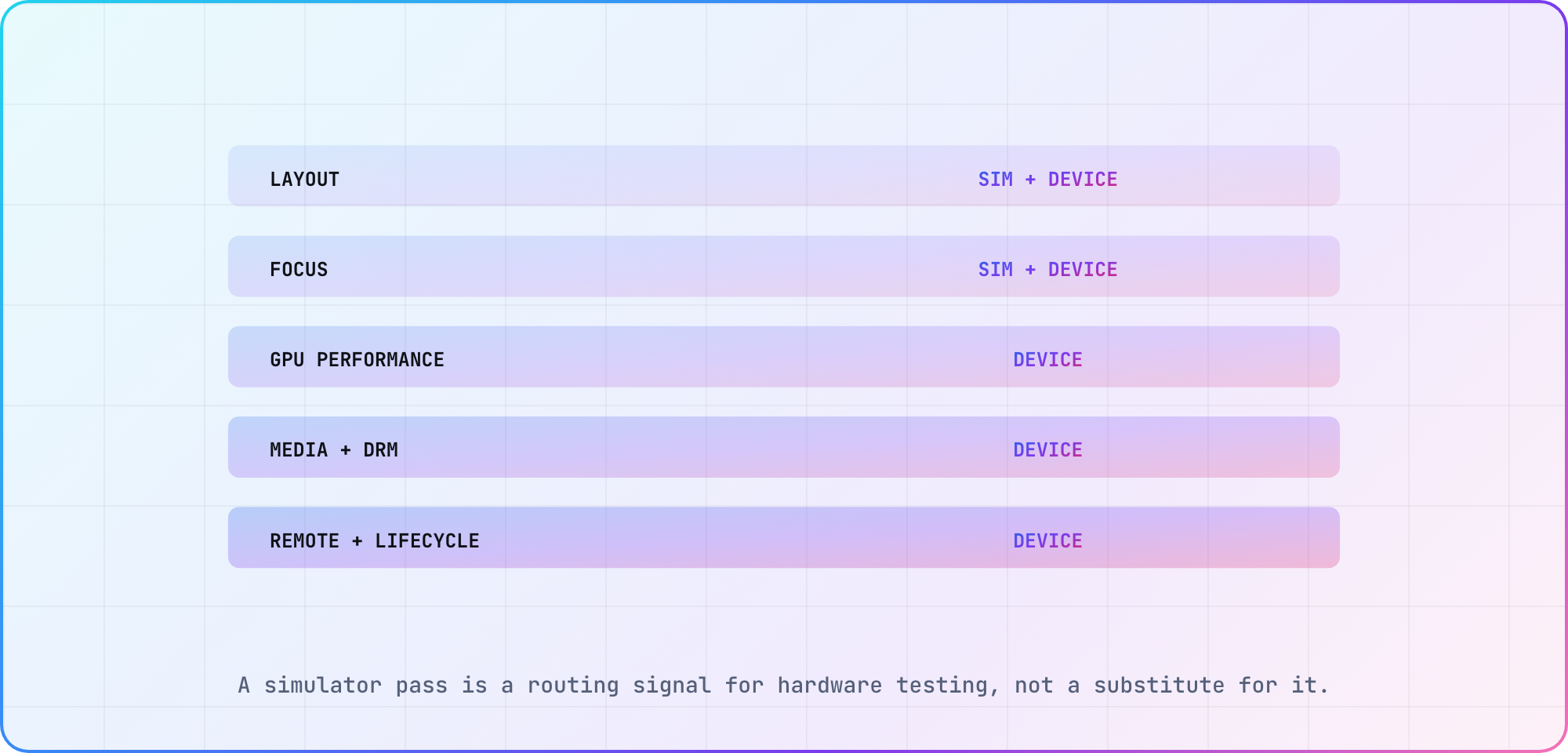
Illustrative proof matrix. The right environment depends on the claim being made.
Add TestFlight after the device loop is stable
Apple's TestFlight overview includes tvOS distribution. It says builds remain available for testing for up to 90 days and notes that tvOS testers send feedback through the email address supplied by the developer rather than the screenshot-feedback flow available on some other platforms.
TestFlight gives product and QA teams a release-like installation path. It doesn't turn an unknown build into a tested one. Supply a concise test description, the exact journey, account prerequisites and a feedback address someone is watching.
Group testers by the question they answer. An internal smoke cohort might cover every build. A broader group can cover account states, regions and home networks. Keep the device model and tvOS version in each report because "Apple TV failed" is too broad to act on.
Decide the gate before the run
Write pass criteria before you launch the build. A hardware run that says "looks fine" becomes hard to compare next week. A criterion such as "Back returns focus to the selected title and playback resumes without a new entitlement prompt" produces evidence you can review.
The simulator earns speed. Apple TV earns hardware confidence. TestFlight earns distribution breadth. Once each environment owns a specific job, the team stops arguing about which one is "real enough."
Frequently asked
What can the tvOS Simulator test well?
It can quickly exercise layout, deterministic application logic, basic focus routes and development fixtures. Record the Xcode and simulated tvOS versions with the result. Treat the pass as evidence for those behaviors only, then route hardware, media, remote and performance claims to a physical Apple TV.
What can't the tvOS Simulator prove?
Apple's Metal guidance says Simulator doesn't try to match the target GPU, and that Xcode can't analyze memory footprint or measure performance there. Simulator also can't prove HDMI, decoder, DRM, physical remote or home-network behavior. Use it to narrow problems, then finish the affected claim on named Apple TV hardware.
Do I need a physical Apple TV before TestFlight?
Yes, if the release includes hardware-sensitive behavior. TestFlight distributes a build; it doesn't replace your controlled device run. Verify the critical focus and playback journey on a named Apple TV first, then use TestFlight to widen account, region, device and network coverage with the same candidate.
How long is a TestFlight build available?
Apple's current TestFlight overview says a build becomes unavailable after 90 days. That window is useful for a bounded beta, but it shouldn't become permanent release infrastructure. Track which build and cohort produced each issue so the evidence doesn't outlive the binary it describes.
How should tvOS testers submit feedback?
Apple notes that tvOS testers use the feedback email address provided with the TestFlight test information. Give them a short reproduction template covering build, Apple TV model, tvOS version, account state, steps and observed result. Ask for a screen recording when movement or timing matters.
Should simulator and device results share one status?
Keep them separate. A simulator pass and a device failure can both be accurate because they cover different environments. Use a proof matrix with one row per claim, then link both results to the same build. That preserves the fast signal without hiding the hardware gap.
Keep reading
Remote Smart TV Testing Without a Local Device Lab
Compare remote smart TV testing by exact hardware coverage, interaction depth, private-network access and evidence capture, then keep a small local smoke kit.
Samsung Tizen TV Test Automation: Limits and Workarounds
Automate Samsung TV build, signing, install and evidence capture while keeping device focus and playback verdicts outside unsupported official UI automation.