TV App Accessibility and Certification
Separate legal duties, platform criteria and product quality, then build an accessibility evidence matrix for Roku, Android TV and Apple TV app releases.
Accessibility on television sits across three systems: applicable law, platform release criteria and the quality of the product itself. They overlap, but they aren't interchangeable. A store checklist can't tell you which law applies to your service, and a legal memo doesn't prove VoiceOver can find the Play button on a television.
A strong TV app accessibility certification packet connects each requirement to a build, device and result. It also avoids saying every platform has the same gate. Roku, Android TV and tvOS describe accessibility in different ways.
Separate requirements from recommendations
Roku's certification criteria tell developers to comply with applicable accessibility laws and settings, with specific attention to captions and audio descriptions where required. Android publishes TV accessibility guidance and places enhanced accessibility in its quality tiers. Apple supports tvOS accessibility declarations in App Store Connect and documents VoiceOver behavior.
| Evidence layer | Question it answers | Owner |
|---|---|---|
| Applicable law | What must this service provide in each market? | Legal and product |
| Store criterion | What can block or qualify this release? | Release owner |
| Design requirement | How should the ten-foot experience behave? | Design and accessibility |
| Implementation | Which labels, focus and media features exist? | Engineering |
| Device test | Did the exact build work with assistive technology? | QA |
| Declaration | What does the store listing claim? | Product and release |
Don't promote a recommendation into a universal rejection rule. Don't demote an applicable legal duty because a store page calls something enhanced. Record the source and scope beside each row.
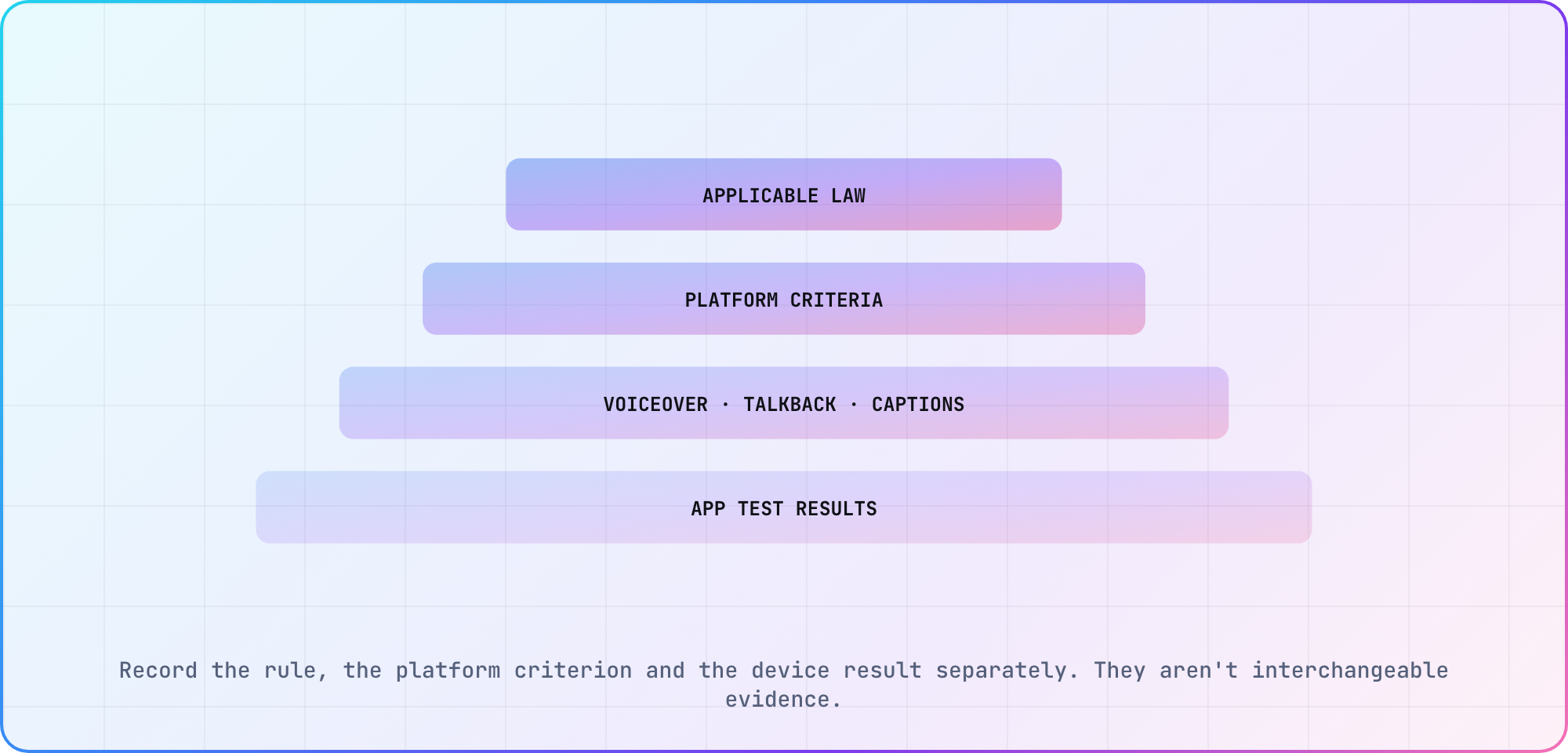
Record the rule, the platform criterion and the device result separately. They aren't interchangeable evidence.
Test the remote journey with spoken feedback
Turn on VoiceOver or TalkBack and complete sign-in, browse, detail, playback and settings with the remote. Every actionable item needs a useful spoken name, role and state. Focus order should match the visual layout, and a viewer must be able to recover from dialogs, rails and the player controls.
Android's guidance covers TalkBack, labels and text scaling. Apple's VoiceOver guidance is a starting point for tvOS semantics. Use those platform behaviors rather than inventing one cross-platform screen-reader abstraction that hides different failures.
Treat media accessibility as playback work
Captions, subtitle styling, audio descriptions and alternate audio tracks belong in the media test matrix. Verify selection, persistence, synchronization and recovery after seek, ads and resume. For Roku, the certification criteria and closed-caption documentation provide concrete release context.
The app also needs usable controls around those tracks. A caption exists in the manifest and still fails the viewer if the settings control has no label, focus disappears or the selection resets on every episode.
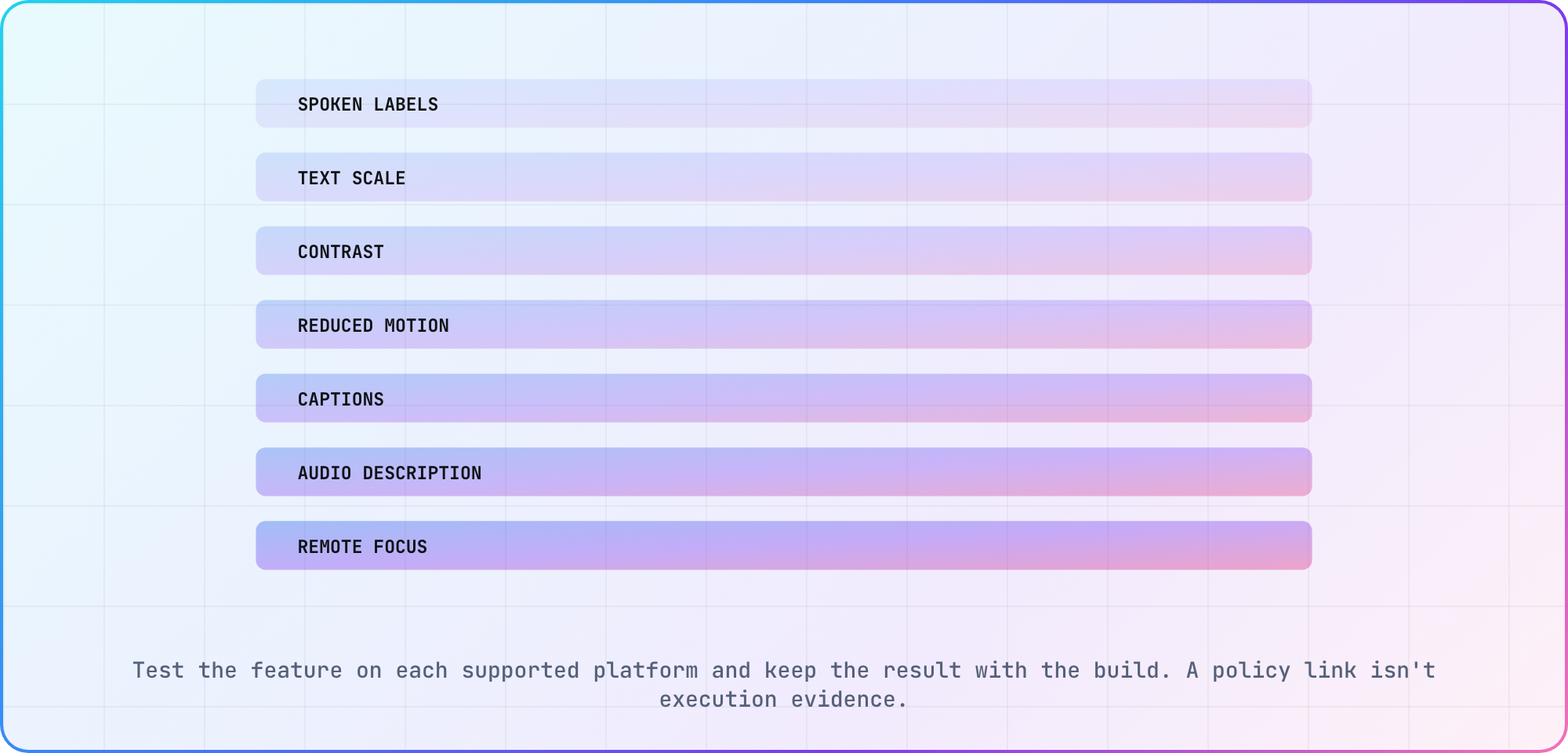
Test the feature on each supported platform and keep the result with the build. A policy link isn't execution evidence.
Build one packet per release candidate
Attach platform, model, OS, build identifier, assistive feature, journey, expected result, actual result and evidence. Include failures and waivers with owners. Re-run the affected rows after changes; don't carry a screenshot from an older package into a new certification packet.
Apple's accessibility declarations cover features such as VoiceOver, larger text, contrast, reduced motion, captions and audio descriptions on tvOS. Declare only what the current app supports. The CTV release-readiness checklist can hold the packet beside the exact store artifact.
Design for television conditions
Television viewing distance, panel settings, overscan history, remotes and shared-room audio change accessibility. Test text scaling without clipping, focus indication at distance, contrast on representative panels and motion settings during navigation. Check that timeouts and transient messages can be understood without touch.
Use the TV platform reference to keep results attached to device cohorts. An accessible result on a current streaming box isn't evidence for an older web-TV browser with different focus and font behavior.
Frequently asked
Do all TV stores require the same accessibility features?
No. Platforms express release criteria, quality tiers and declarations differently, while applicable law depends on service and market. Build a sourced matrix for each target. Test common user needs across all of them, but don't claim one platform's wording is a universal certification rule.
Is accessibility required for Roku certification?
Roku's certification criteria require compliance with applicable accessibility laws and global settings, plus closed captions and audio descriptions where required by law. If you include captions, the Options menu must offer On, Off, On instant replay and On mute (Roku TVs only). Keep legal interpretation with qualified counsel and attach device results to the submitted Roku build.
Does Android TV require TalkBack support?
Not as a listed criterion. Android's TV accessibility guide covers TalkBack, but the TV app quality checklist doesn't mention it. Its only accessibility item, TV-AX, sits in Tier 1 (TV Differentiated) and asks for enhanced options such as audio descriptions. Spoken labels and predictable focus still matter, so test TalkBack on the supported device cohort.
What can a tvOS accessibility declaration include?
Apple documents tvOS declarations for features including VoiceOver, larger text, contrast, differentiation without color, reduced motion, captions and audio descriptions. A declaration is a store claim, so it should be backed by current device evidence. Don't copy support from the iOS app without testing tvOS.
How should captions be tested on TV apps?
Test discovery, selection, styling, synchronization and persistence across play, pause, seek, ads, episode changes and resume. Include more than one asset and track. Verify the remote can reach the control with spoken feedback, and keep the content package and application build in the evidence row.
What belongs in an accessibility release packet?
Include the requirement source and scope, platform criterion, build, device, OS, assistive feature, journey, expected result, actual result and evidence. Add owners for failures and waivers. The packet should let a reviewer reproduce the result without guessing which application or television produced it.
Keep reading
Remote Smart TV Testing Without a Local Device Lab
Compare remote smart TV testing by exact hardware coverage, interaction depth, private-network access and evidence capture, then keep a small local smoke kit.
Samsung Tizen TV Test Automation: Limits and Workarounds
Automate Samsung TV build, signing, install and evidence capture while keeping device focus and playback verdicts outside unsupported official UI automation.