Do TV App Updates Require Re-certification?
Plan TV app updates platform by platform by separating metadata edits, binary changes, certification gates, review evidence and rollout controls safely.
TV app recertification starts with a simple problem: a TV app update doesn't inherit approval from the version already in the store. The useful question is narrower: what changed, which platform owns the listing and what gate does that platform apply to the new revision?
Roku gives the clearest wording. Its current certification criteria says an existing app with changed implementation code must be re-certified and re-published. Other stores use their own review terms and workflows, so build a platform release matrix instead of one universal answer.
Start with the change type
Separate metadata, service configuration and binary changes. A typo in a description doesn't carry the same technical risk as a player upgrade, new SDK or target-OS change. The store may still review either one, but the evidence package should fit the change.
| Change | Main risk | Minimum internal gate |
|---|---|---|
| Listing text or artwork | Misrepresentation and stale assets | Listing review against live app |
| Backend-only behavior | Runtime regression without binary | Contract and target-device smoke test |
| UI or focus code | Navigation and accessibility | Full critical remote journey |
| Player, DRM or ads | Playback and entitlement | Media matrix on target hardware |
| Dependency or SDK | Permissions, data and compatibility | SDK inventory plus regression suite |
| Target OS or device list | Newly included or excluded viewers | Compatibility and store targeting review |
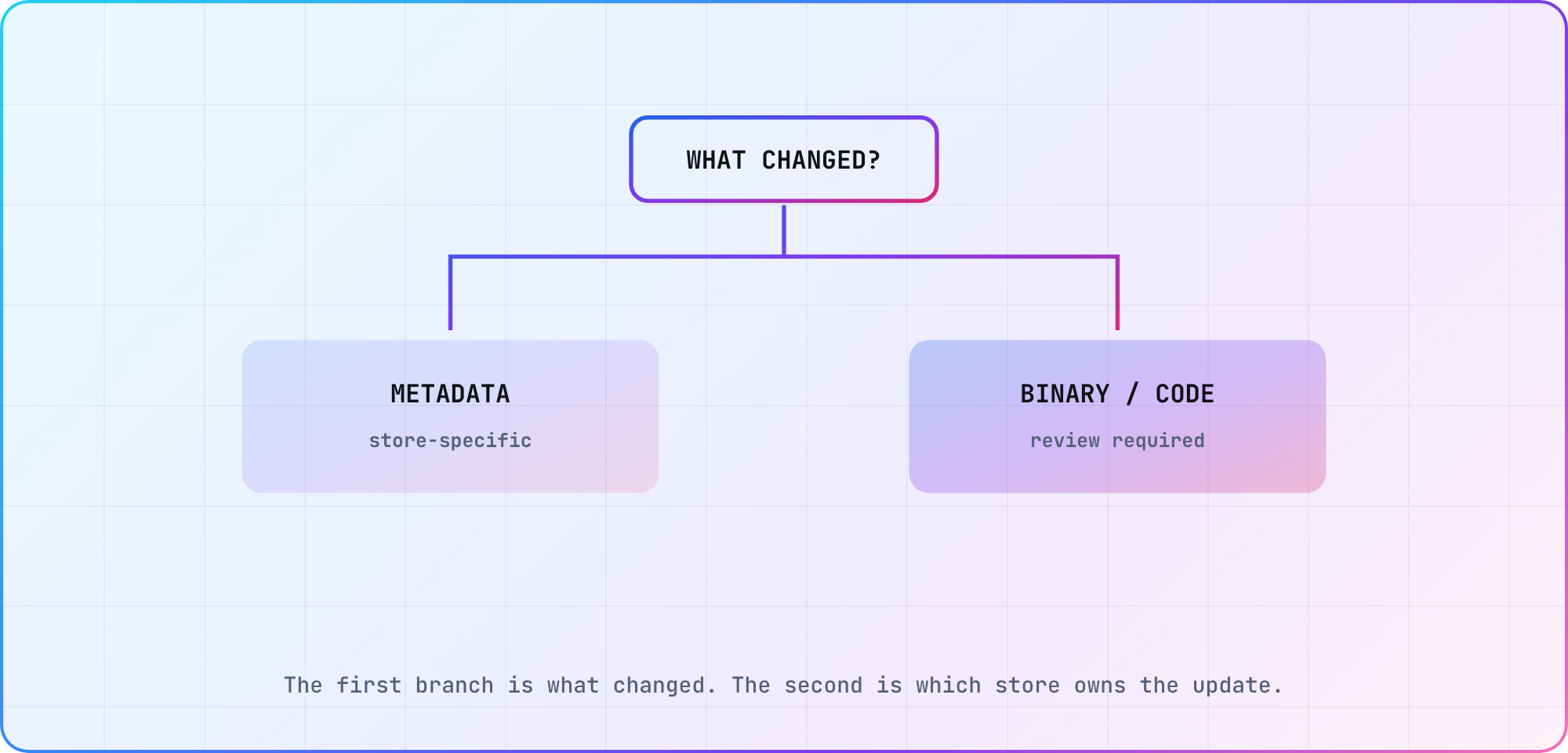
Illustrative decision tree. The platform's current console and policy decide the external gate.
Keep platform answers separate
For Roku, implementation changes trigger re-certification under the published criteria. A beta app can support QA before the public revision moves through that gate.
For Apple TV, a new tvOS build goes through App Store Connect and App Review. TestFlight can distribute the candidate before submission. Apple also allows some app-level information, such as privacy responses, to be updated outside a new binary, but the current App Store Connect fields decide what can change independently.
For Fire TV, Add Upcoming Version creates the release path in the Amazon Developer Console. Fire OS and Vega may share a listing, but their binaries and target-device evidence remain distinct.
LG writes the rule down too. Its App Approval Process page says an approved app's later versions aren't approved with it, and any change "has to go through a separate approval process to be available for sale." For Samsung, Seller Office's update FAQ has you upload the new package and request a new release, and its certification FAQ says certification time depends on tester availability and how many defect rounds you need. Don't copy last year's turnaround time into the plan. Store queues and required checks can change.
The connected-TV release checklist gives the common pre-flight; add the store-specific fields and reviewer access for each target.
Bind evidence to the new revision
A pass from version 4.2 doesn't approve version 4.3. Keep one identifier across source, artifact, test result, submission and rollout.
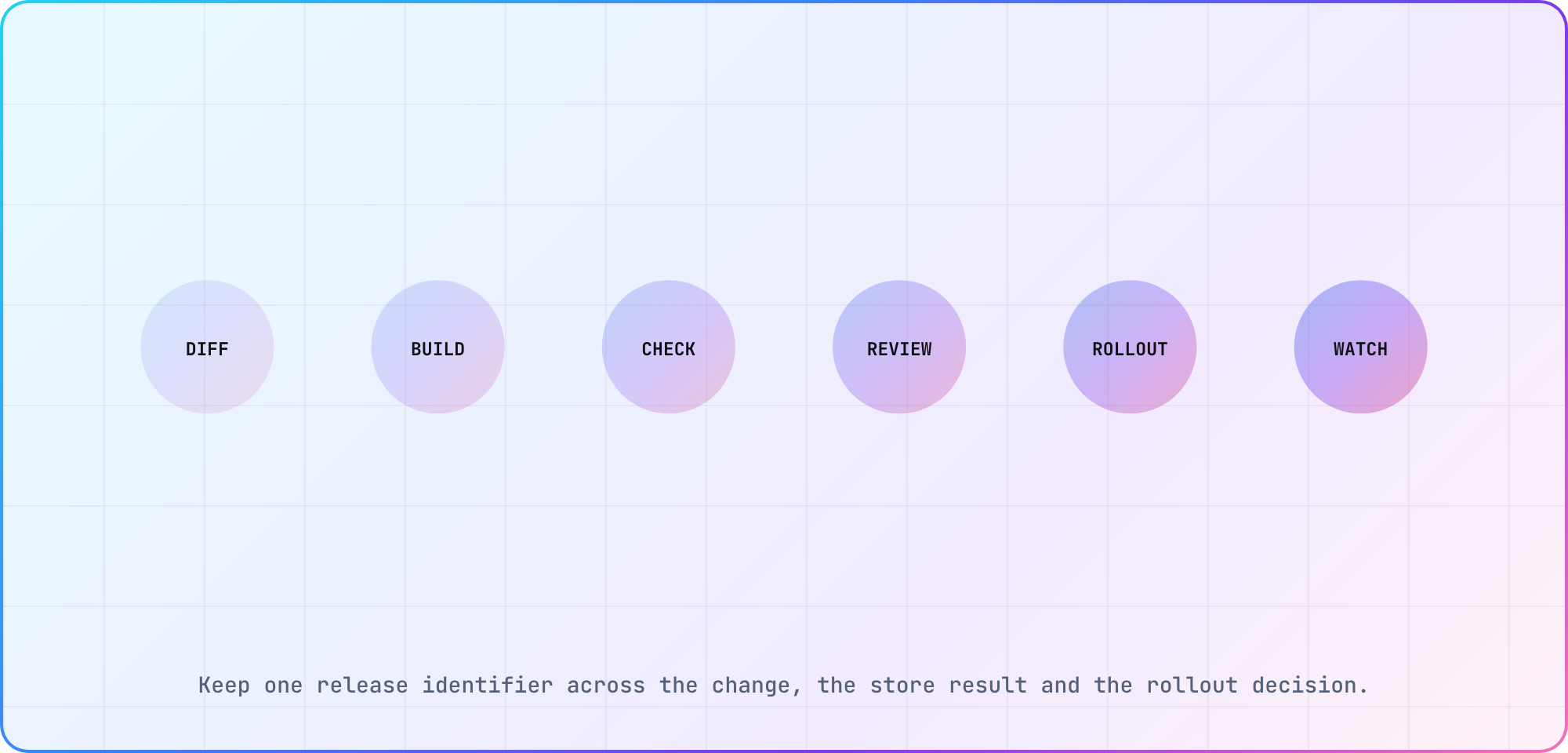
Illustrative evidence chain for one update revision.
The release packet should include:
- the user-visible and technical change summary
- source revision and binary hash
- affected platforms, models and OS versions
- focused regression journeys
- updated privacy or SDK inventory
- test-account state and reviewer notes
- console submission ID and response
- rollout date, scope and rollback trigger
When a reviewer requests a fix, create a new artifact and repeat the affected checks. Don't attach the old approval to changed copy or code.
Schedule review time as real lead time
Store review is part of the release path, not an optional buffer at the end. Put the submission gate before a marketing date, and decide what happens if one platform is delayed. A phased multi-platform release can be reasonable when the product and support teams understand the difference.
If a critical backend change must launch with the apps, keep backward compatibility until the slowest approved client is available. Otherwise, a delayed review can turn into a production outage for the version still in viewers' homes.
Verify after publication
A store's approved status proves the review completed. It doesn't prove every viewer received the build or that the production service behaves correctly. Check the public version, perform the critical journey and confirm analytics or error monitoring identifies the new release.
For the plan itself, assume a code-bearing TV update will face a fresh gate. Then let current platform documentation narrow that assumption. The cost of doing nothing is a schedule that treats review as instantaneous and discovers the real rule after the campaign date is fixed.
Frequently asked
Do Roku app updates require re-certification?
Yes when implementation code changes. Roku's current certification criteria says an existing app with updated implementation code must be re-certified and re-published. Use a beta app for production-like QA, then bind the public submission, certification result and rollout to the exact package that passed your internal checks.
Does every metadata edit need a new binary?
No. Stores commonly expose some listing or app-information fields outside the binary, but the editable set differs by platform and field. Check the current console before planning the change. Review the live app against the new claim so screenshots and copy don't promise behavior the distributed build lacks.
Can we ship different TV platforms on different days?
Yes, if product, support and backend plans tolerate the split. Record which version is live on each platform and keep service compatibility for older clients. Tell customer-facing teams what differs. A phased release is safer when it is deliberate than when one store review unexpectedly creates it.
What should be retested for a TV app update?
Retest the changed area plus the critical remote, account and playback journey. Player, DRM, ad, SDK or target-OS changes deserve wider hardware coverage. Keep the artifact, model, firmware, fixture and observed result together. A prior version's pass doesn't transfer to a changed binary.
How much review time should a release plan include?
Use your own recent submission history as the planning baseline and add room for one rejection-and-fix cycle. Public estimates age quickly and differ by store. If the date matters, submit before the campaign dependency and preserve backward-compatible services until every required platform has cleared its gate.
What happens after a store approves the update?
Verify the public listing and installed version, then repeat the critical production journey. Confirm media, authentication, deep links and monitoring identify the new release. Keep the approval ID and live check beside the release record. Store approval is one gate, while production behavior is another.
Keep reading
Remote Smart TV Testing Without a Local Device Lab
Compare remote smart TV testing by exact hardware coverage, interaction depth, private-network access and evidence capture, then keep a small local smoke kit.
Samsung Tizen TV Test Automation: Limits and Workarounds
Automate Samsung TV build, signing, install and evidence capture while keeping device focus and playback verdicts outside unsupported official UI automation.