tvOS App Review Guidelines: Prepare Your Submission
Use tvOS app review guidelines to prepare a complete build, working reviewer access and accurate privacy details, with a practical submission checklist.
The practical tvOS App Review guidelines start with a handoff to an engineer who knows nothing about your app. Apple asks for full access, complete metadata and live supporting services in its App Review Guidelines. Your submission is ready when that outside person can open the build and finish the main journey with the account and notes you supplied.
For a streaming app, I'd rehearse the path from a clean launch to successful playback. That single run exposes stale screenshots, broken demo access and missing reviewer context before Apple has to explain the problem back to you.
Make the submitted build match its description
Apple's App Completeness rule, section 2.1, covers a finished submission, working URLs and testing for bugs and stability. Start your tvOS submission checklist with the actual release candidate, then walk through the functionality described in its metadata and screenshots.
Pick the app's main journey and write the expected screen after each step. For a video application, that might include finding an available title and reaching playback with the intended account. Use your app's real labels and content availability when doing the rehearsal; the example journey here isn't an observed result.
If the build fails, file the reproduction against that version. If the build works but someone can't discover the next step, decide whether the interface needs a change or the reviewer needs specific context. Keep those decisions distinct in the issue record.
Record the Apple TV test targets in your release record, including the actual OS and build identifiers. (For platform-level notes, the tvOS row in our platform compatibility database is a quick read.) Give the release coordinator the device and package identifiers with each result; those are the details they'll need when a review question comes back.
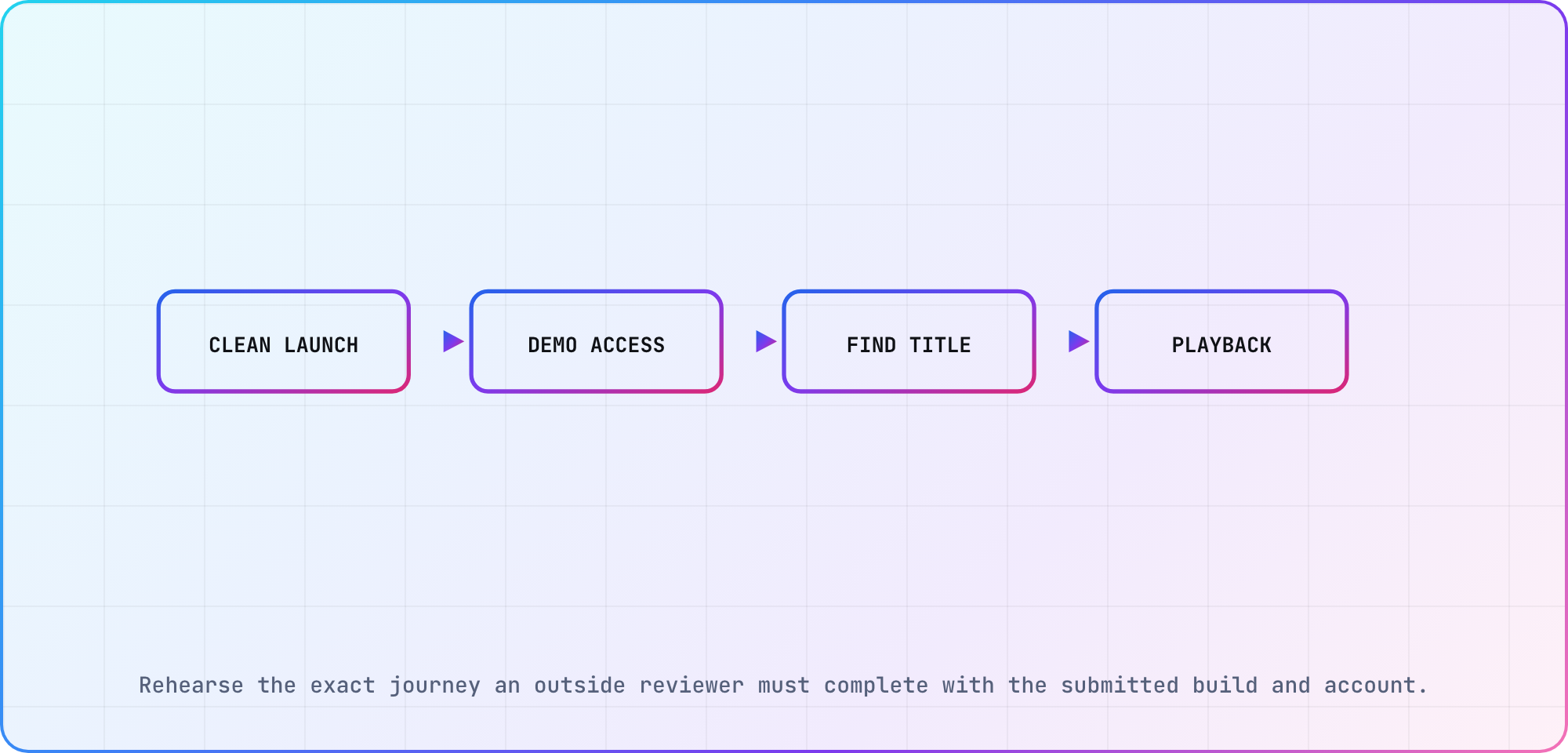
Rehearse the exact journey an outside reviewer must complete with the submitted build and account.
Prepare access someone outside the team can use
Apple's before-submission checklist asks for an active demo account or a fully featured demo mode when account-based features need review. Read that alongside 2.1(a): when legal or security obligations prevent providing a demo account, Apple describes using a built-in demo mode with prior approval. Don't assume a limited demo or an unapproved substitute meets that condition.
Rehearse the access path from a clean session using the intended review setup. Confirm the account's relevant entitlements, the content the reviewer should choose and the backend availability. Apple explicitly calls for the necessary services to be live during review.
Here's the review-note shape I'd prepare before entering the private details in App Store Connect:
Feature or journey to review:
Starting screen:
Review-access method:
Required entitlement or prerequisite:
Steps using the remote:
Expected result:
Non-obvious behavior or external dependency:
Contact for access problems:
Apple requests explanations of non-obvious features in review notes. Keep yours specific enough to follow on a television. Handle credentials through the designated review fields and your team's secure process; keep them out of public documentation and ordinary screenshots.
Check tvOS privacy text and data disclosures
Apple's App Store Connect privacy guidance specifies privacy-policy text for the tvOS platform. Review that field as part of the tvOS handoff instead of assuming the policy information entered for another platform completes it.
The same guide says app privacy responses are supplied at the app level and should represent data practices across platforms, including the third-party partners whose code you integrate. If one platform collects more data, Apple asks for inclusive answers. Don't limit the review to what your own application code appears to send.
I'd assign an engineering owner to reconcile the SDK inventory with the privacy responses, then have the person responsible for privacy review the result. Keep the tvOS privacy policy text and the app-level data disclosures as separate checklist items: they're related, but they aren't the same field.
Apple allows privacy responses to be updated without submitting a new app version. That makes correcting stale answers possible independently of a binary release. It doesn't remove the responsibility to keep the responses accurate for the distributed app.
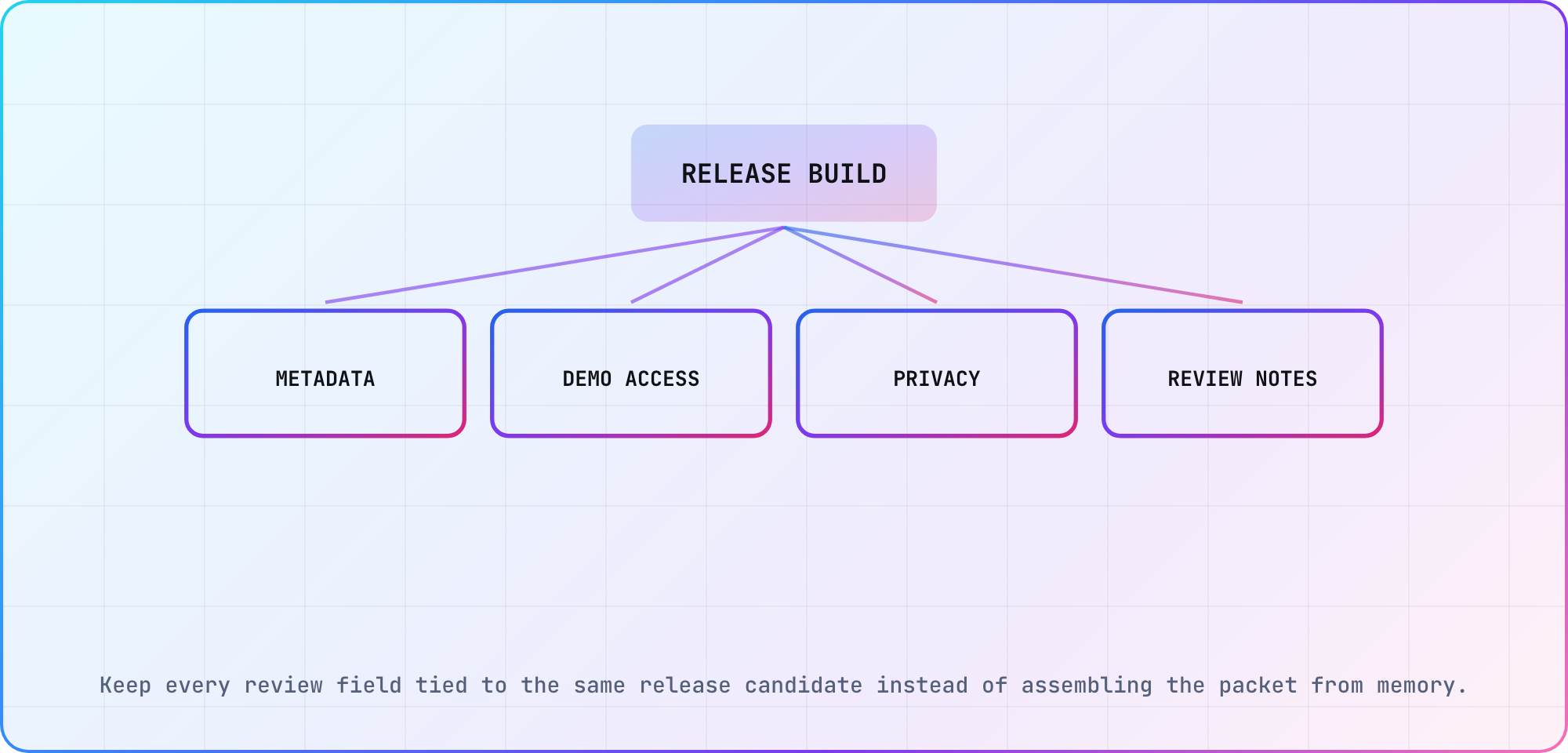
Keep every review field tied to the same release candidate instead of assembling the packet from memory.
Assemble the review handoff
Use this proposed packet to connect the build, access details and supporting context. The role assignments are suggestions for your team, rather than Apple's required organizational structure.
| Item | Check | Responsible role |
|---|---|---|
| Build | Matches the release candidate | Developer |
| Metadata | Describes visible functionality | Release owner |
| Demo access | Works from a clean session | QA engineer |
| Backend | Available for the reviewer | Service owner |
| Privacy information | Matches SDK behavior | Privacy and engineering owner |
| Review notes | Explains non-obvious steps | Release owner |
Apple's submission overview says each platform's app version is submitted separately and one platform's version status doesn't determine another's. Keep the tvOS submission identifier and status in the handoff, even if the iOS version is already approved.
The overview also explains how items are reviewed with an included app version and points to the App Review section for submissions and messages. Assign someone to watch that conversation and route questions to the developer or service owner who can reproduce the issue.
For Apple TV App Review preparation, the last internal check I'd run is simple: give the packet to a colleague who didn't assemble it, and have them follow the access and main-journey instructions against the named build.
Turn review feedback into a reproducible action
When Apple sends feedback, copy the relevant issue into your internal record with the submission and build identifiers. Reproduce the reported path, write down what happened and decide whether the correction belongs in the binary, metadata, access information or review explanation.
Then respond through the documented App Review workflow, using the same issue-to-fix mapping. Apple says submissions may be reviewed out of submission order, so plan follow-up work around actual status rather than an assumed queue position.
If the issue involves payments, subscriptions or account behavior, reopen the applicable sections of the live App Review Guidelines. This preparation article doesn't resolve the policy scope for every storefront and business model. Keep the relevant requirement and your app's implementation together in the decision record.
As you coordinate the wider TV release, retain the tvOS-specific status and reviewer-access notes. The packet should let someone answer a review question from the submitted build and its evidence, even while development has moved on to the next version.
Frequently asked
Do reviewers need a working account for my tvOS app?
Apple requires full review access for account-based functionality. Supply the appropriate demo access and working services. Section 2.1(a) describes prior approval for a demo mode replacing an account when legal or security obligations prevent providing one, so check that condition rather than treating every restricted demonstration as sufficient.
Is an approved iOS version enough for tvOS approval?
Apple says platform versions are submitted separately and their statuses are independent. Keep the tvOS submission and build in your release record even when iOS is approved. Reviewers still need the tvOS app's actual access path, metadata and relevant evidence to evaluate that platform's submitted experience.
What privacy-policy information does tvOS require?
Guideline 5.1.1(i) covers every app: "All apps must include a link to their privacy policy in the App Store Connect metadata field and within the app in an easily accessible manner." For tvOS, App Store Connect also takes privacy-policy text. Check both alongside the separate app-level privacy responses, which also cover third-party code you integrate.
Can I update privacy responses without a new build?
Apple documents updating privacy responses without a new app version. Use that workflow when answers need correction, following the current App Store Connect instructions. Keep the responses accurate for the distributed app and record what changed, rather than waiting for the next binary release to revisit known stale information.
Where do I handle App Review messages?
Use the App Review section in App Store Connect for the submission and related messages. Internally, connect each issue to the submitted build and a reproduction or explanation. That gives the person responding enough context to answer consistently while developers work on any required correction.
Will Apple review submissions in the order I send them?
Apple's submission overview says they may be reviewed out of order. Track the actual status and messages for the tvOS submission. I'd make release dependencies explicit in the team's plan instead of scheduling the next step around a queue-order assumption the documentation doesn't promise.
What are the guidelines for app reviews on the Apple App Store?
Apple publishes the live App Review Guidelines. For this tvOS preparation task, start with completeness, reviewer access and accurate privacy information, then check the sections relevant to your app's actual behavior. The packet in this guide organizes that work; it doesn't replace Apple's full requirements or guarantee approval.
Keep reading
Remote Smart TV Testing Without a Local Device Lab
Compare remote smart TV testing by exact hardware coverage, interaction depth, private-network access and evidence capture, then keep a small local smoke kit.
Samsung Tizen TV Test Automation: Limits and Workarounds
Automate Samsung TV build, signing, install and evidence capture while keeping device focus and playback verdicts outside unsupported official UI automation.