Visual Regression Testing for TV Apps
Build reliable TV visual regression tests with deterministic scenes, visible focus, platform-specific capture, cohort baselines and useful diff artifacts.
A TV screenshot test fails easily for the wrong reason. The animation is on a different frame, focus moved one card, artwork changed, a font rendered differently or the video plane wasn't captured. If those variables aren't controlled, the diff tool becomes a notification generator and the team stops reading it.
Visual regression testing TV apps works when each image represents a deterministic product state on a named platform cohort. Capture is one step. State setup, focus, normalization, baseline ownership and a useful failure artifact do most of the work.
Choose scenes that can be made deterministic
Start with high-value states: home after catalog load, focused content card, detail page, sign-in error, caption settings and player controls. Use fixed test data and local artwork where possible. Freeze clocks, disable random recommendations and either disable animation or wait for a documented stable state.
| Source of noise | Control | When to split a baseline |
|---|---|---|
| Focus position | Navigate to a named element | Platform focus treatment is intentionally different |
| Animation | Disable or wait for stable frames | Motion design differs by runtime |
| Fonts | Bundle and await fonts | Renderer or font rasterization differs materially |
| Artwork | Fixed fixtures and cached assets | Locale or merchandising is under test |
| Resolution | Capture at named output size | Supported output modes change layout |
| Video plane | Use a stable poster or dedicated capture path | Hardware composition excludes video |
| Theme and locale | Set explicitly | Each is an intended product variant |
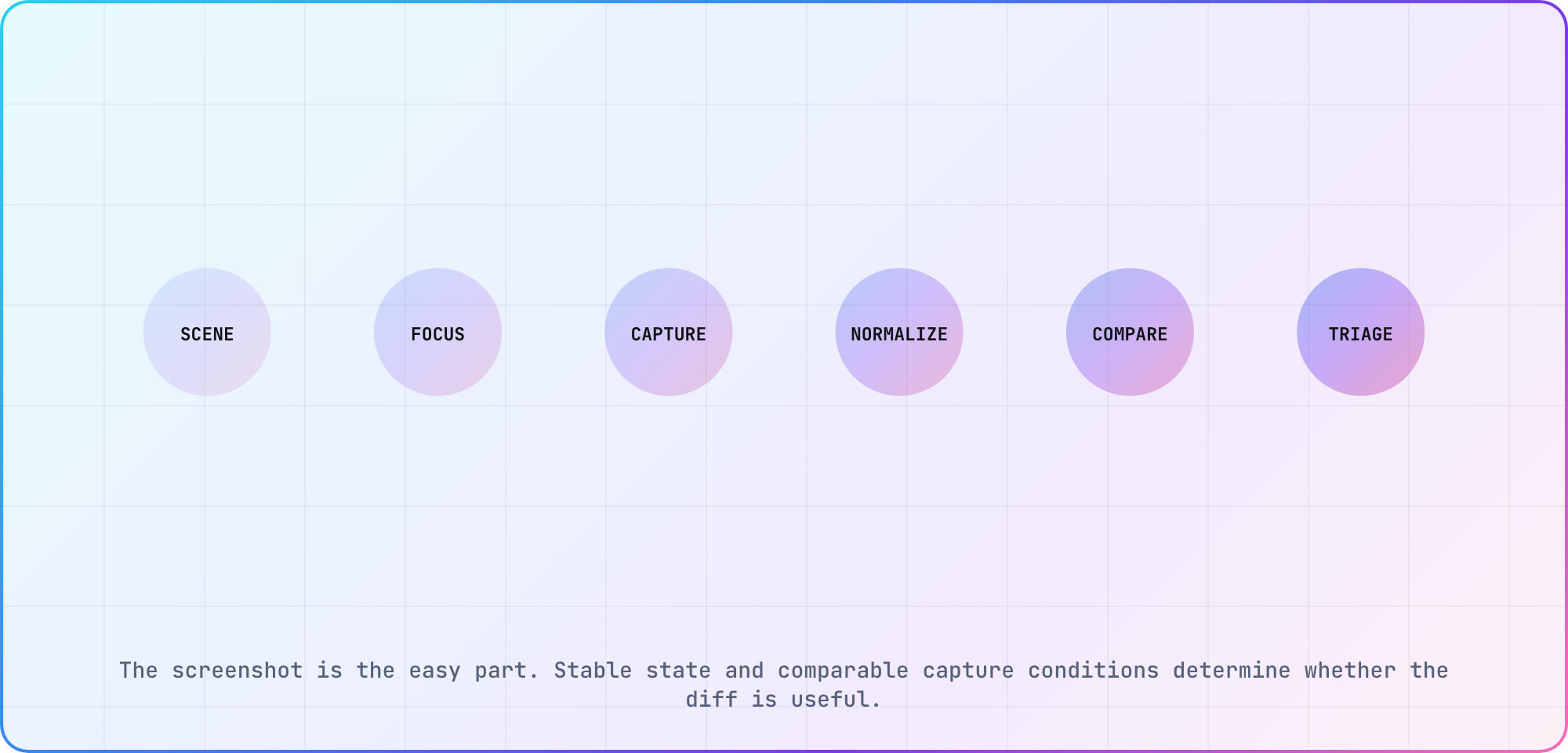
The screenshot is the easy part. Stable state and comparable capture conditions determine whether the diff is useful.
Capture through the platform's supported path
Android UI Automator exposes device screenshot capture. Apple's XCUITest exposes screen and element screenshots. Web-based television shells can use browser tooling in fast loops; Playwright's visual comparisons wait for consecutive matching screenshots before comparison.
Those APIs don't guarantee that protected or hardware-composited video appears in the image. Prove the capture path with a known frame before adding player baselines. If the video plane is absent, test the UI overlay visually and use separate playback evidence for the pixels the screenshot can't see.
Put focus into every relevant baseline
Focus is part of the television interface, not test noise. Capture the default focus, movement between rails, a dialog, restored focus after Back and player-control states. Name the intended focused element in the test output so a reviewer can distinguish a focus regression from a color change.
I'd keep one assertion on application state beside the screenshot. A visually similar image from the wrong route can otherwise pass, especially when skeleton and error views share structure.
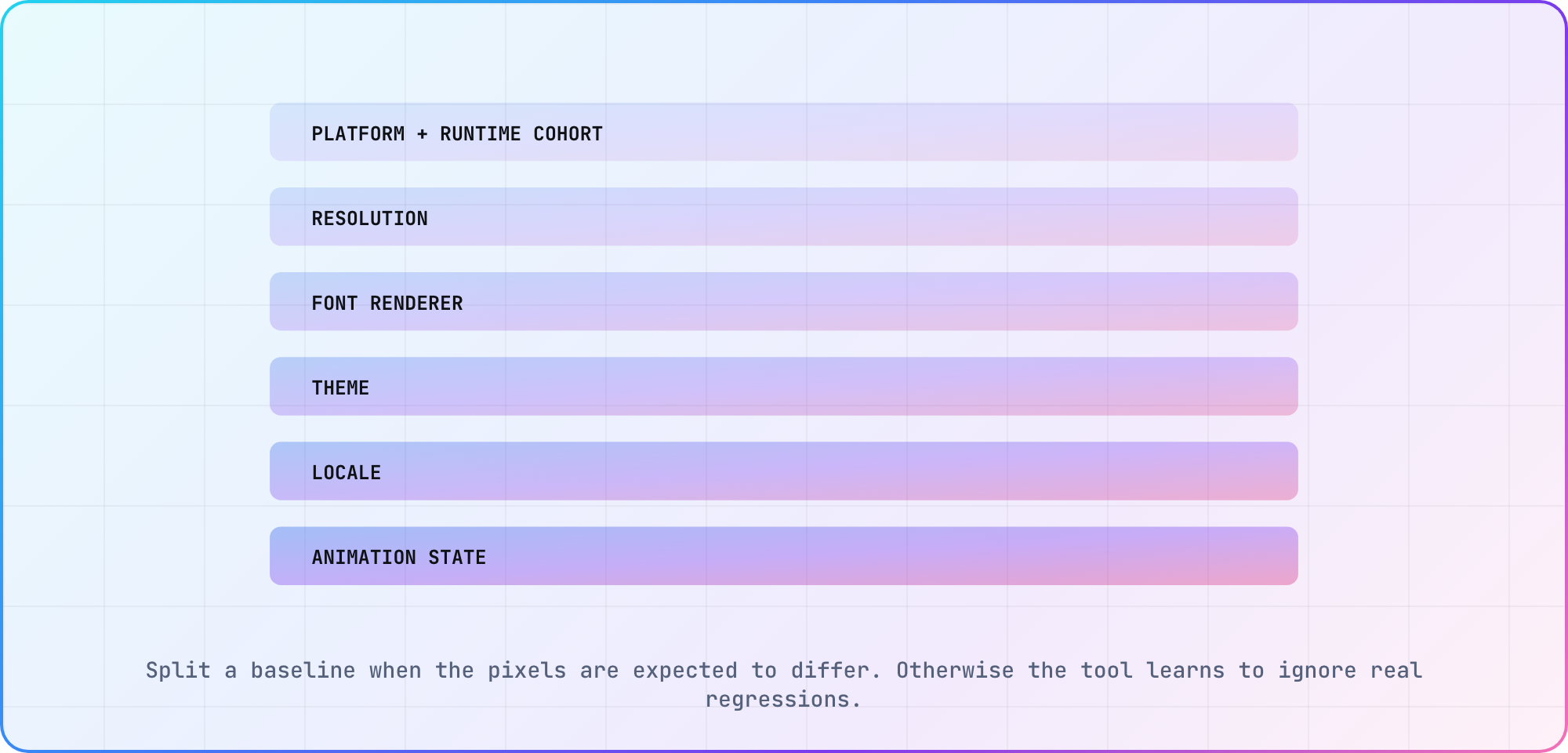
Split a baseline when the pixels are expected to differ. Otherwise the tool learns to ignore real regressions.
Split baselines only where pixels should differ
Use separate baselines for platform, resolution, theme, locale and renderer when those inputs intentionally change output. Don't create one baseline per physical device if identical runtime cohorts render the same pixels; that multiplies review work without buying signal.
Begin in the emulator or browser for speed, then promote critical scenes to physical devices. The TV platform reference can hold the cohort definition. Keep the application build, test revision and baseline revision in every failure artifact.
Set comparison policy by region
Use a tight threshold for text, focus rings and controls. Mask or loosen truly volatile regions such as timestamps only after proving they can't be stabilized. A broad full-screen tolerance can hide the small focus or clipping defect the test exists to catch.
When a diff fails, save baseline, candidate, diff, scene name, focused element, platform, resolution, build and device. Reviewers should be able to approve an intentional change or file a defect without rerunning the suite to discover what happened.
Start small and earn trust
The Lightning 3 renderer repository includes a visual-regression suite, which is a useful example of maintaining certified rendering baselines. An application suite should begin with perhaps a dozen consequential scenes, not hundreds of decorative snapshots.
Run it in the release flow, route failures to an owner and delete low-signal cases. Pair the final device run with the CTV release-readiness checklist. A visual suite is healthy when a red result starts a useful decision, not when its screenshot count grows.
Frequently asked
Can Playwright test a smart-TV application visually?
It can provide a fast visual loop for web-based television shells running in a compatible browser environment. It doesn't reproduce every embedded engine, remote, font renderer or hardware video plane. Use it for deterministic UI coverage, then promote critical scenes to representative devices and platform capture tools.
Should focus rings be included in screenshot baselines?
Yes. Focus is the viewer's cursor and belongs in the expected television state. Navigate to a named element before capture and record that target with the artifact. Add baselines for default, moved, dialog and restored focus where those journeys can regress independently.
Why does a screenshot test flicker between pass and fail?
The scene probably isn't stable. Common causes include animation frames, late fonts, changing artwork, asynchronous layout, clocks and uncertain focus. Freeze the data, await the intended state and capture only after consecutive frames match. Mask a region only after showing it can't be controlled.
Do I need a baseline for every TV model?
Usually, no. Create cohorts where the runtime, resolution, renderer or intended design makes pixels differ. Keep physical-device smoke coverage broader than the screenshot baseline set. If two models should render identically, one shared baseline plus device execution may deliver better signal with less review work.
Can screenshot tests verify video playback?
Only after proving the capture path includes the video plane. Protected or hardware-composited playback may be missing from ordinary screenshots. Use a known test frame to validate capture. Otherwise, test the surrounding controls visually and verify playback with telemetry, capture hardware or platform-specific evidence.
What should a visual regression failure contain?
Save the baseline, candidate and diff images with scene, focused element, platform, resolution, application build, test revision and baseline revision. Include the comparison threshold and masked regions. That packet lets a reviewer distinguish an intentional redesign, unstable fixture and real visual defect without rerunning the test.
Keep reading
Remote Smart TV Testing Without a Local Device Lab
Compare remote smart TV testing by exact hardware coverage, interaction depth, private-network access and evidence capture, then keep a small local smoke kit.
Samsung Tizen TV Test Automation: Limits and Workarounds
Automate Samsung TV build, signing, install and evidence capture while keeping device focus and playback verdicts outside unsupported official UI automation.