TV device lab cost vs cloud device farms
A TV device lab cost model covering hardware, capture, setup, maintenance, refresh, cloud pricing, and the assumptions behind a practical hybrid testing plan.
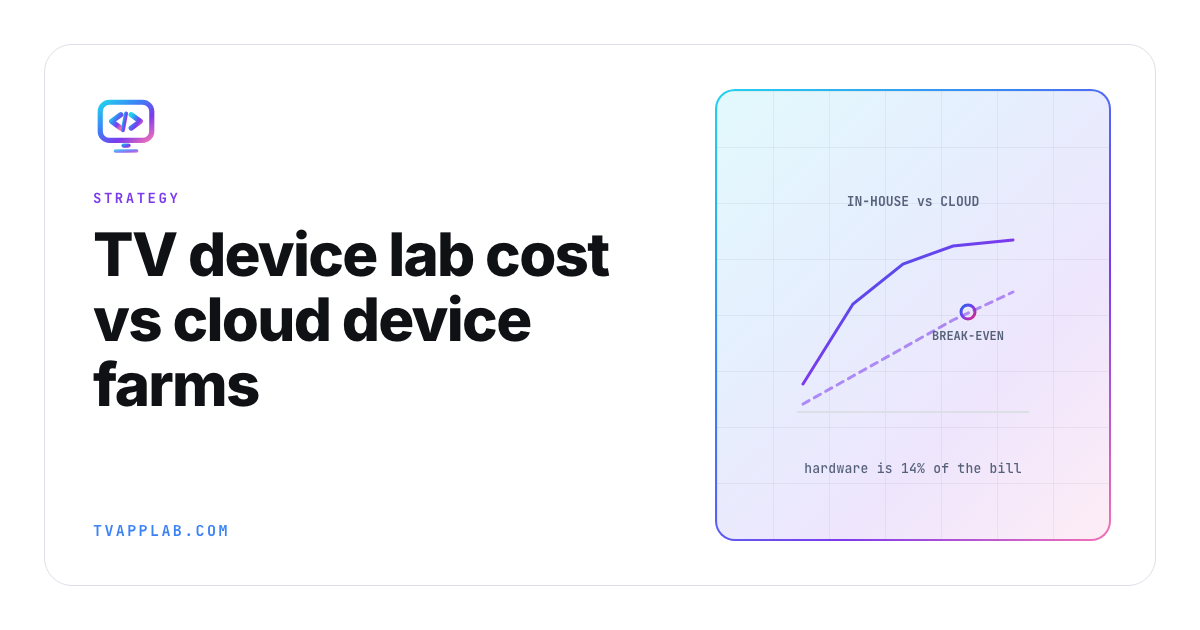
A TV device lab cost is mostly a model of labor and coverage, not a shopping list. Hardware is visible; setup, maintenance, space, firmware churn, and the engineer who rescues disconnected televisions are the costs that decide whether the lab works.
The figures below are a planning scenario, not a current retail quote. Replace every price, loaded labor rate, device count, and cloud tier with your own inputs before procurement. The point is to make the assumptions visible enough to recalculate.
What a credible lab actually contains
The first mistake is counting one device per platform. That gets you a demo rig, not a test lab, because the platforms that hurt you are the ones with multiple live generations.
A minimum credible lab for a cross-platform OTT app:
| Device class | Why it is on the list | Scenario input |
|---|---|---|
| Roku Ultra | Your fast-path Roku reference | $149.99 list |
| Roku Streaming Stick 4K | Mid-tier Roku | $79.99 list |
| Roku Streaming Stick+ (3810X) or Premiere+ (3921X) | The devices Roku measures its 15-second launch requirement on | ~$60 used; neither is listed on roku.com |
| Fire TV Stick 4K | Mainstream Fire TV. Amazon's page for the newest model says it blocks installing apps from unknown sources, so confirm it takes your developer build before you buy | $59.99 |
| Fire TV Stick 4K Max | Current-gen Fire TV | $84.99 |
| Fire TV Stick Lite | The cheap one that fails first. Amazon showed it as currently unavailable on October 16, 2026 | $29.99 when last listed (October 15) |
| Apple TV 4K (4th generation) | tvOS reference | $299 (pre-order, available November 13) |
| Nvidia Shield TV Pro | Premium Android TV | $299 |
| Budget Android TV box | Low-end Android TV (Google stopped making Chromecast) | ~$50 |
| Samsung Tizen sets, 3 model years | 2019, 2022, 2025. Chromium M63, M85, M120 | ~$1,500 for three panels |
| LG webOS sets, 2 model years | webOS 5.x and current | ~$1,000 for two panels |
| Vizio SmartCast set | Suitest and HeadSpin automate it; otherwise manual | ~$300 |
Store prices were checked on October 15, 2026 at Roku, Amazon (4K, 4K Max, Lite), Apple and NVIDIA. The used Roku, the Android box and the panels are scenario inputs. Roku's certification requirements name those two older Roku players for launch timing, and Google ended production of Chromecast in August 2024, which is why that row is now a generic box. In this example, the rows add up to $3,912.95, which the model rounds to $3,900. That is a scenario output, not a promise about today's retail basket. Note where the money goes: the sticks and boxes come to about $1,100, and the TV panels are most of the bill at $2,800. That is unavoidable, because Tizen and webOS only exist on panels, and one panel per platform doesn't cover the firmware spread. Samsung alone runs Chromium M47 through M130 across model years still in service.
LG has the same shape of problem with different labels. webOS used point releases (webOS 4.0, 5.0, 6.0) until 2022, when LG switched to year naming, so current sets run webOS 22 through webOS 26, per LG's web engine table. LG also upgrades eligible older sets: its webOS Re:New program gives four upgrades over five years counted from the version a set shipped with, so a covered 2022 set tops out at webOS 26, a 2023 set at webOS 27 and a 2024 set at webOS 28. Coverage goes model by model; for 2022 it's the OLED lineup, OLED Flex, Posé and the QNED99/95 8K sets, per LG's 2024 announcement. That is good news for users and bad news for a lab, because the version on a panel now drifts from its model year and you can't infer one from the other. Two LG panels is a floor, not a target.
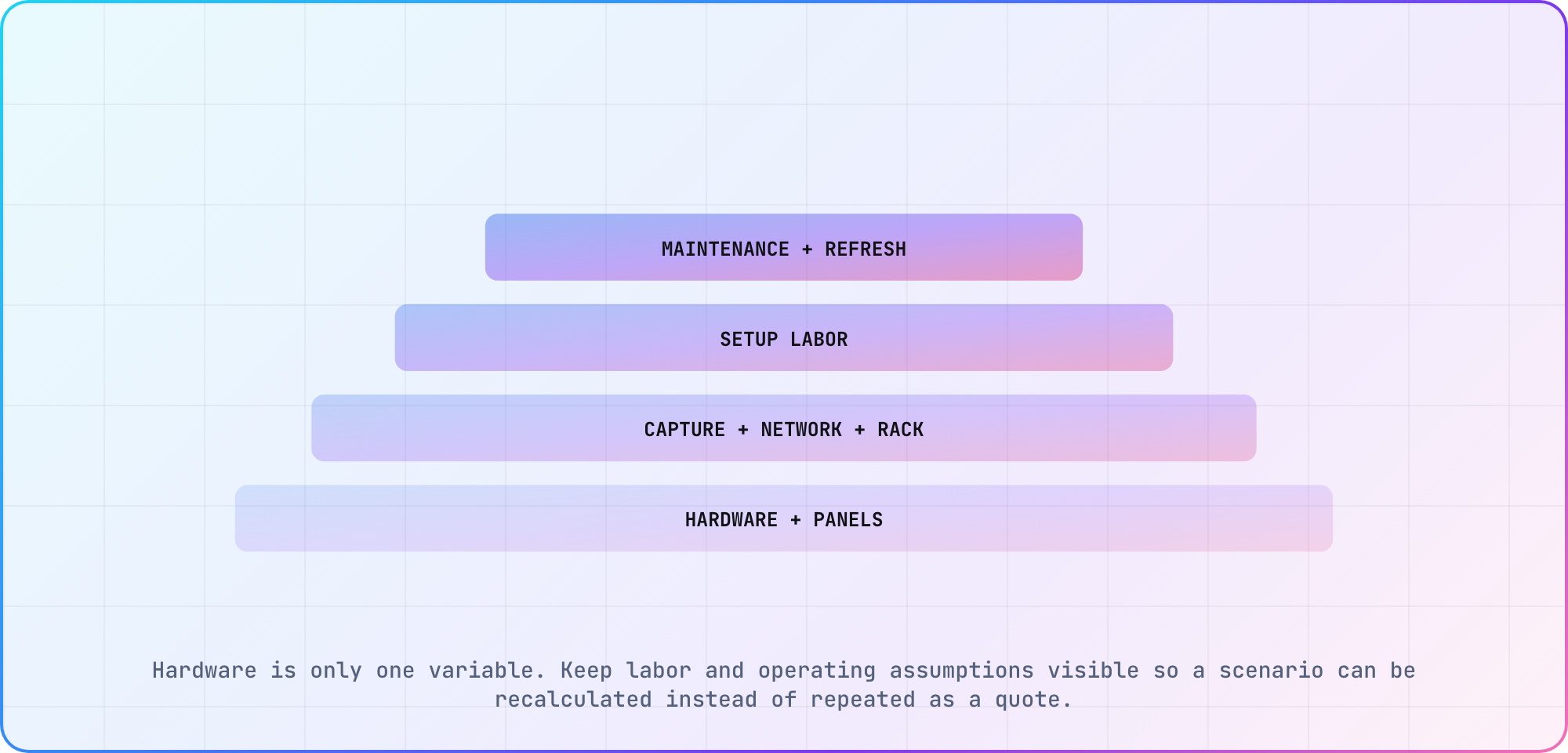
This is an input map for the model. The layer sizes are illustrative and should be replaced by your device count, rates, space, and refresh policy.
The CapEx nobody budgets
Devices are the part everyone remembers. The rig around them is the part that turns a shelf of hardware into something a distributed team can use.
| Item | Notes | Cost |
|---|---|---|
| HDMI capture cards | One per device you want to assert on visually. Roku's ECP has no screenshot command and its dev installer can't screenshot playback, so Roku video frames need one | $60 to $150 each |
| HDMI splitters and switches | Sharing capture across devices | $200 |
| Powered USB hubs, cabling, PDU | Boring, always underestimated | $300 |
| Rack or shelving and mounts | Panels need physical space | $400 to $800 |
| Network switch and dedicated VLAN | You do not want test devices on the office LAN | $200 |
| Remote access host (mini PC or NUC) | So people not in the room can use it | $600 |
| IR blasters or CEC controllers | For Vizio and anything with no network control | $150 |
| Spare units | RMA gaps, dead devices | 10 to 15 percent of device spend |
At a $3,900 device spend, the fixed rows plus spares come to $2,240 to $2,835 ($1,850 to $2,250, plus 10 to 15 percent of $3,900, which is $390 to $585), and each capture card adds $60 to $150. So the honest CapEx is $6,140 to $6,735 plus capture cards, before anybody has run a test.
The OpEx that's the actual cost
This is where most of the year-one bill comes from.
Setup labor. Racking, flashing, enabling developer mode on every panel, wiring capture, building the remote-access path. Two to three engineer-weeks, realistically. At a loaded rate of $120 an hour, $9,600 to $14,400 one time.
Ongoing maintenance. LG's Developer Mode runs on a session timer you have to extend before it lapses, and Samsung's Developer mode is tied to the IP address of one host computer. Firmware updates land unannounced and break things. Devices drop off the network. Somebody has to own this. Four to eight hours a month is the honest figure once you have a dozen devices, so $5,760 to $11,520 a year.
Firmware churn. Every OS update is a re-verification event, which is real test work rather than housekeeping, and a lab makes it your problem in a way a cloud doesn't.
Physical space and power. If you've got an office, this is free-ish. If you don't, it's a room somebody is paying for. Distributed teams end up housing the lab at one person's home, which works right up until they leave.
Depreciation. TV hardware ages out. A three-year refresh cycle is the right assumption, and the panels are what you're really re-buying. Amortized, that's roughly $1,300 a year on a $3,900 device spend ($3,900 over three years).
TV device lab cost: year one in full
| Line | Cost |
|---|---|
| Devices | $3,900 |
| Rig and infrastructure | $2,500 |
| Setup labor (2.5 weeks) | $12,000 |
| Maintenance (6 h/mo at $120) | $8,640 |
| Year one total | $27,040 |
| Year two onward | ~$9,940/yr, refresh included |
Hardware is $3,900 of $27,040, or 14.4 percent. Everything else is people and the stuff around the people. From year two it's $8,640 of maintenance plus the $1,300 refresh, which is $9,940 a year.
What the cloud actually costs
Vendors differ enormously in how much they publish, which is itself a signal.
Suitest publishes current plan prices and is built specifically for TV and OTT. Its public page currently starts with a free tier and then lists the capacity tiers at annual-billing prices: Sweet at €494/mo (€549 month to month) for 1,000 testing minutes and 3 parallel sessions, Super Sweet at €935/mo (€1,039) for 2,200 minutes and 5 parallel executions, and The Sweetest at €1,673/mo (€1,859) for 4,500 minutes and 10 parallel executions. Enterprise is custom with an unlimited-minutes option. Its platform list is the longest of the vendors here: Tizen, webOS, Roku, Fire TV, tvOS, Android TV, Vizio, Vega, VIDAA, Xumo, Xfinity, Sky, HbbTV, plus Xbox and PlayStation.
The important mechanic: testing minutes burn during automated runs, interactive sessions, and while you're simply connected to a shared device. Idle debugging costs money, so budget for the hours your team spends poking at a device.
BrowserStack publishes its pricing, billed annually: Live at $29/mo per user for Desktop or $39 for Desktop and Mobile, and Automate at $59/mo per parallel for Chrome, $175 for Desktop and Mobile, or $225 for the Pro tier. BrowserStack documents smart TVs under App Automate, though, as an alpha you request from support, and App Automate's Device Cloud plan is $199 per parallel per month billed annually ($249 month to month). Run several parallels with a few seats and you're into five figures a year without trying hard. But its smart TV fleet is only Fire TV Stick 4K, Nvidia Shield TV Pro, Apple TV 4K and Roku TV. No Tizen. No webOS. For a Samsung and LG app it doesn't solve the problem at any price.
HeadSpin publishes plan prices from $49 a month for Cloud Test Lite and $100 for Cloud Test Go, but its pricing table lists smart TVs only under Cloud Test Pro, which is "Custom pricing as per project." Its smart TV page names Samsung Tizen, LG webOS, Vizio and Android TV, and HeadSpin maintains the third-party Appium drivers for Roku, Tizen and webOS.
TestMu AI, which is what LambdaTest rebranded to in January 2026, lists TV app automation for Roku, Apple TV 4K, Android TV and Fire TV. Do not file it as the cheap option on the strength of its headline tiers: those are AI agent plans from $17/mo, and real device automation starts at $199 per parallel session per month billed annually ($249 month to month). There is a genuine no-time-limit freemium plan, and no Tizen or webOS.
The break-even
Compare like for like. An in-house lab at roughly $9,940 a year in steady state (year two onward, refresh included) is $828 a month. At the ECB's October 15, 2026 reference rate of $1.1208 per euro, that's about €740 a month. That lands between Suitest's Sweet tier (€494/mo billed annually) and Super Sweet (€935/mo billed annually, which is €11,220 or about $12,575 a year).
So the crossover is around €740 a month of cloud spend. Below that, the cloud is cheaper than the labor to run your own. Above it, a lab starts to look rational on pure cost.
Except cost isn't the only axis, and here's where the decision actually gets made:
The cloud wins when you need many firmware generations, your team is distributed, your test volume is spiky, Tizen and webOS are in scope, or you've no one who wants to own hardware. The Samsung and LG coverage argument is the strongest one. Owning three Samsung panels and two LG panels means owning developer-mode renewals, firmware surprises, and a DevTools bridge that breaks when Chrome updates.
In-house wins when you run high sustained volume (minute-metered pricing punishes long soak tests badly), you need physical setups a cloud can't offer (specific receivers, HDMI chains, real network shaping), you've compliance rules against third-party device access, or your platform list is narrow.
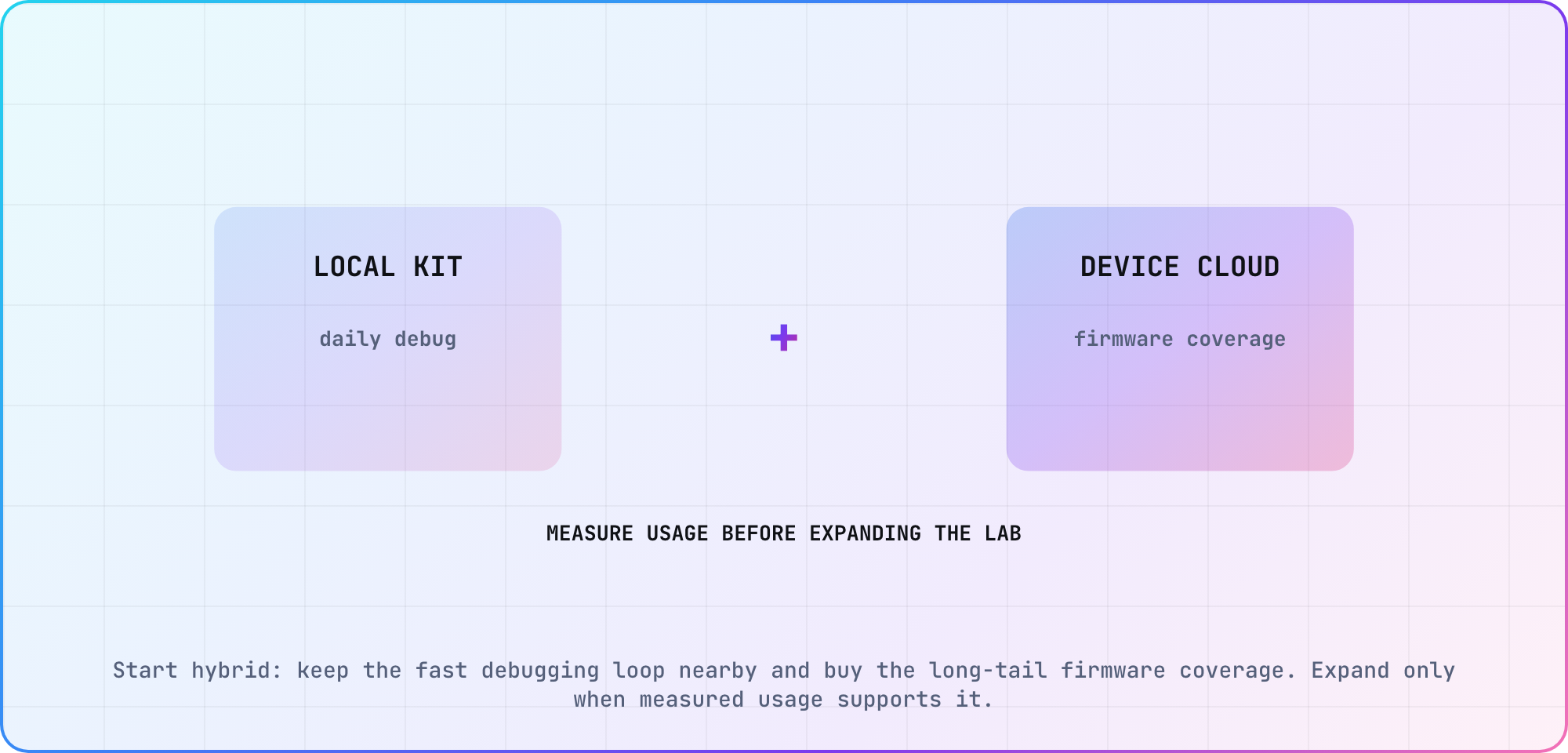
This is the recommended starting architecture. Expand the owned lab only after actual cloud use, queue time, and investigation cost make the next purchase defensible.
What I would actually do
A hybrid, and I don't think that's a cop-out. It is what the cost curve implies.
Keep a small local smoke kit: a Fire TV Stick Lite, a Roku Streaming Stick (at $39.99, the cheapest player on Roku's site, which no longer lists the Express), a mid-range Android TV box, one Samsung panel and one LG panel. At this article's prices that's about $1,070 plus the Android box ($29.99 + $39.99 + $500 + $500), and an afternoon of setup. This is your fast loop, the thing engineers touch daily, and it deliberately skews cheap because the cheap devices are where bugs surface first.
Buy coverage from the cloud for the firmware matrix and for CI parallelism. That is exactly the part that's expensive to own and cheap to rent.
Then track one number: monthly cloud spend. When it consistently clears €740, re-run this model with your real usage, because at that point building out matters. Below it, you're paying an engineer to babysit a shelf.
In this model the hardware was about 14 percent of year one. The other 86 percent is the rig, setup weeks and maintenance hours, with a refresh cycle nobody wants to own waiting in year two, and it's the part that decides whether this was a good idea.
Frequently asked
How much does a TV device lab cost? In the worked scenario, capital is roughly $6,140 to $6,735 plus capture cards, and year one reaches about $27,040 after setup and maintenance labor. Those are model outputs, not quotes. Replace device prices, quantities, loaded labor rate, maintenance hours, space, power, and refresh assumptions before using the total in a budget.
Is a cloud device farm cheaper than an in-house lab? Below roughly €740 a month of cloud spend, yes, because the labor to run your own lab costs more than the subscription. Above that, in-house starts to compete on pure cost, though coverage and firmware sprawl usually still favor the cloud.
Why can't I just buy one device per platform? Because Tizen and webOS fragmentation lives in firmware generations, not platforms. One Samsung panel tells you about one Chromium version out of a range spanning M47 to M130, and LG now backports year releases onto older sets so the version no longer tracks the model year.
What is the cheapest credible starting kit? Start with one low-end Fire TV target, one Roku, one mid-range Android TV target, one Samsung panel, and one LG panel. Reprice the exact models rather than inheriting this article's scenario. Weight the kit toward slower hardware, then use a cloud for firmware generations and parallel coverage you cannot justify owning.
Do I need HDMI capture cards? You need a capture path when the evidence depends on physical HDMI output and the target or service cannot provide an equivalent image. On Roku, the developer installer can screenshot your sideloaded app's UI but not content playback, and Roku Cloud Emulator doesn't support hardware A/V output. Buy capture lanes for named release tests rather than automatically matching every device.
How should I keep the cost model current? Store the model as inputs: device quantity and price, rig cost, setup hours, monthly maintenance hours, loaded labor rate, annual cloud spend, queue delay, and refresh cycle. Reprice vendor plans before each budget decision, then compare the same coverage and concurrency instead of headline subscription tiers.
Sources
- Suitest, pricing
- BrowserStack, smart TV app automate
- Roku, External Control Protocol (no screenshot command)
- Samsung, Web Engine Specifications (firmware spread)
- Panel, used-Roku and Android-box rows are scenario inputs; reprice the exact models and quantities before procurement
Related: Best smart TV testing tools and device clouds (2026) and How to test an OTT app across every smart TV platform.
Keep reading
Remote Smart TV Testing Without a Local Device Lab
Compare remote smart TV testing by exact hardware coverage, interaction depth, private-network access and evidence capture, then keep a small local smoke kit.
Samsung Tizen TV Test Automation: Limits and Workarounds
Automate Samsung TV build, signing, install and evidence capture while keeping device focus and playback verdicts outside unsupported official UI automation.