Roku WebDriver: A Practical Setup and Test Guide
Set up Roku WebDriver, understand its HTTP and ECP architecture, build state-driven tests and keep each automation result attached to a device and build.
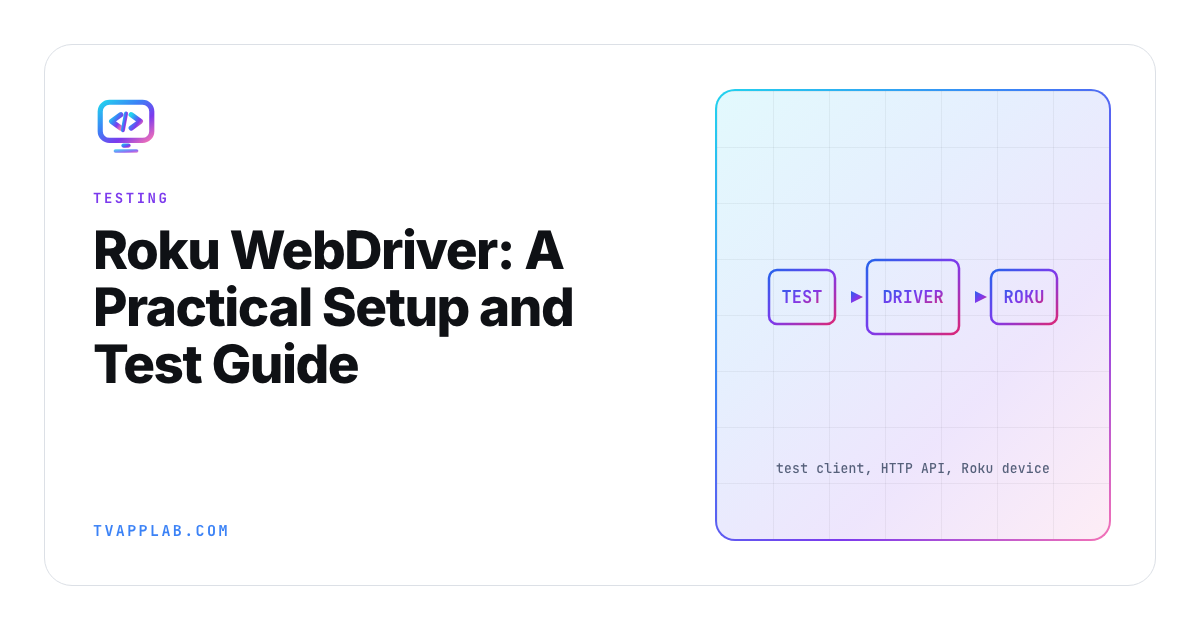
Roku WebDriver gives test code a supported way to install, launch, inspect and control a Roku application. The name suggests a browser driver, but the useful mental model is a Roku-specific HTTP service: your client sends commands, the driver uses Roku control interfaces, and the device returns application state.
That makes Roku WebDriver suitable for repeatable remote journeys and state assertions. It doesn't turn video quality, panel output or every certification criterion into a DOM test. Build the automation around what the driver can observe, then keep hardware and playback evidence beside it.
Know the architecture before debugging the client
Roku's WebDriver reference documents Selenium-style REST endpoints for sessions, application install and launch, remote presses, elements, current application and source. The automation overview describes the path from a test framework through WebDriver and ECP to the Roku device, with device state returned as structured data.
| Layer | What it owns | First check when it fails |
|---|---|---|
| Test client | Journey, assertions and fixtures | Request and session identifier |
| WebDriver service | HTTP endpoints and command translation | Endpoint status and driver log |
| ECP transport | Device control and discovery | Network reachability and device address |
| Roku app | SceneGraph state and focus | Current app and source output |
| Device | Roku OS, model and installed package | OS version, build and developer state |
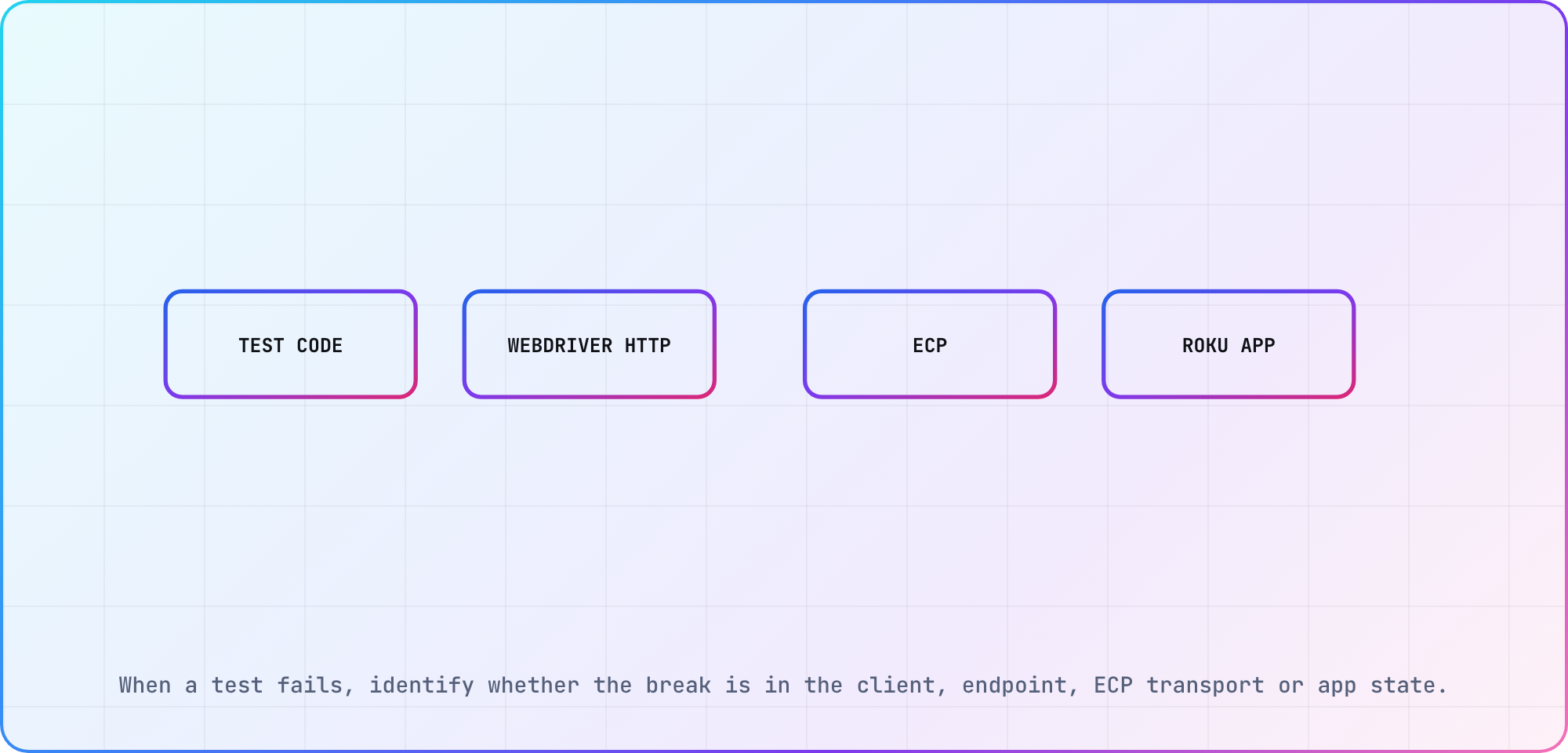
When a test fails, identify whether the break is in the client, endpoint, ECP transport or app state.
When a remote press appears to do nothing, inspect the active application and source before rewriting the selector. If the driver can't see the intended app or node, the failure is earlier than the assertion.
Prepare a device and application build
Roku says automated channel testing requires Roku OS 9.1 or newer. To test a production app, Roku says you must package it on your Roku device using the same developer account linked to the production version. Development builds still need a reachable device in developer mode. The driver turns your commands into ECP requests, and as of Roku OS 14.1, ECP key commands only reach a device whose Settings > System > Advanced system settings > Control by mobile apps option is set to "Enabled".
Roku ships the driver binaries and both libraries in its automated-channel-testing repository, which moved from GitHub to GitLab in October 2026. Its newest changelog entry is v2.3.0, from September 2021.
Record device model, Roku OS, IP address, application ID or package, build identifier and driver version before starting the suite. Keep the cohort label in your run record (our device database has a Roku row at platform level, not individual models), and keep credentials and signing material in the existing secret system rather than test files. Use the BrightScript tutorial as a starting point for the application side, then confirm the device setup in Roku's current documentation.
Create a small state-driven journey
Start with a session, install or select the intended app, launch it, wait for a known scene, find a stable element, press a remote key and assert the next state. Prefer application identity and semantic state over coordinates. Television layouts move; a named node or current scene survives more design changes than "third tile from the left."
Roku documents language options around the HTTP API, including Robot Framework and clients in languages that can send requests. The Robot library is useful when its keywords match the team's needs. A direct client can be clearer when you need custom fixtures or CI integration.
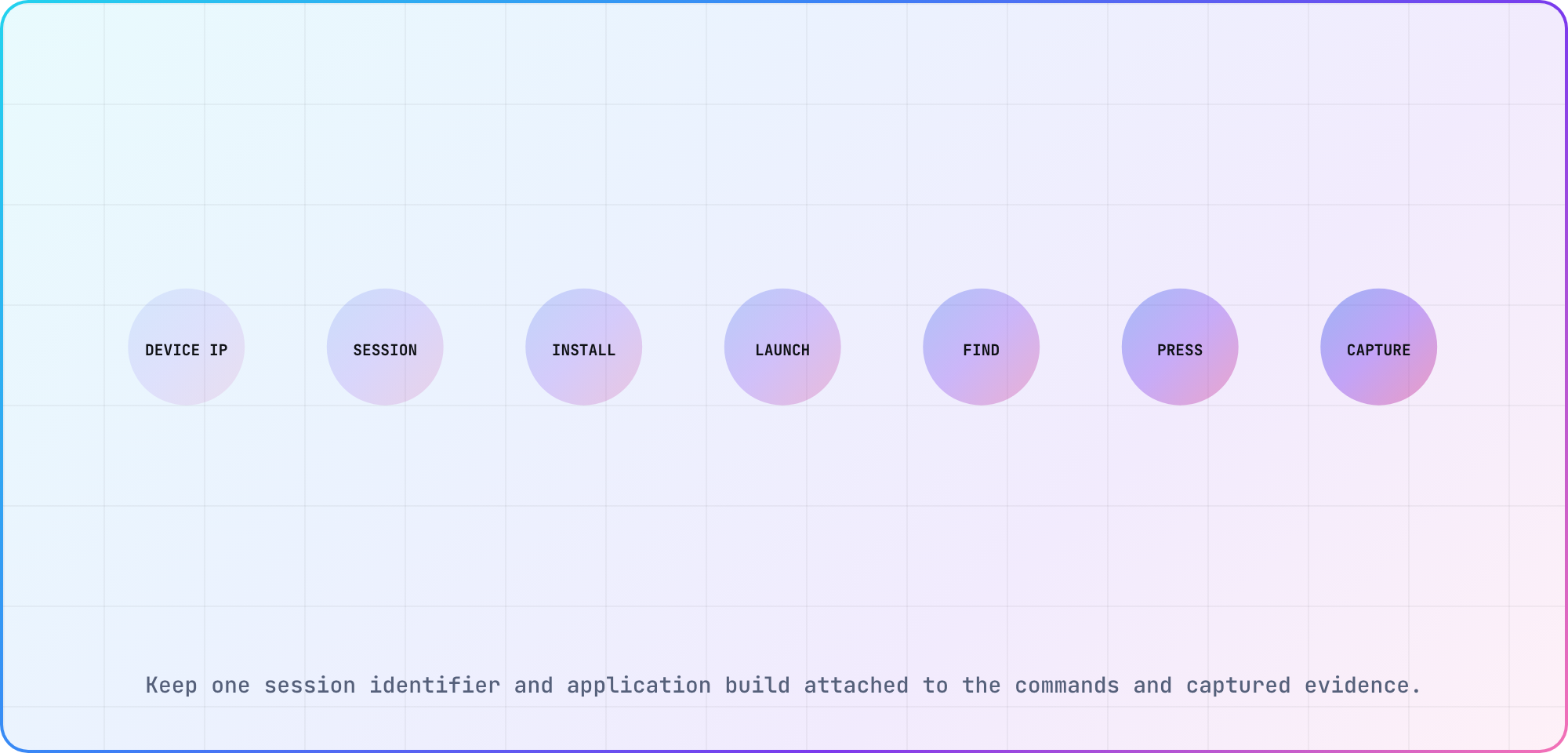
Keep one session identifier and application build attached to the commands and captured evidence.
Synchronize on state, not sleep
Remote transitions, network content and animation make fixed sleeps unreliable. Poll for a bounded state: element present, focus changed, application active or source updated. Include a timeout that prints the current app and source. That turns an intermittent delay into evidence instead of a generic test failure.
Use stable test accounts and catalog fixtures. Reset only the state required by the journey. A full reinstall before every test can hide upgrade, resume and persistence bugs while making the suite unnecessarily slow.
Keep automation and device evidence together
For each run, retain the package identifier, device model, Roku OS, test revision, journey result and useful failure artifacts. Pair the WebDriver output with screenshots or video where visual correctness matters. For a crash, Roku's debugging documentation describes the console on port 8085 and the stack information available there.
The Roku certification checklist should route each criterion to WebDriver, a device measurement or human review. Automation is strongest when it removes repeated control work without claiming to observe what it can't.
Frequently asked
Is Roku WebDriver based on Selenium?
Roku describes a Selenium-based REST interface that follows WebDriver-style HTTP and JSON conventions for Roku-specific control. It isn't a web browser DOM session. Your tests work with Roku application state, remote commands and documented endpoints, so ordinary CSS-selector assumptions shouldn't be carried over blindly.
Which Roku OS version is required?
Roku's automated testing documentation says Roku OS 9.1 or newer is required. That is the platform minimum for the documented tool, not your application's support floor. Record the actual OS and model for every run so a passing current device doesn't overwrite older-cohort risk.
Can Roku WebDriver install and launch an app?
The documented endpoints cover sessions, application installation, launch, loading, current application and application listing, along with remote input and element inspection. Package and account rules still apply. Keep the exact build identifier beside the session so the result points to the artifact under review.
Should Roku tests use fixed sleep calls?
Use them sparingly. Prefer a bounded wait for application state, element presence, focus or source changes. When the timeout expires, capture the current app and source. Fixed sleeps either slow every healthy run or remain too short for the device and network condition that exposes the real defect.
Can WebDriver prove video and audio quality?
It can drive the journey and assert observable application state, but a state change doesn't prove the panel displayed correct video, audio stayed synchronized or DRM remained healthy. Pair automation with playback telemetry, screenshots or capture and physical-device review for the claims WebDriver can't directly observe.
What should a failed Roku test retain?
Keep the test revision, session, application build, device model, Roku OS, failed command, endpoint response, current app, source output and relevant console or visual evidence. A failure artifact should let another developer distinguish selector drift, transport trouble, application state and a genuine device-specific defect.
Keep reading
Remote Smart TV Testing Without a Local Device Lab
Compare remote smart TV testing by exact hardware coverage, interaction depth, private-network access and evidence capture, then keep a small local smoke kit.
Samsung Tizen TV Test Automation: Limits and Workarounds
Automate Samsung TV build, signing, install and evidence capture while keeping device focus and playback verdicts outside unsupported official UI automation.