Suitest vs BrowserStack for TV apps
Suitest vs BrowserStack for TV apps: compare current platform coverage, automation drivers, published pricing, billing models, and the choice that settles it.
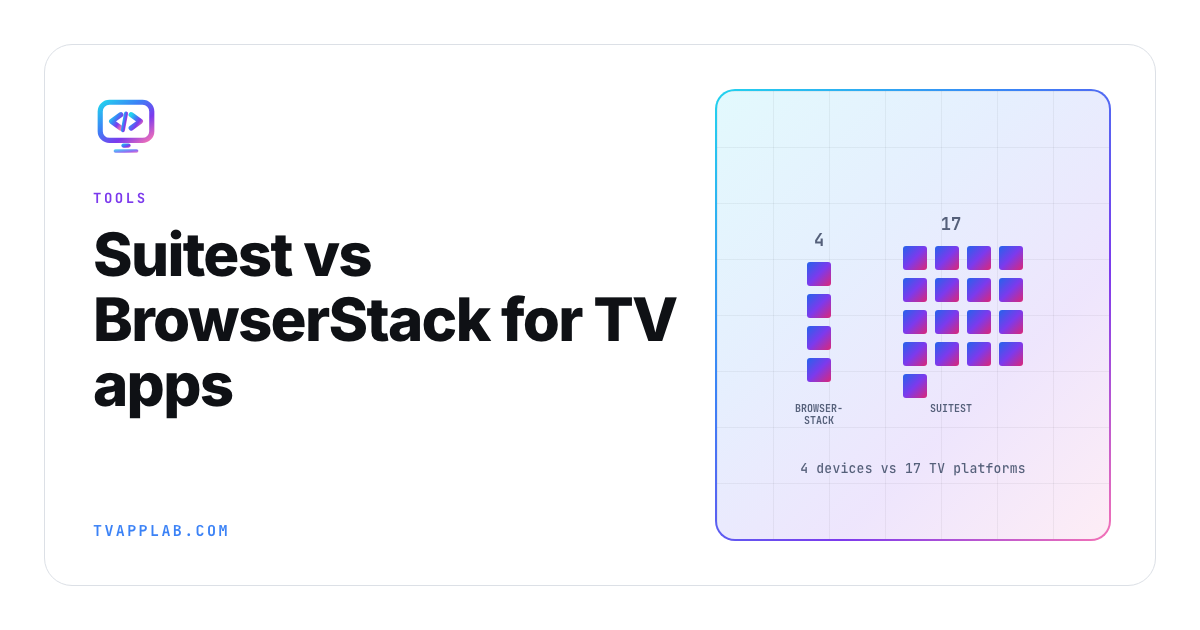
I want to save you a couple of sales calls, so here's the whole thing in one line: BrowserStack's smart TV guide lists four devices, and Suitest's platform list names 17 TV and console platforms before you count mobile and web.
Now, before anyone accuses me of dunking on BrowserStack, I don't think that gap is damning at all, and I'll explain why below. These are two different products that happen to overlap. Once you see why their lists differ, you'll usually know which one you want inside five minutes, which is a nicer position to be in than halfway through a trial.
Here's what I'd actually tell you over coffee.
Suitest vs BrowserStack on platform coverage
BrowserStack App Automate lists four smart TV devices, and you only get them after support enables the smart TV alpha on your account:
- Amazon Fire TV Stick 4K, Android 7.1
- Nvidia Shield TV Pro 2019, Android 11.0
- Apple TV 4K, tvOS 26
- Roku TV, RokuOS v15+ (a Roku Ultra or a Roku Express 4K)
Suitest lists Samsung Tizen, LG webOS, Roku, Fire TV, Apple tvOS, Android TV and mobile, Vizio SmartCast, Vega, VIDAA, Whale, Sky, Xfinity, Xumo, HbbTV and Freeview Play, plus Xbox and PlayStation targets, web and iOS.
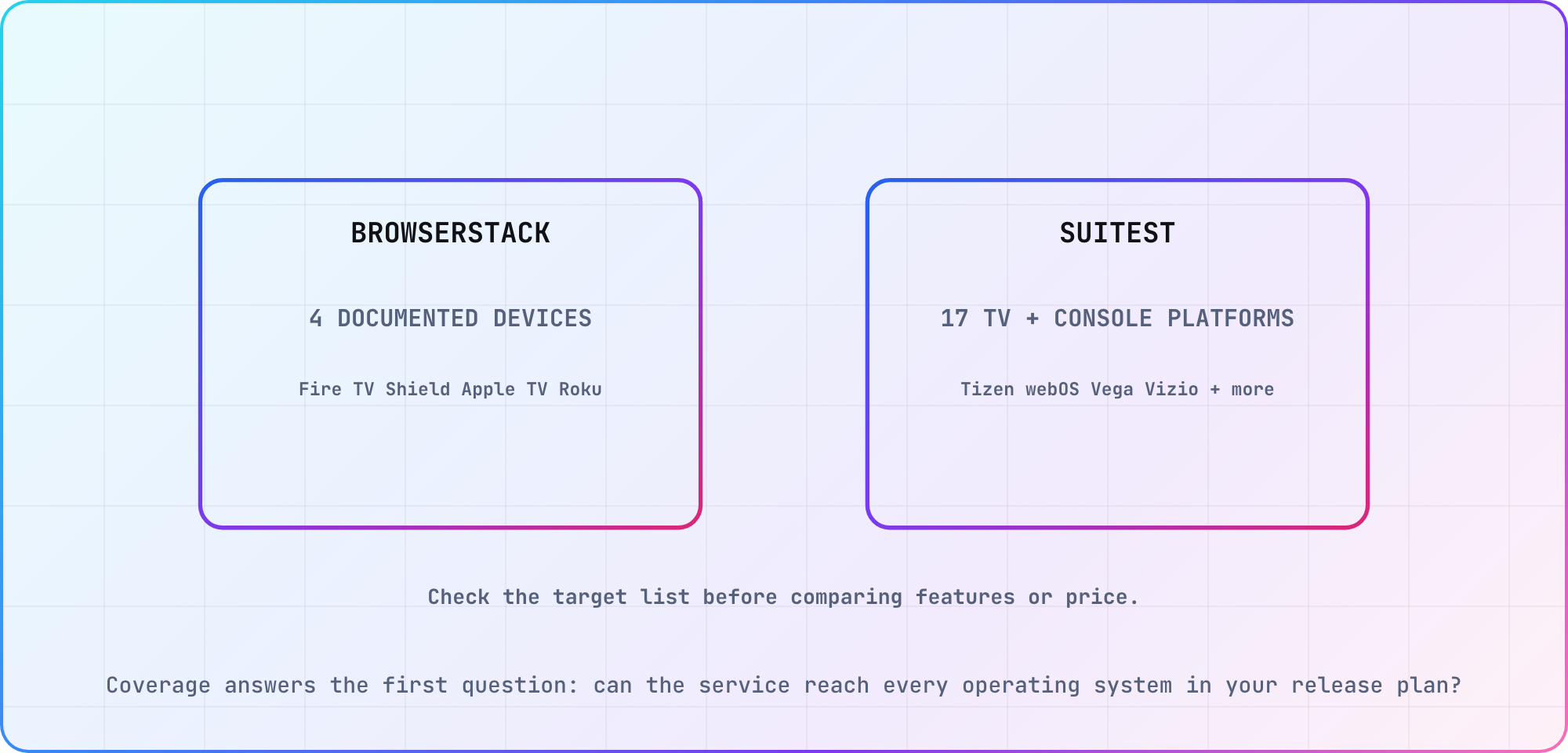
The counts come from each vendor's current public documentation; a named target still needs a trial against your application and required firmware.
The one that decides most people's answer: BrowserStack has no Samsung Tizen and no LG webOS. They don't appear anywhere in its smart TV documentation. If you ship to Samsung and LG sets, BrowserStack's documented public fleet doesn't cover those applications. Ask sales if a private or upcoming option matters to your decision, but don't buy from an assumption that isn't in the current product guide. It's a capability question before it becomes a pricing one.
So why the gap? Part of it's how each tool drives a device, and part of it's a choice BrowserStack hasn't explained.
How each one drives a device
BrowserStack builds on Appium drivers: the official UiAutomator2 for the Android-based devices, the official XCUITest for Apple TV (their docs specify that "Appium 2.0 is the default and the only version supported" on tvOS), and HeadSpin's Roku driver, which BrowserStack says requires Appium 2.18.0.
That Roku driver is the interesting part. In Appium's 3.8 driver catalog, the official drivers with a TV target are Espresso, UiAutomator2 and XCUITest. Roku sits under "Other Drivers," which the catalog says "are not maintained by the Appium team," and it's supported by HeadSpin. So are the catalog's TizenTV and LG WebOS drivers. BrowserStack took one HeadSpin TV driver and not the other two, and its guide doesn't say why. I'd treat that as a product decision rather than a technical wall, which also makes it a fair question for their sales team.
Suitest comes at the same problem from the opposite end. On Tizen, webOS and Vizio, it reads the app's elements through Ottium, its recommended method, which needs no code in your app, or through a JavaScript instrumentation library injected into your build. OCR and image template matching sit on top of that as visual-testing features.
Neither approach is cheating, and each one costs you something different. BrowserStack gives you standard Appium code, but only on the platforms it's chosen to run. Suitest reaches more platforms, and if you take the instrumentation route, its docs warn you not to "release the app to production with the Suitest code included," so you're managing a separate test build. Pick the problem you'd rather have.
Pricing
Both publish, which in this market I think deserves saying out loud.
Suitest, in EUR per month. The page shows annual billing by default, so here are both:
| Plan | Per month, billed annually | Per month, billed monthly | Included execution |
|---|---|---|---|
| Free | €0 | €0 | 50 minutes; 1 user and device |
| Sweet | €494 | €549 | 1,000 minutes; 3 parallel tests |
| Super Sweet | €935 | €1,039 | 2,200 minutes; 5 parallel tests |
| The Sweetest | €1,673 | €1,859 | 4,500 minutes; 10 parallel tests |
| Enterprise | Custom | Custom | Configurable minutes and 10+ parallels |
BrowserStack documents its smart TV devices under App Automate, so that's the plan to price (the Live and Automate prices on the same page are for web testing). App Automate's Device Cloud plan is $199 per parallel per month billed annually, or $249 month to month. The pricing page doesn't mention TV at all, and smart TV is still an alpha you request from support, so get it named in the quote.
Here's what I'd actually pay attention to, and it isn't the headline numbers. The billing models differ, and that decides your bill far more than the price list does.
BrowserStack charges for concurrency. Buy three parallels, run them all day, same money.
Suitest charges for minutes, and its pricing page counts automated and interactive execution against the allowance. Interactive means you, sitting there, driving a device through the browser.
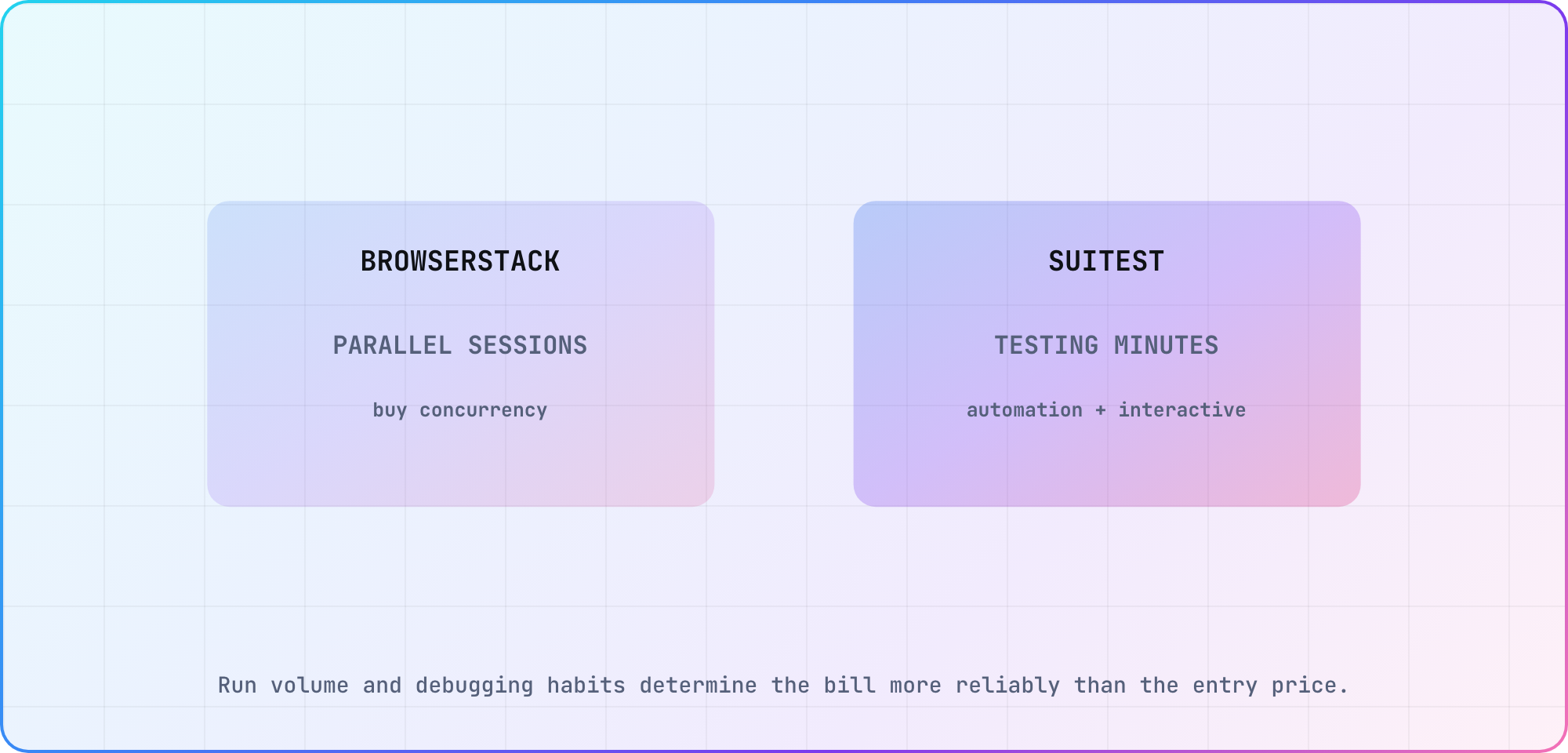
The billing model changes which workflow becomes expensive; confirm the invoice currency, billing period and allowances on the live pricing pages.
So the shape of your usage picks the winner. A suite that runs a handful of times a day suits minutes comfortably. Heavy continuous execution, or long soak tests, and concurrency pricing wins by a mile. Model your real run time before you commit to either.
And if you go Suitest, break one habit on day one: leaving an interactive session open while you think. Its pricing page counts minutes in interactive mode, and also whenever you're "connected to a shared device."
Where each is stronger
I'd reach for BrowserStack when:
- You want one vendor across web, mobile and TV. If your org already runs it, adding TV is a small step rather than a procurement exercise
- You want standard Appium test code that transfers between mobile and TV
- Your pipeline is concurrency-heavy
- You want precise, sturdy assertions on the platforms it does support
- You value the CI maturity and general polish of a much bigger product
I'd reach for Suitest when:
- Coverage is the argument, which in CTV it usually is
- Tizen and webOS are in scope, though HeadSpin also covers Samsung and LG sets and belongs on that shortlist
- You care about TV-native concerns: playback analysis, remote-control semantics, the whole OTT device zoo
- Your team is mixed QA and dev, and codeless authoring alongside a JavaScript API suits both
- You want to validate your hardest platform before spending anything, which the free tier lets you do
Two things I'd want to know before signing
On BrowserStack, their docs say plainly that "network logs and local are not directly supported for Roku devices." If your Roku tests assert on network traffic, settle that with their support before you commit rather than after. I'd also look hard at the fleet's OS versions: that Fire TV Stick 4K runs Android 7.1, which is honestly representative of real Fire TV hardware out there, and also limits what you can exercise.
On Suitest, the minutes model punishes exploratory work, because interactive debugging burns the same minutes an automated run does. If your team debugs by poking, budget for it.
The Vega OS tiebreaker
If your platform lists come out close, here's something to weigh that neither vendor will raise on a call.
Amazon is moving Fire TV off Android onto Vega OS, where apps are React Native and package as .vpkg instead of APK. BrowserStack's Fire TV support is UiAutomator2, which is Android tooling and doesn't carry over. Amazon does maintain its own Appium Vega Driver, so this is a migration rather than a dead end, but it's somebody's migration to do.
Suitest already lists Vega among its supported platforms. Neither vendor has published a full transition plan, and only one of them has the platform on the board today. I wouldn't make it the deciding factor, but I'd absolutely ask both about it.
So which one?
One question: do you ship to Samsung Tizen or LG webOS?
Yes. Suitest, and it isn't close. BrowserStack's documented fleet doesn't include those platforms, so ask sales before you assume its Custom Device Lab could add them. Start on the free plan, prove Tizen works with your actual app, then size the minutes against your real run volume.
No. BrowserStack, especially if you're already paying for it. Standard Appium drivers, concurrency pricing that suits a real pipeline, and proper coverage of Roku, Fire TV, Android TV and tvOS.
Both, honestly. I'd consider running BrowserStack for the Android-family and tvOS suites, where your standard Appium code carries over from mobile, and Suitest for Samsung, LG and the long tail. Two invoices, each tool doing the thing it's good at. Less elegant than a single vendor, and cheaper than picking one and fighting it.
Four devices against 17 TV and console platforms is a difference in scope rather than a scorecard. Work out your reach plan first, hold it against those two lists, and you'll know the answer before anybody books you a demo.
Frequently asked
Does BrowserStack support Samsung Tizen or LG webOS?
BrowserStack's current smart TV guide lists Fire TV Stick 4K, Nvidia Shield TV Pro, Apple TV 4K and Roku TV. It does not list Samsung Tizen or LG webOS. Treat that as a current public-fleet limit and ask sales directly if a private or upcoming capability would affect your decision.
Is Suitest worth it?
Suitest earns its price when your release plan includes TV operating systems that general device clouds do not cover, especially Tizen and webOS. Start with the free tier and your hardest real app journey. Measure setup time, locator stability and minutes consumed before choosing a paid plan from a feature sheet.
How does Suitest pricing work?
Suitest publishes a free tier with 50 testing minutes, then minute-based paid plans from Sweet through The Sweetest, with increasing users, retention and parallel executions. Automated and interactive work both consume testing minutes. Price the expected monthly run time plus debugging sessions, and recheck the live EUR page before procurement.
How does BrowserStack pricing work?
BrowserStack sells automation by parallel concurrency. Smart TV sits in App Automate, where the Device Cloud plan is $199 per parallel per month billed annually, or $249 month to month. TV access is an alpha you request from support, and the pricing page doesn't mention TV, so confirm both in the quote.
Which is better for continuous test runs?
BrowserStack's concurrency model usually fits a suite that runs throughout the day because the bill follows simultaneous sessions rather than every execution minute. Suitest can still win when its wider TV coverage is mandatory. Model a typical week, including retries and interactive debugging, rather than comparing only the lowest advertised prices.
Can one team use both tools?
Yes. A practical split is BrowserStack for Android-family targets, tvOS and Roku, then Suitest for Samsung, LG and other TV runtimes outside BrowserStack's documented fleet. The cost is duplicated integration and reporting. Keep one shared journey definition and label which vendor result covers each platform and firmware target.
Sources
- Suitest, pricing and features
- BrowserStack, smart TV app automate and pricing
- Appium, drivers ecosystem, 3.8
- Amazon, Vega developer documentation
Related: Best smart TV testing tools and device clouds (2026) for HeadSpin, TestMu AI and the free platform tooling.
Keep reading
Remote Smart TV Testing Without a Local Device Lab
Compare remote smart TV testing by exact hardware coverage, interaction depth, private-network access and evidence capture, then keep a small local smoke kit.
Samsung Tizen TV Test Automation: Limits and Workarounds
Automate Samsung TV build, signing, install and evidence capture while keeping device focus and playback verdicts outside unsupported official UI automation.