How to test a Roku app without a physical device
Test a Roku app without local hardware using Roku Cloud Emulator, local BrightScript checks, and remote devices, plus the limits that still need a real Roku.
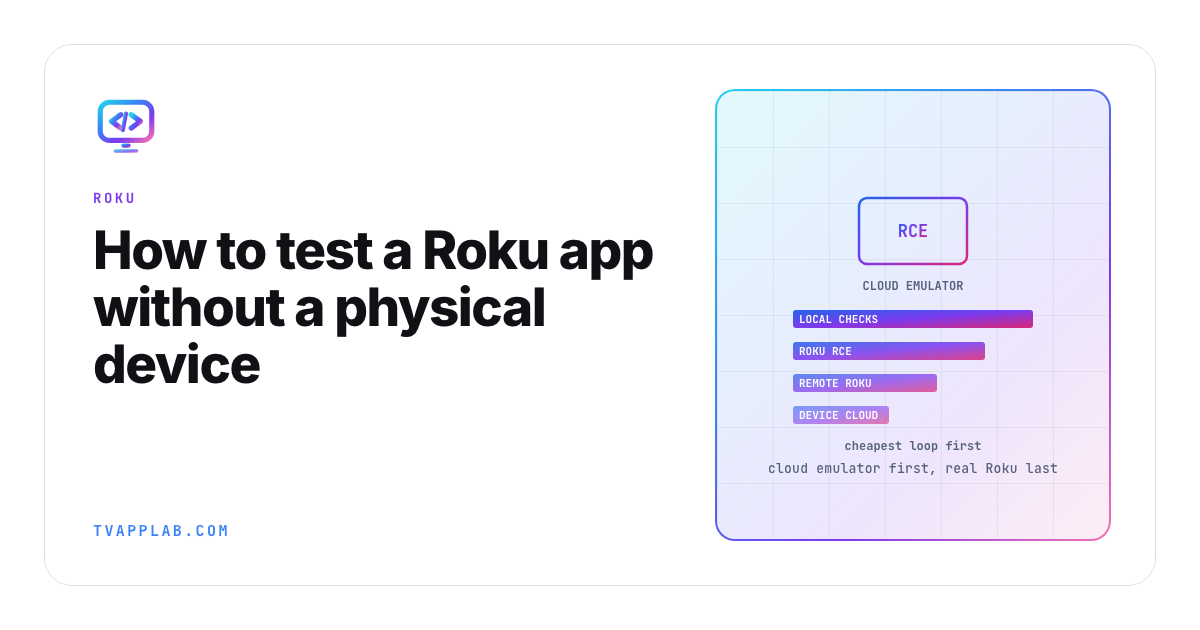
You can now test a Roku app without a physical device on your desk. If your task is "test Roku app without device" access, there is finally a first-party path. Roku's answer is the Roku Cloud Emulator (RCE): a browser and API-accessible virtual Roku that can install a channel, accept remote input, expose its debug console, and run in CI.
That sentence would have been wrong a few months ago. Roku had no first-party emulator for years, and most developer advice still repeats that old answer. RCE is currently in a phased rollout, so your account may not have access yet. Even when it does, it doesn't replace the final physical-device run. It changes the middle of the workflow: useful functional testing no longer has to consume a Roku in your office or a commercial device-cloud minute.
The practical options
| Option | What it proves | What it cannot prove |
|---|---|---|
| Roku Cloud Emulator | Install, launch, navigation, channel state, console output, repeatable CI flows | Hardware performance, HDMI behavior, production playback fidelity |
| Local BrightScript tests | Logic, data transforms, error handling, many component rules | Roku OS integration and device behavior |
| Remote physical Roku | Real firmware, playback, memory, remote behavior | Broad model coverage unless you own a fleet |
| Commercial device cloud | Real-device coverage and parallel runs | A cheap exploratory loop if sessions are metered |
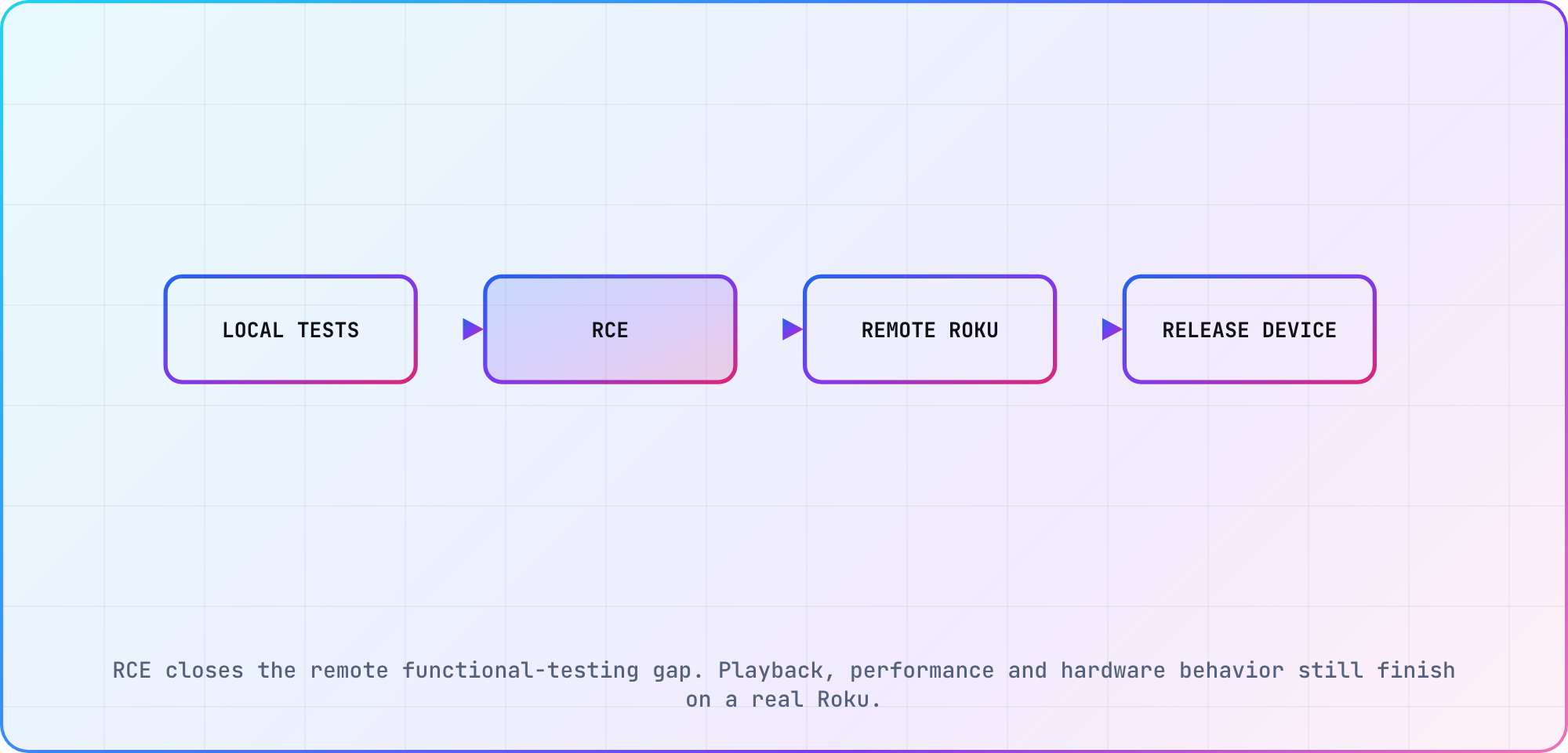
Use this as a workflow map, not a claim that every stage proves the same thing. The evidence gets more hardware-specific as you move right.
Start with Roku Cloud Emulator
Roku's RCE documentation describes virtual Roku TVs and players that run in the cloud. You launch them from the RCE web interface or through the REST API, choose a device type (TV or player) and one of two Roku OS builds (the current public release or the next one in development), sideload the channel, send remote commands, read the debug console, and save snapshots of the device state to restore later. The API is the useful part for a team because the same setup can become a repeatable CI job rather than a browser ritual.
RCE is a good home for the flows that used to block on device availability:
- clean install and launch
- D-pad navigation and focus order
- deep links and content parameters
- account and entitlement states backed by test services
- regressions that can be asserted from channel state or logs
- compatibility checks against the current and next Roku OS versions offered by the service
The RCE API guide is the source to build against. Keep the emulator configuration with the test result: device type, Roku OS build, channel package hash, test account, and API request identifiers. "Passed in RCE" isn't reproducible if nobody knows which virtual target ran it.
RCE access is the first constraint. Roku calls this a phased rollout. Individual developer accounts get a 5-hour free trial on a single device. After that you need a paid RCE subscription through AWS Marketplace, which Roku says is only available to users in the USA. The virtual devices are US-based too, so your app has to be reachable from the US. Check access and current pricing before you make it a release dependency. If your account isn't enabled, the rest of this article still gives you a workable stack.
What RCE does not replace
A cloud emulator is still a virtual target. Roku's own documentation positions it for development and automation; it doesn't turn virtual evidence into proof about a decoder, a low-memory streaming stick, an HDMI chain, or a production remote.
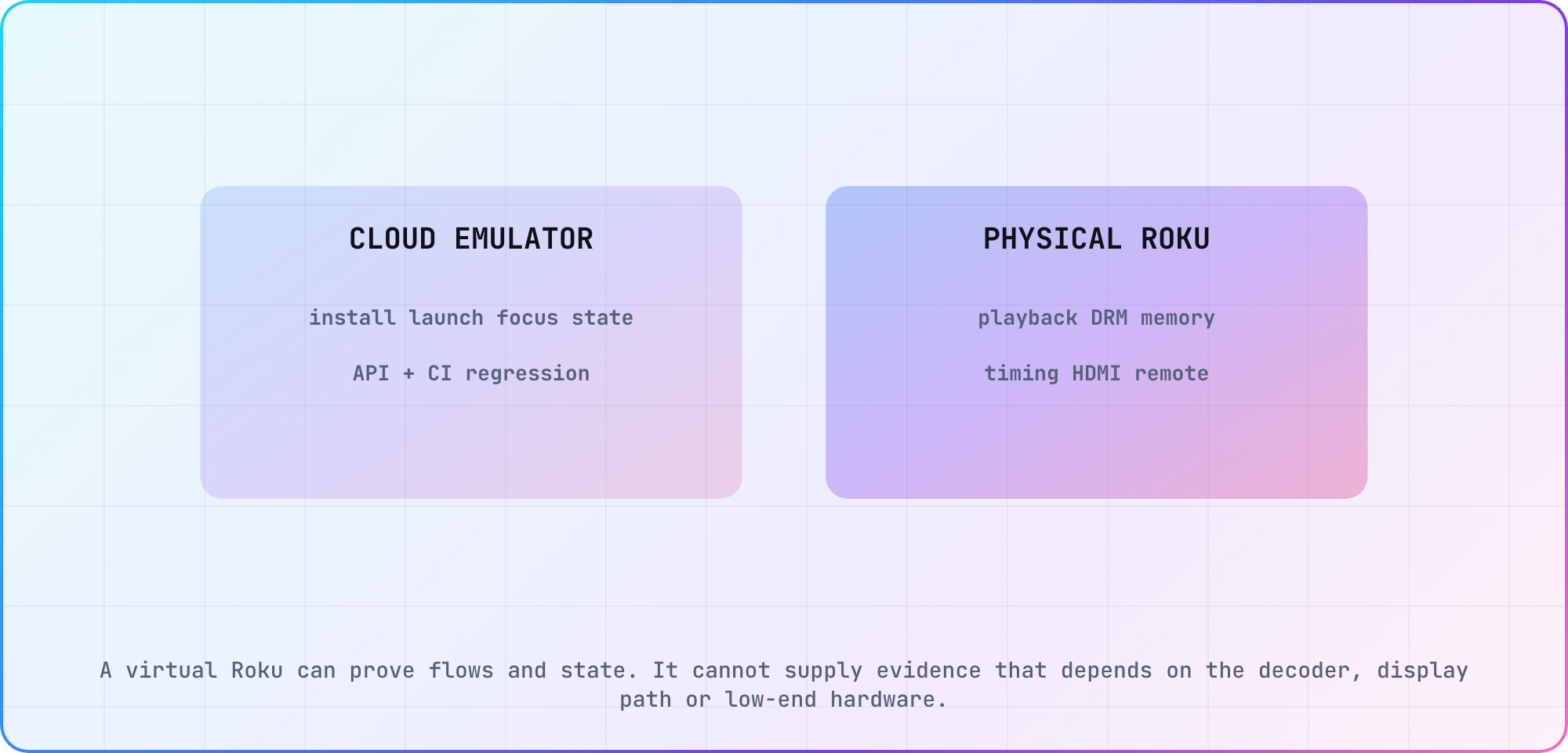
The line is about evidence. Run functional regressions in RCE, then carry media and hardware claims to a physical target.
Keep a physical Roku in the release gate for:
- protected playback and DRM license behavior
- startup, scene-transition, and remote-response timing
- memory pressure and garbage collection on the slow end of the fleet
- suspend, resume, power, network loss, and firmware behavior
- audio routing, HDMI, display modes, and production remote feel
This is where teams get into trouble with emulators on every platform: the virtual run is green, so its result silently expands into claims it never tested. Label the evidence by environment and that problem disappears.
Use local tests for the fastest loop
RCE shouldn't be your first stop for every typo in BrightScript. Put business logic and data transforms behind functions that can run in local tests. The community BrighterScript language server (it powers the BrightScript Language VS Code extension) catches syntax and program errors before packaging. Community tools such as brs-engine can execute useful slices of BrightScript and SceneGraph work, but the project explicitly does not try to emulate all of Roku OS or Roku hardware.
That makes the local layer good for logic, parsing, state reduction, and component behavior that doesn't depend on the media stack. It is a development aid, not a certification target. If a test requires the production video player, DRM, actual firmware, or performance numbers, move it rightward in the stack.
A useful rule: anything that can fail without a television should be tested before a television is allocated. That keeps RCE and physical-device time focused on Roku-specific questions.
Drive a remote Roku when you need real hardware
Roku's automation surface is network based. The External Control Protocol accepts HTTP requests on port 8060 for discovery, launch, deep links, key input, device information, and media-player state.
curl "http://ROKU_IP:8060/query/apps"

curl -d '' "http://ROKU_IP:8060/keypress/Down"
curl -d '' "http://ROKU_IP:8060/keypress/Select"

curl -d '' "http://ROKU_IP:8060/launch/dev?contentId=abc123&mediaType=movie"
Roku's automated channel testing layer wraps device control in a WebDriver-style service. A Roku on a secured test network can therefore serve a distributed team; it doesn't have to sit beside the engineer running the suite. Preserve device model, Roku OS, package hash, network conditions, and logs with every result.
There are two boundaries to plan around. Since Roku OS 14.1, injected key commands require the device setting that permits control by mobile apps. Developer-only queries also require developer mode. And ECP is a control protocol, not a full visual-testing interface. If the assertion depends on the actual HDMI output, add capture hardware or use a device service that provides it.
When a commercial device cloud helps
A commercial cloud earns its keep when you need more real models, parallel CI, or a maintained remote lab. BrowserStack's smart-TV support is an App Automate alpha you request from its support team, and its Roku entry is a Roku Ultra or Roku Express 4K on RokuOS 15 and later, auto-updated to the latest firmware. Suitest publishes broader TV-platform coverage. Compare the actual target list, queue time, log access, image evidence, and billing mechanics before choosing; a generic "supports Roku" badge doesn't tell you which models or proofs you receive.
Do exploratory work locally or in RCE, then spend real-device minutes on a named test plan. Open-ended debugging is where metered services become expensive. The companion comparison of smart TV testing tools covers the current public fleets and pricing models.
The stack I would ship
Use four layers, each with a narrow job:
- Local checks for BrightScript logic, static analysis, and fast component feedback.
- Roku Cloud Emulator for install, launch, navigation, state, snapshots, and CI regressions when your account has access.
- One remote physical Roku for playback, firmware behavior, logs, memory, and investigation.
- A small real-device matrix for the final release run across the slow and current ends of your supported fleet.
The important change is that "test a Roku app without a device" now has a first-party answer. The equally important caveat is that virtual functional coverage and physical release evidence remain different artifacts. Use RCE to remove the hardware bottleneck; keep a real Roku wherever the claim depends on silicon, firmware, playback, or a person holding the remote.
Frequently asked
Is there an official Roku emulator?
Yes. Roku Cloud Emulator is Roku's first-party virtual-device service, available through a web interface and REST API. Roku describes access as a phased rollout, so availability can differ by account. It supports channel installation, remote input, debug output, snapshots, and CI workflows, but it doesn't replace final hardware testing.
Can I test a Roku channel without buying a device?
You can cover substantial functional work with Roku Cloud Emulator, local BrightScript tests, or a rented remote device. You still need physical evidence for protected playback, real remote behavior, memory pressure, performance timing, HDMI output, and firmware-specific problems. Treat "without local hardware" as a workflow choice, not complete release coverage.
How do I automate Roku Cloud Emulator?
Use the REST API documented in Roku's RCE API guide. Create or select a virtual device, start it on one of the two Roku OS builds, install the channel package, send commands, collect console output, then stop the device when the run ends. Save the device type, Roku OS build, package hash, and test inputs with the result.
Can brs-engine replace Roku Cloud Emulator?
No. brs-engine is a useful community BrightScript and SceneGraph development tool, and its own project scope says it isn't a full Roku OS or hardware emulator. Use it for a fast local loop. Use RCE for Roku-hosted virtual behavior and a physical device for media, performance, and hardware evidence.
Can I control a Roku in another office?
Yes, if the test host can securely reach the Roku network. ECP uses HTTP on port 8060, and Roku's WebDriver-style test framework drives the same general surface. Put the device on an isolated test network or VPN, record its model and firmware, and avoid exposing device-control ports to the public internet.
Do I still need a physical Roku before release?
Yes. Keep at least one low-end supported device and one current reference device in the final matrix. Run protected playback, startup timing, suspend and resume, memory pressure, network interruption, and remote navigation there. Those results answer hardware and firmware questions that a virtual Roku is not designed to settle.
Sources
- Roku Developer, Roku Cloud Emulator
- Roku Developer, RCE release notes
- Roku Developer, RCE API guide
- Roku Developer, automated channel testing
- Roku Developer, External Control Protocol
- brs-engine, project scope and documentation
Related: Best smart TV testing tools and Roku certification checklist.
Keep reading
Remote Smart TV Testing Without a Local Device Lab
Compare remote smart TV testing by exact hardware coverage, interaction depth, private-network access and evidence capture, then keep a small local smoke kit.
Samsung Tizen TV Test Automation: Limits and Workarounds
Automate Samsung TV build, signing, install and evidence capture while keeping device focus and playback verdicts outside unsupported official UI automation.