Fire TV App Development: Choose Fire OS or Vega OS
Fire TV app development starts with the runtime: build and test separate Fire OS Android and Vega React Native packages with clear, honest reuse boundaries.
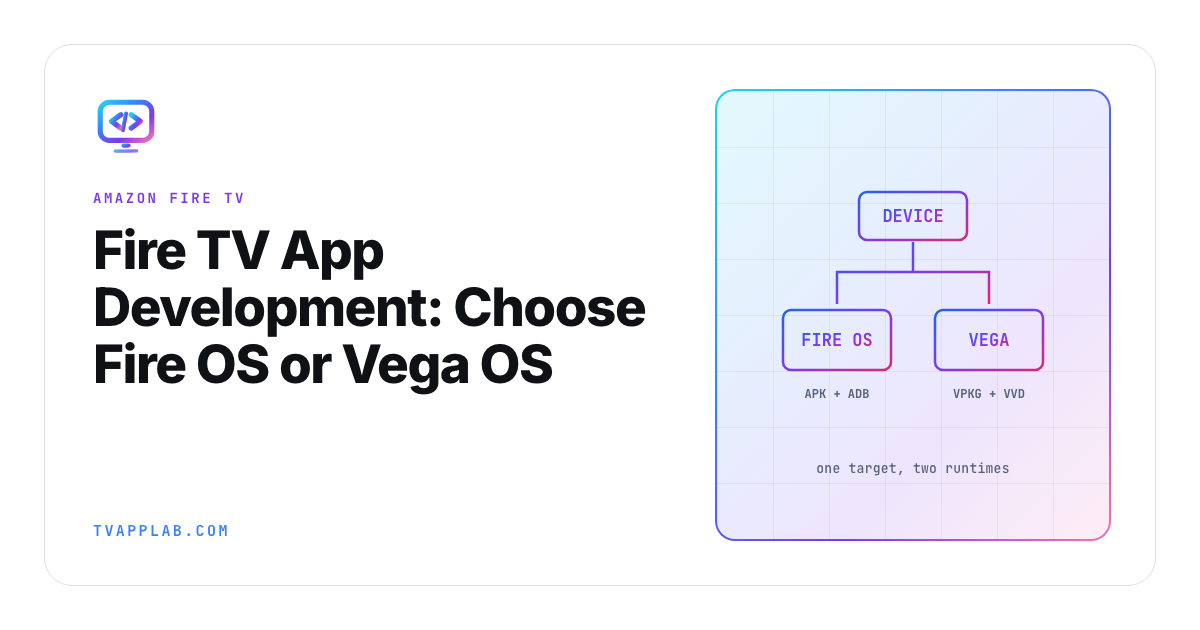
Write two columns on the whiteboard before you pick a Fire TV framework: Fire OS and Vega OS. They share the Fire TV name, but Amazon now documents different package formats, developer tools and test loops for each. The model and operating system decide which column you're in.
I'd settle that runtime before discussing framework preference. If the device inventory is vague, every later answer about packages, debugging and automation can be confidently wrong.
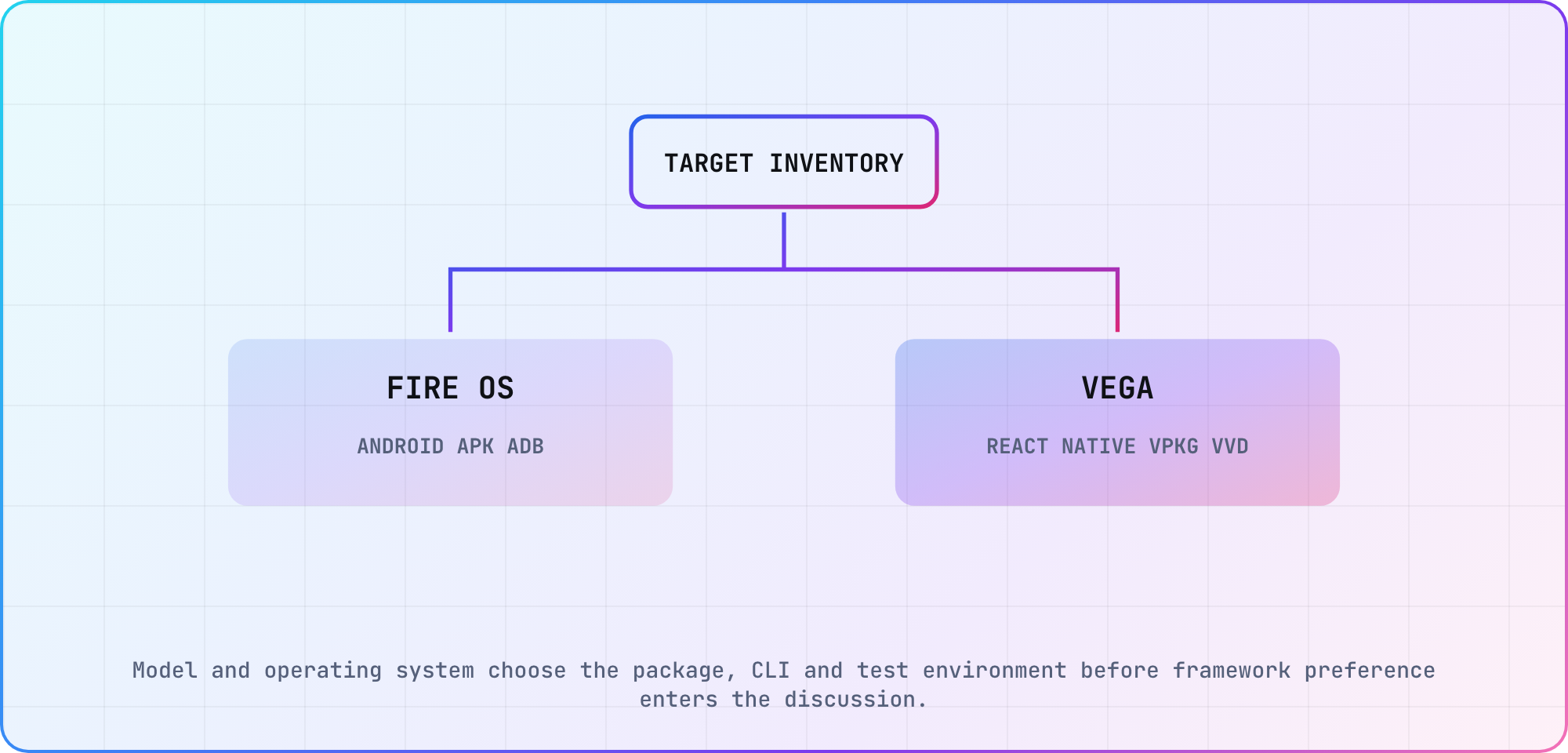
A planning split based on Amazon's current Fire OS and Vega developer documentation.
Start Fire TV app development with the operating system
Record the exact Fire TV model, operating system, firmware, target market and Amazon services the app needs. Amazon's Fire TV getting-started guide describes Fire OS as the Android-based path. Its current Vega documentation describes a different project and toolchain.
| Decision | Fire OS | Vega OS |
|---|---|---|
| Application stack | Android-compatible | React Native for Vega |
| Development artifact | APK | VPKG |
| Device/debug path | Android and ADB tooling | Vega Developer Tools and Vega CLI |
| Fast virtual loop | No Fire OS emulator; Amazon says to test on an actual Fire TV device | Vega Virtual Device |
| Reuse assumption | Android layers may transfer | Treat UI and native services as a separate implementation |
The table is a routing aid, not a compatibility promise for every device. Recheck Amazon's versioned documentation against the devices in your launch plan.
Build the Fire OS path as an Android TV product
For Fire OS, begin with the Android package and review Amazon's Fire TV development guidance. Keep remote focus, Back behavior, launcher assets and low-memory targets visible. An Android TV build is a useful starting point, but Google services and Amazon services are not interchangeable by default.
List each service the app uses: identity, purchases, notifications, analytics, recommendations and playback protection. Mark whether the Fire OS build keeps the existing implementation, substitutes an Amazon service or disables the feature. That service inventory is more useful than a blanket "Android compatible" label.
Use ADB only on the Fire OS side of the plan. Package and install the APK with the currently documented Fire TV workflow, then save the app version, device, OS and result. Don't paste a command from an old Fire TV tutorial into the Vega branch because the product name is the same.
Build Vega with its own toolchain
Amazon's July 2026 Vega development walkthrough uses the Vega SDK, React Native for Vega, a VPKG artifact and the Vega Virtual Device. The versioned docs matter here. Check the current supported host, CLI and SDK release before copying any command into CI.
A useful first Vega milestone is small:
- Generate the supported starter project with the current Vega tools.
- Render a focusable browse screen with invented data.
- Build the VPKG using the command documented for that SDK release.
- Install it in the Vega Virtual Device.
- Record focus, Back, launch and relaunch results.
The exact commands should come from the version you install. In Vega SDK 0.24, Amazon now requires an [os.version] section in manifest.toml; a build fails when it is missing. The current setup sequence runs vega project install --fix, installs the resolved packages, runs vega project doctor, then builds with npx react-native build-vega. Put the SDK version, target OS values and resolved dependencies in the build record so the next developer can reproduce the environment.
Share contracts before sharing UI
The safest reuse starts above the runtime: API contracts, content models, entitlement rules, analytics events and design tokens. Fire OS and Vega can consume those same contracts while keeping different UI, service integrations and packages.
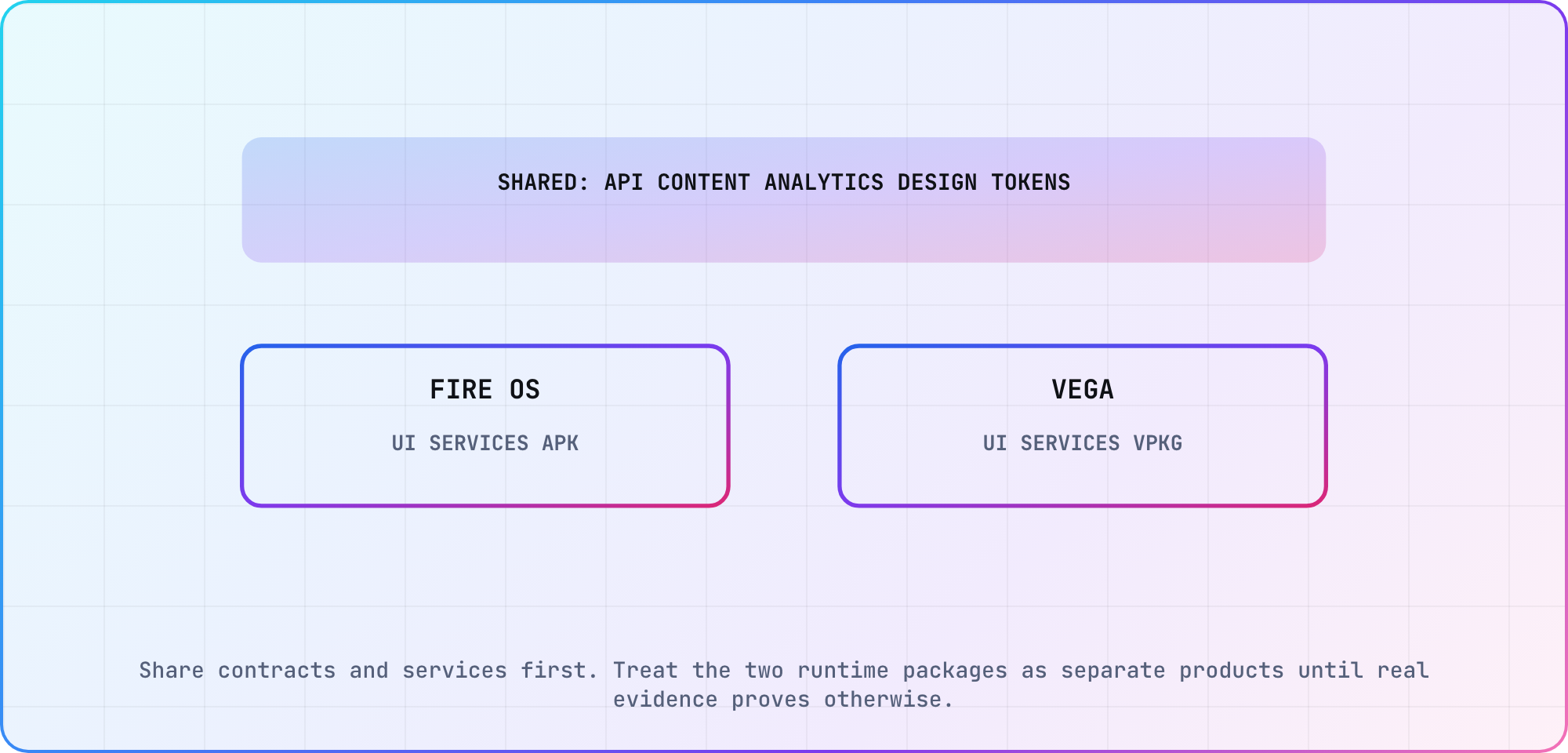
An editorial architecture boundary. Measure additional reuse in the real codebase before promising it.
This is also where I would resist a migration percentage. A team with clean service boundaries may reuse plenty of product logic. A team whose Android activities own networking, purchases and playback state has a much larger extraction job. Inventory modules and dependencies; don't turn a framework label into an estimate.
The existing Vega OS developer guide covers the platform transition in more depth. Use this article for the dual-runtime build decision and that guide for Vega-specific context.
Test each runtime on its own evidence
Run the same product journey, but keep the evidence separate. On Fire OS, capture the APK, ADB/device result and Amazon service behavior. On Vega, capture the VPKG, the Vega Virtual Device result and a result from a real Fire TV device running Vega. Amazon's run guide is blunt about that last one: "Before you submit to the Amazon Appstore, you must test your app on a Fire TV device."
| Journey | Fire OS evidence | Vega evidence |
|---|---|---|
| Install and launch | APK, device and log | VPKG, VVD, Fire TV device and log |
| Remote navigation | Fire TV remote sequence | Vega input sequence |
| Sign in | Amazon/device account result | Vega service result |
| Playback | Stream, DRM and device | Stream, DRM and target hardware |
| Resume | Fire OS lifecycle | Vega lifecycle |
Virtual launch proves that the package starts in that virtual environment. It doesn't settle memory, decoder, DRM, HDMI or production-remote behavior. Add representative hardware through the device inventory and use the cross-device test plan to keep the long tail deliberate.
Prepare the release handoff
Before submission, tie compatibility claims and test evidence to one artifact per runtime, and recheck Amazon's current Appstore policies and the supported device list. If the launch targets include both operating systems, treat the APK and VPKG as two release candidates under one Appstore listing. Amazon's Vega submission guide says you can add the Vega version to your existing Fire OS app, and with a single listing "metadata and other app features, such as in-app purchasing, are shared across both versions." It marks a separate Vega listing "not recommended": under that setup, a customer who's entitled to content in the Fire OS app won't be entitled to it in the Vega app. The shared listing needs the same package name on both binaries.
The CTV release-readiness checklist can hold the common gate. Add runtime-specific rows for package, services, device coverage and rollback. That gives release owners a clear answer when someone asks whether "the Fire TV build" passed: which build, on which operating system, with which services.
Frequently asked
Is my Fire TV running Fire OS or Vega OS?
Identify the exact device model and operating-system information in Settings, then confirm it against Amazon's current device documentation. Don't infer the runtime from the Fire TV brand alone. Save the model, firmware and target market in the release inventory because that single row selects the package, toolchain and test path.
Can one app package run on Fire OS and Vega OS?
Plan for separate artifacts. Fire OS uses the Android-compatible APK path, while Vega uses its own VPKG and runtime. You may share backend contracts, data models, analytics vocabulary and design tokens. Treat UI, native services, build tooling and store evidence as runtime-specific until your codebase proves more reuse.
Did Fire TV remove developer options?
No. On Vega devices, and on the Fire OS software versions where Amazon hides the menu, open Settings > My Fire TV > About, select your device name and press the center button seven times. Developer Options then appears under My Fire TV. Amazon documents those steps in its Vega run guide and its Fire OS ADB guide.
Can you put a Fire TV in developer mode?
Yes, once Developer Options is showing. On Fire OS, turn on ADB Debugging and Apps from Unknown Sources there. On Vega, select Developer Mode and Continue, note the 6-digit code on the TV, then run vega devmode login and vega devmode enable-device --code <6-digit code> from your machine. The device reboots with Developer Mode enabled.
Can I reuse an Android TV app on Fire OS?
An Android TV codebase is a practical Fire OS starting point, but review every Google service, device capability and store requirement. Remote navigation, playback and low-memory behavior still need Fire TV evidence. Reuse the Android architecture deliberately; don't assume a successful Android TV install proves Amazon service integration or release readiness.
Does Vega OS have an emulator or virtual device?
Amazon documents the Vega Virtual Device as part of the current Vega development toolchain. Use it for the fast install, launch and input loop, and record the SDK version used. A virtual-device pass doesn't prove target-hardware playback, DRM, memory or remote behavior, so keep those checks open for representative devices.
Keep reading
Remote Smart TV Testing Without a Local Device Lab
Compare remote smart TV testing by exact hardware coverage, interaction depth, private-network access and evidence capture, then keep a small local smoke kit.
Samsung Tizen TV Test Automation: Limits and Workarounds
Automate Samsung TV build, signing, install and evidence capture while keeping device focus and playback verdicts outside unsupported official UI automation.